
Wispr Flow
✓ Editorially verifiedSystem-wide voice-to-text dictation that auto-edits filler words and learns your jargon.
In short
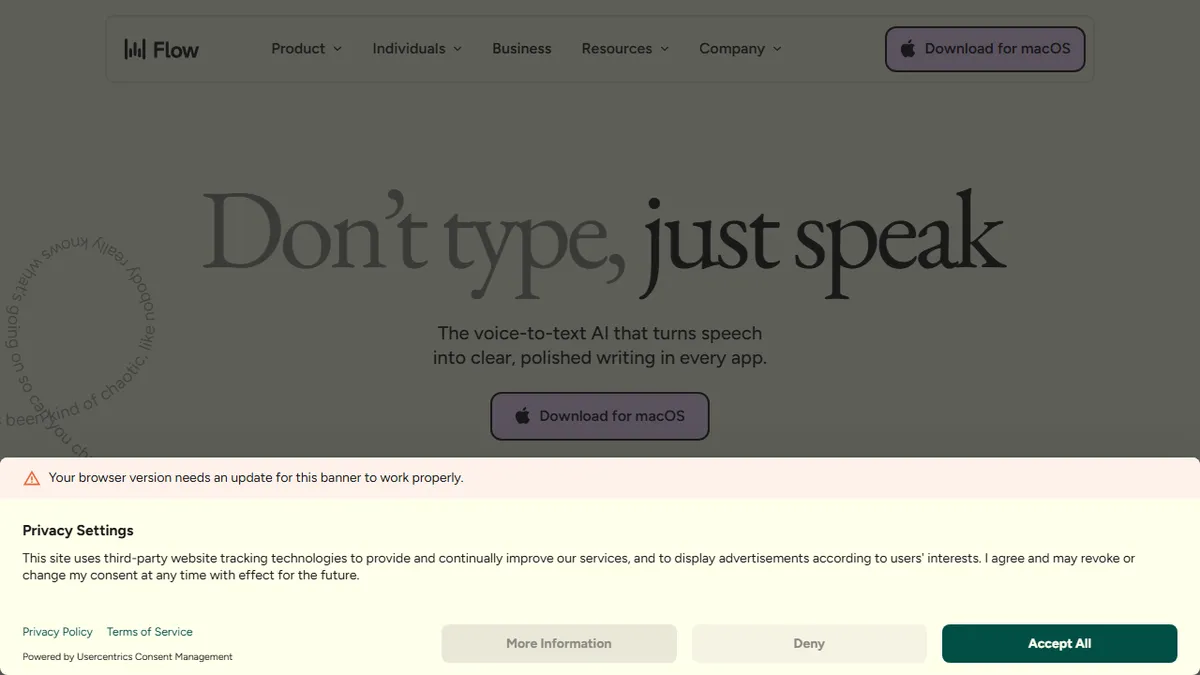
Wispr Flow is a system-wide dictation tool that converts speech into clean, edited text across apps. It removes filler words and learns your jargon for faster writing.
Pick Wispr Flow if you write thousands of words a day across many apps and want dictation that feels closer to typed prose than raw transcript.
Skip it if you need long-form meeting transcription, an API to embed in your own product, or an open-source/self-hostable stack.
Wispr Flow is a desktop and mobile dictation app that turns continuous speech into clean, punctuated text inside whatever application you're focused on - email clients, Slack, IDEs, Notion, ChatGPT, Google Docs. Unlike raw transcription, it actively edits as you talk: stripping 'um' and 'uh', fixing self-corrections mid-sentence, and reflowing rambles into coherent prose. The pitch is roughly 4x typing speed (around 220 wpm) without the usual mental tax of dictation software.
It's aimed at heavy keyboard workers - developers writing PR comments, salespeople replying to threads, lawyers drafting, support reps closing tickets - rather than long-form transcription use cases. A 14-day Flow Pro trial runs without a credit card, with paid individual plans and an enterprise tier carrying SOC 2 Type II. A personal dictionary learns names and acronyms, snippets expand voice shortcuts into canned responses, and the engine handles 100+ languages with auto-detection.
Clients ship for Mac, Windows, iPhone and Android with cross-device sync. There's no published public API and no open-source component - this is a closed consumer/prosumer product. Worth noting it requires system-level mic access in every app you want to dictate into, which is a privacy posture some enterprises will need to vet before rollout.
The auto-edit layer is what makes Flow stick where Dragon and macOS dictation didn't - you can speak messily and ship clean text. It's a productivity tool for keyboard-bound knowledge workers, not a transcription service, and pricing it as such is fair. Just budget for the privacy conversation with IT.
— The AI Tool Bible editorial team
Pros
- ✅ Auto-edits filler words and self-corrections in real time
- ✅ Works inside 50+ apps including IDEs, Slack, Gmail, ChatGPT
- ✅ Personal dictionary handles names, jargon and acronyms
- ✅ 100+ languages with auto-detection
- ✅ Cross-platform: Mac, Windows, iOS, Android with sync
Cons
- ⚠️ No public API for integration or automation
- ⚠️ Closed source; requires broad system-level mic permissions
- ⚠️ Pricing details are gated behind signup
Use cases
Frequently asked
- How much does Wispr Flow cost?
- Wispr Flow offers a freemium model. The Pro Monthly Plan is $15.00, the Pro Weekly Plan is $4.49, and the Monthly Student Plan is $7.49. Annual plan prices are not documented in the provided information.
- Which platforms and apps does Wispr Flow support?
- Clients are available for Mac, Windows, iPhone, and Android with cross-device sync. It works system-wide in focused applications like email clients, Slack, IDEs, Notion, ChatGPT, and Google Docs, requiring system-level mic access.
- Does Wispr Flow have a public API?
- No, there is no published public API. Wispr Flow is a closed consumer and prosumer product without open-source components, so you cannot embed it directly into your own product via an API.
- How does Wispr Flow handle filler words and errors?
- It actively edits speech as you talk, stripping filler words like 'um' and 'uh', fixing self-corrections, and reflowing rambles into coherent, punctuated prose. It also uses a personal dictionary to learn names and acronyms.
- Is Wispr Flow suitable for long-form meeting transcription?
- No, it is not recommended for long-form meeting transcription. It is designed for heavy keyboard workers who need dictation for tasks like email drafting, code comments, and support tickets, rather than extensive audio recording.
Explore related
Compare with similar tools
All in Audio →ElevenLabs
FeaturedThe gold standard for AI voice cloning and TTS.
Suno
FeaturedText-to-song AI — full vocal tracks from a prompt.
Udio
Suno's main rival for AI-generated full songs.
AssemblyAI
Speech-to-text API with diarisation, summarisation, and topic detection.
Chorus by ZoomInfo
Enterprise conversation intelligence bundled with ZoomInfo's B2B data graph
Whisper
OpenAI's open-source speech-to-text — the de-facto baseline.