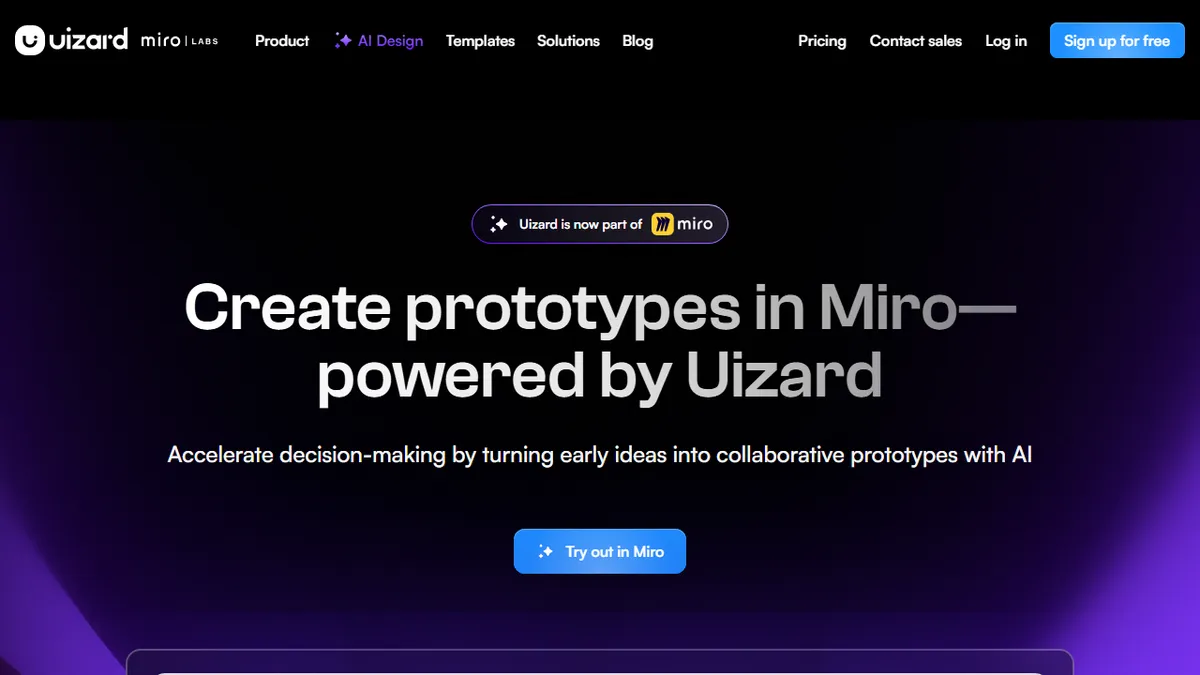

Uizard
✓ Editorially verifiedAI-powered UI design and prototyping from text, screenshots, or sketches
In short
Uizard turns text, screenshots, or sketches into editable, clickable UI prototypes using its Autodesigner AI. Ideal for non-designers needing rapid concepting before high-fidelity work.
Product managers, founders, and non-designers who need to turn an idea, screenshot, or napkin sketch into a clickable multi-screen prototype in an afternoon, plus UX teams doing rapid concepting before Figma.
Design teams building production-grade design systems, pixel-perfect marketing sites, or complex component libraries — Figma, Sketch, and Penpot remain better fits for high-fidelity finishing work.
Uizard is an AI-assisted UI/UX design platform aimed at people who need to move from idea to interactive mockup faster than Figma or Sketch typically allow. It combines a browser-based drag-and-drop editor with a family of generative features branded as Autodesigner, letting you produce multi-screen app or web prototypes from a text prompt, a screenshot, or a photo of a hand-drawn wireframe. Once generated, screens land in an editable canvas where components, colors, typography, and layout can be reshaped like any conventional design file, and prototypes can be linked into clickable flows for user testing or stakeholder review.
The core workflow is prompt-to-prototype: describe the product ("a fitness app with onboarding, workout tracker, and social feed"), pick a theme, and Autodesigner assembles the screens, navigation, and a coherent visual style. From there, teams typically iterate with the Design Assistant to rewrite copy, swap components, or restyle sections, then export to PNG, PDF, or a React/CSS handoff for developers. The Screenshot Scanner and Wireframe Scanner are the standout ingest tools — they turn competitor screenshots or paper sketches into editable Uizard files, which is unusually good for early-stage exploration and moodboarding.
Typical users are product managers, founders, marketers, and non-designers on cross-functional teams who need presentation-ready mockups without hiring a designer, plus UX professionals who use it as a fast concepting layer before moving finished work into Figma. It is not a Figma replacement for high-fidelity production design systems, but as an AI concepting and rapid-prototyping tool it fills a distinct gap.
Uizard is the clearest answer we have to "can AI actually design a real app screen?" — and the answer is yes, at concept fidelity. We reach for it when a founder needs a clickable prototype by Friday, or when a PM wants to explore three directions before committing designer hours. It will not replace Figma, and Autodesigner output almost always needs a human editing pass, but as a thinking-and-pitching tool it earns its seat.
— The AI Tool Bible editorial team
Pros
- ✅ Autodesigner generates multi-screen, themed prototypes from a single text prompt, not just one-off images
- ✅ Screenshot Scanner and Wireframe Scanner reliably turn PNGs and hand-drawn sketches into editable projects
- ✅ Browser-based with real-time collaboration, no install and low learning curve for non-designers
- ✅ Generous free tier for evaluation and a reasonable $12/mo Pro tier for solo makers
- ✅ Developer handoff exports React and CSS, useful for MVP scoping
- ✅ Prebuilt themes and templates cover mobile, web, and tablet form factors
Cons
- ⚠️ Fidelity and pixel-precision lag Figma and Sketch — not suitable for shipping production design systems
- ⚠️ Generated screens often need heavy cleanup; component libraries are shallower than mature design tools
- ⚠️ AI generation quotas are tight on lower tiers (3/mo free, 500/mo Pro) and reset monthly
- ⚠️ Limited plugin ecosystem and no true offline mode
- ⚠️ Exported React code is scaffolding-grade, not production-ready
Use cases
Frequently asked
- How much does Uizard cost?
- Uizard offers a freemium model. The Free plan is $0, Pro is $12, Business is $39, and Enterprise pricing requires contacting sales. This structure allows users to start free before upgrading for advanced features.
- Can I import screenshots or sketches into Uizard?
- Yes. Uizard includes Screenshot Scanner and Wireframe Scanner tools that convert competitor screenshots or hand-drawn wireframes into editable Uizard files. This is particularly useful for early-stage exploration and moodboarding.
- Is Uizard a replacement for Figma?
- No. Uizard is best for rapid concepting and prototyping, not production-grade design systems or pixel-perfect finishing. Teams typically use it for initial ideas before moving finished work into Figma, Sketch, or Penpot.
- What file formats can I export from Uizard?
- You can export designs as PNG or PDF files. Additionally, Uizard supports React/CSS handoff for developers, facilitating the transition from prototype to implementation.
- Who is Uizard best suited for?
- It is ideal for product managers, founders, marketers, and non-designers who need presentation-ready mockups quickly. UX professionals also use it as a fast concepting layer before detailed design work.
Explore related
Compare with similar tools
All in Image Generation →Midjourney
FeaturedThe gold standard for aesthetic AI image generation.
Flux
FeaturedBlack Forest Labs' open-weights image model — rivals Midjourney quality.
Stable Diffusion
Open-source image generation — run anywhere, fine-tune anything.
Nano Banana (Gemini Image)
Google DeepMind's Gemini-powered image generation and conversational editing model family
DALL·E 3
OpenAI's image model — strong on prompt adherence and text-in-image.
Canva Magic Studio
Canva's all-in-one AI creative suite for design, image, video, copy, and presentations