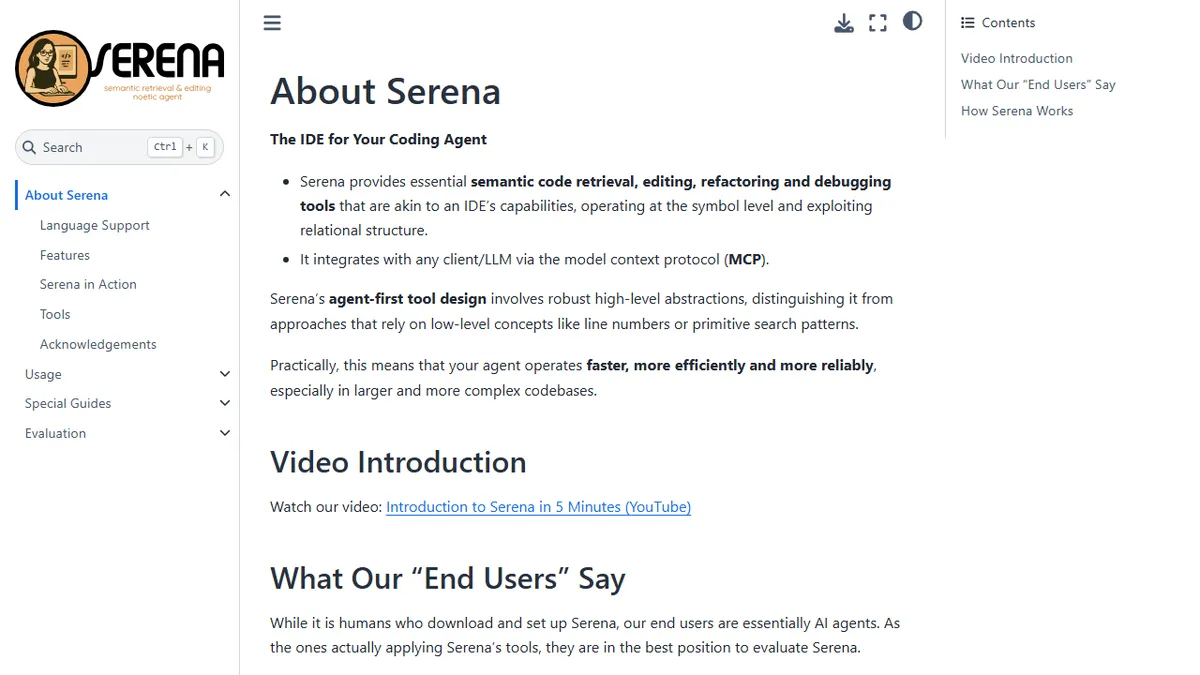

Serena
Open-source MCP toolkit that gives coding agents IDE-grade symbol search, refactoring, and editing across 40+ languages.
In short
Serena is a free, open-source MCP server that gives coding agents IDE-grade symbol search and refactoring tools across 40+ languages.
Pick Serena if you run a coding agent against a real repo and want it to refactor and navigate like a human in an IDE rather than guessing with grep.
Skip it if you want a hosted, click-to-use AI coding assistant or you do not already have an MCP-capable client.
Serena is an MIT-licensed MCP (Model Context Protocol) server that hands coding agents the same semantic tools a human gets inside a real IDE: symbol-level navigation, cross-file references, type-hierarchy lookups, safe rename/move/inline refactors, and structured edits scoped to a symbol rather than a line range. It plugs into Claude Code, Codex, Claude Desktop, Cursor, VSCode, and the JetBrains family via MCP, and relies on standard Language Server Protocol backends so it inherits whatever each language community has already built.
It is aimed at developers who already drive an LLM agent over a real codebase and are tired of grep-and-pray editing. By exposing LSP-backed tools to the model, Serena cuts the token cost of "find every caller of X" or "rename this method safely" from a multi-turn search dance to a single tool call. The core server is free; the optional JetBrains plugin (for interactive debugging and the JetBrains-native backend covering 40+ JetBrains-supported languages) is the paid component, with a free trial. Specialized configs ship for C++, OCaml, Scala, Godot, and Unreal Engine, which is unusual at this layer.
It is not a model itself, so you bring your own (Claude, GPT, local, etc.). Setup involves wiring an MCP client and, for some languages, installing the relevant language server, which is more friction than a hosted SaaS but the trade for editor-grade precision.
Serena is one of the more serious attempts to give LLM agents the structural code understanding they have been missing. The LSP-backed approach is the right call, and MIT licensing plus broad MCP client support make it a low-risk addition to an existing agent workflow. Just budget time for the per-language setup.
— The AI Tool Bible editorial team
Pros
- ✅ MIT-licensed, self-hostable, no vendor lock-in
- ✅ Symbol-aware editing and refactors via real language servers, not regex
- ✅ Wide MCP client coverage: Claude Code, Codex, Cursor, VSCode, JetBrains
- ✅ Supports 40+ languages including niche stacks (OCaml, Godot, Unreal)
Cons
- ⚠️ Setup requires MCP client wiring and per-language LSP installs
- ⚠️ JetBrains plugin (debugging + JB backend) is paid, not free
- ⚠️ No bundled model; quality depends on the LLM you point at it
Use cases
Frequently asked
- How much does Serena cost?
- The core server is free under the MIT license. The optional JetBrains plugin is paid but includes a free trial. You must bring your own LLM model, such as Claude or GPT.
- Which AI models and clients does Serena support?
- Serena is model-agnostic, supporting Claude, GPT, or local models. It integrates with MCP-capable clients like Claude Code, Codex, Claude Desktop, Cursor, VSCode, and the JetBrains family.
- Is Serena difficult to set up?
- Setup involves wiring an MCP client and installing relevant language servers for specific languages. This creates more friction than hosted SaaS solutions but provides editor-grade precision for complex codebases.
- What programming languages does Serena support?
- It supports 40+ languages via standard Language Server Protocol backends. Specialized configurations are available for C++, OCaml, Scala, Godot, and Unreal Engine, leveraging existing community-built language servers.
- Who should skip using Serena?
- Skip Serena if you want a hosted, click-to-use AI coding assistant or if you do not already have an MCP-capable client. It is designed for developers driving LLM agents over real repositories.
Explore related
Compare with similar tools
All in Agents →LangGraph
FeaturedStateful, graph-based agent orchestration from LangChain.
CrewAI
FeaturedPython framework for multi-agent orchestration.
Ernie Bot
Baidu's Mandarin-first ChatGPT rival, powered by the ERNIE model family
Moveworks
The enterprise AI assistant that searches, answers, and takes action across your business systems
AWS Bedrock
Build and scale generative AI applications with foundation models
Claude Agent SDK
Anthropic's official SDK for building autonomous Claude agents.