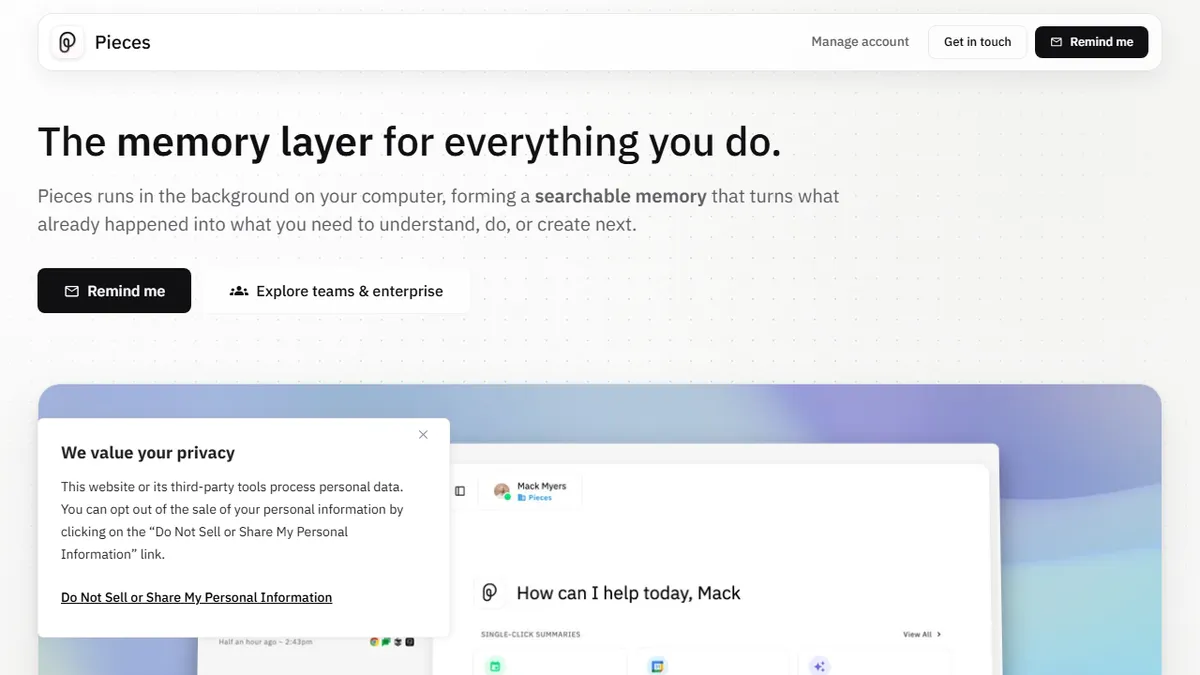

Pieces
On-device long-term memory layer that feeds your last nine months of work context into any LLM or IDE assistant.
In short
Pieces is a local-first memory layer that feeds nine months of work context into your IDE assistants. It integrates with Copilot, Cursor, and Claude via MCP to stop them from forgetting your project details.
Pick Pieces if you juggle Copilot, Cursor, and Claude across projects and want a single local memory that follows you between them.
Skip it if you only need a cloud snippet manager or you're already happy letting one IDE assistant own all of your context.
Pieces is a desktop-first AI memory tool that quietly watches what you do across browsers, IDEs, terminals, and meeting apps, then exposes that context to whatever LLM or coding assistant you point at it. Its headline trick is the proprietary LTM-2 engine, which retains roughly nine months of activity locally and lets you query it temporally ("what was I doing last Tuesday on the auth refactor?") or hand it to Copilot, Claude, Cursor, or Goose via MCP so those assistants stop forgetting your project.
What sets it apart from generic snippet managers or notetakers is the local-first architecture: capture, embeddings, and storage all run on your machine by default, with optional bring-your-own-key access to OpenAI, Anthropic, Gemini, or Ollama. The free Individual tier is genuinely usable (full 9-month memory, basic copilot, all plugins), with a Teams plan gated behind sales for shared context and priority support. It's aimed at senior developers who already live inside multiple AI tools and are tired of re-pasting context between them.
Integrations are the real moat: Chrome and Edge extensions, VS Code and JetBrains plugins, an Obsidian connector, and MCP servers for the major agentic coding tools. Caveats are the usual on-device-AI ones, namely a heavy background process, a learning curve around what gets captured, and limited mobile story.
Pieces is the rare AI productivity tool that earns its background process by solving a real pain: AI assistants forget everything between sessions. The free tier is unusually generous and the MCP story is ahead of most competitors. We'd like clearer Teams pricing and an open-source core, but for power users it's already a daily-driver.
— The AI Tool Bible editorial team
Pros
- ✅ Local-first capture keeps sensitive code and meetings off third-party servers by default
- ✅ Nine-month LTM-2 memory bridges multiple AI assistants via MCP
- ✅ Bring-your-own-key support for OpenAI, Anthropic, Gemini, and local Ollama models
- ✅ Free Individual tier includes the full memory window and all major plugins
- ✅ Deep IDE and browser integration covers VS Code, JetBrains, Chrome, and Edge
Cons
- ⚠️ Background capture daemon is resource-heavy on older laptops
- ⚠️ Teams pricing hidden behind a sales call
- ⚠️ Closed-source, so you're trusting the on-device claims
- ⚠️ Mobile and Linux support lag the macOS and Windows experience
Use cases
Frequently asked
- How much does Pieces cost?
- Pieces offers a freemium model. The Pro tier costs $18.99, while the Enterprise tier is $22.99. The free Individual tier is fully usable, providing nine months of memory, a basic copilot, and all plugins without a subscription.
- Which AI models and IDEs does Pieces support?
- It supports bring-your-own-key access to OpenAI, Anthropic, Gemini, and Ollama. Integrations include Chrome, Edge, VS Code, JetBrains, and Obsidian. It also provides MCP servers for agentic coding tools like Copilot, Claude, Cursor, and Goose.
- Is my data stored locally or in the cloud?
- Pieces uses a local-first architecture. By default, capture, embeddings, and storage run entirely on your machine. You can optionally use external models via bring-your-own-key, but the core memory retention remains on-device to ensure privacy and control.
- What are the main limitations of using Pieces?
- Users should expect a heavy background process and a learning curve regarding what data gets captured. Additionally, there is a limited mobile story, as the tool is primarily designed for desktop environments where developers spend most of their time.
- Who is Pieces best suited for?
- It is ideal for senior developers who juggle multiple AI tools like Copilot, Cursor, and Claude across different projects. It helps those tired of re-pasting context by providing a single local memory that follows them between assistants.
Explore related
Compare with similar tools
All in Coding →Cursor
FeaturedAI-first VS Code fork — chat, edit, and agentic coding in one IDE.
GitHub Copilot
FeaturedThe original AI pair programmer, now with chat and agents.
Replit Agent
FeaturedBuild & deploy a full app from a single prompt.
Warp
The agentic development environment, from the terminal up
Cline
Open-source agentic coding assistant that plans, edits, and runs code inside your IDE
Aider
Terminal-based AI pair programmer that writes commits.