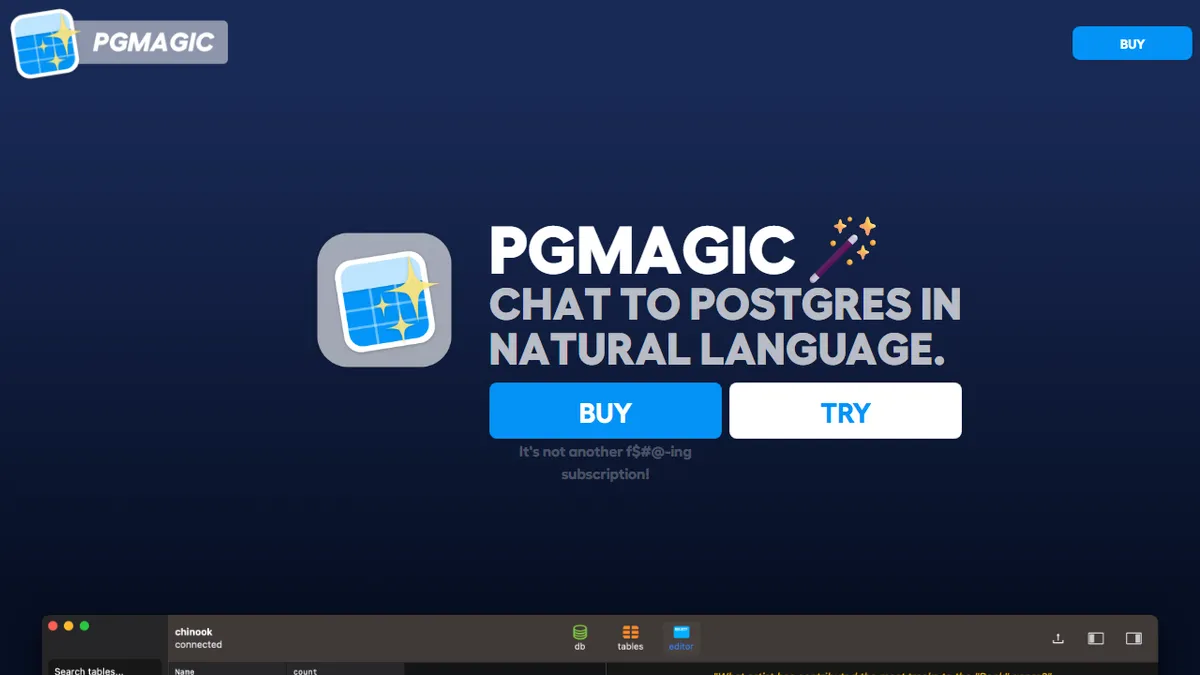

pgMagic
✓ Editorially verifiedMac desktop client that lets you chat with your Postgres database in natural language using your own OpenAI key.
In short
pgMagic is a macOS desktop client for PostgreSQL that allows users to generate SQL queries using natural language via their own OpenAI API key. It is best suited for individual developers or DBAs who want a native, low-cost SQL workbench with an integrated LLM assistant.
Pick pgMagic if you're a solo developer or DBA who lives in Postgres on a Mac and wants a cheap, native SQL workbench with an LLM assistant attached.
Skip it if you need cross-database support, a Windows/Linux build, team features, or a managed text-to-SQL service that doesn't require your own OpenAI key.
pgMagic is a macOS-only desktop Postgres client with a built-in natural-language query layer. You connect your databases, browse schemas, write SQL with syntax highlighting and schema-aware autocomplete, and when you'd rather not write the SQL yourself you ask a question in plain English and the app generates a query against your schema. It's a thin, opinionated tool: one developer, one job, no cloud middleware.
The model is BYO-key. You enter your own OpenAI API key on startup, so pgMagic itself is sold as a flat AU$22 one-time license rather than a subscription, with no usage markup. That makes it cheap for individual developers and DBAs who already pay OpenAI directly, and it sidesteps the data-handling concerns of SaaS AI SQL tools since queries and schema fragments go straight from your machine to OpenAI. The trade-off is honest: the author notes LLMs are 'overconfident stochastic babblers' and that you should sanity-check generated SQL before running it on anything important.
It is currently macOS-only (Intel and Apple Silicon builds), Postgres-only, and the roadmap mentions Windows/Linux builds and local models as 'coming soon.' There's no public API, it's not open source, and support for other databases would likely come with a rebrand. Good fit for a Postgres dev who wants a native SQL workbench with an LLM assistant baked in; wrong fit for teams that need a managed, multi-DB, cloud-hosted text-to-SQL platform.
A refreshingly small, honest tool: one developer, one database, one AI feature, one flat price. The macOS-only, Postgres-only scope is real and the author is upfront that generated SQL needs human review. For the right Postgres-on-Mac user it's a near no-brainer at AU$22.
— The AI Tool Bible editorial team
Pros
- ✅ One-time AU$22 license instead of a subscription
- ✅ BYO OpenAI key means no per-query markup from the vendor
- ✅ Native Mac client with schema-aware SQL autocomplete and highlighting
- ✅ Runs locally; only the LLM call leaves your machine
Cons
- ⚠️ macOS only at the moment, no Windows or Linux build
- ⚠️ Postgres only, no MySQL/SQLite/other engines
- ⚠️ Requires you to manage and pay for an OpenAI API key separately
- ⚠️ Closed source, single-developer project with limited support footprint
Use cases
Frequently asked
- What is the pricing model for pgMagic?
- pgMagic costs a one-time license fee of AU$22. It does not charge a subscription or per-query markup, but users must provide and pay for their own OpenAI API key.
- Which operating systems and databases are supported?
- The tool is currently macOS-only, supporting both Intel and Apple Silicon. It is designed exclusively for PostgreSQL databases, with Windows and Linux builds mentioned as coming soon.
- Is pgMagic open source?
- No, pgMagic is closed source. It is a single-developer project with no public API and limited support footprint.
Explore related
Compare with similar tools
All in Coding →Cursor
FeaturedAI-first VS Code fork — chat, edit, and agentic coding in one IDE.
GitHub Copilot
FeaturedThe original AI pair programmer, now with chat and agents.
Replit Agent
FeaturedBuild & deploy a full app from a single prompt.
Warp
The agentic development environment, from the terminal up
Cline
Open-source agentic coding assistant that plans, edits, and runs code inside your IDE
Aider
Terminal-based AI pair programmer that writes commits.