
OpenCLI
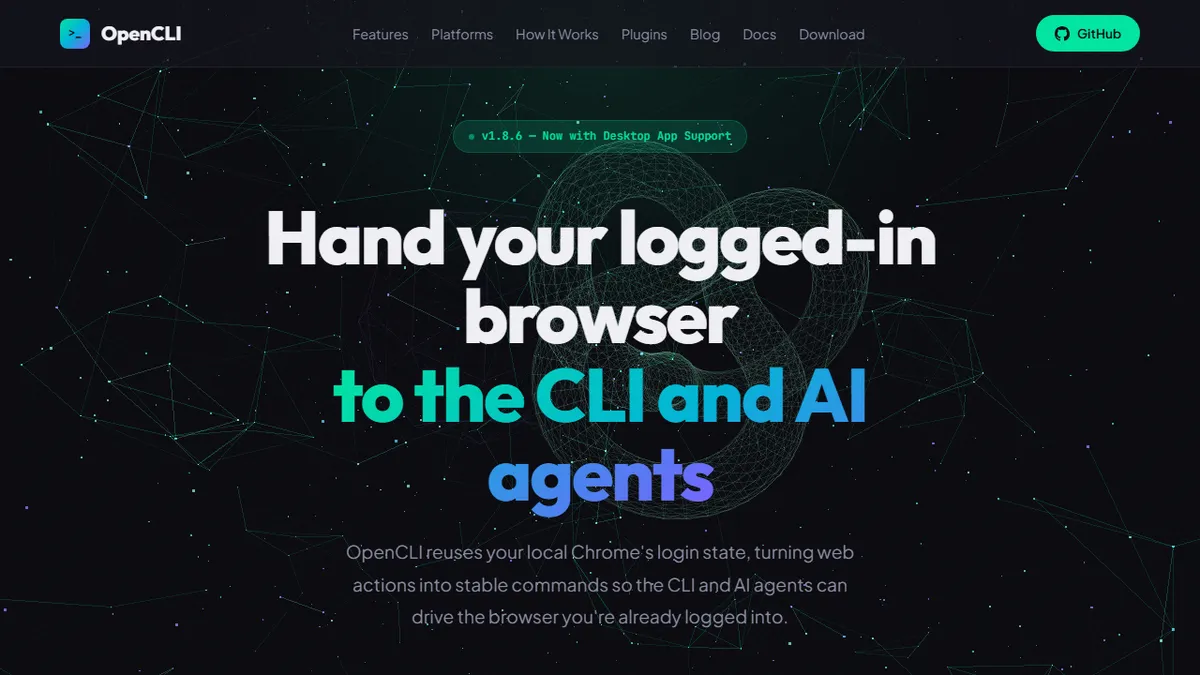
Open-source bridge that hands your already-logged-in Chrome session to a CLI and AI agents.
In short
OpenCLI is a free, open-source tool that lets AI agents and scripts control your logged-in Chrome and Electron apps via CLI, bypassing API keys.
Pick OpenCLI if you want an AI agent or shell script to act inside services you are already logged into, without dealing with API keys or scrapers.
Skip it if you need a polished, supported commercial automation platform or you are not comfortable running a local daemon and browser extension.
OpenCLI is an Apache-2.0 licensed command-line tool that turns your real, logged-in Chrome browser into a stable, scriptable API for both humans and AI agents. Rather than scraping pages or juggling API tokens, it installs a Browser Bridge extension that reuses your existing session cookies and renders web actions as deterministic CLI commands (e.g. `opencli bilibili hot --limit 5`). A second engine extends the same idea to Electron desktop apps like Cursor, Codex, ChatGPT, Notion and Discord, so an agent can drive those apps natively from the terminal.
It is aimed at developers building agent workflows, automation engineers, and power users who want their AI assistant to act inside authenticated services without handing over credentials. Adapters are written as drop-in `.ts` or `.yaml` files in a `clis/` folder, there is a plugins registry with installation and integrity validation, and a record-and-replay mode captures real browser sessions to bootstrap new adapters. Installation is `npm install -g @jackwener/opencli`; the project is fully free and open-source on GitHub at jackwener/opencli.
The project positions itself as "Emacs for AI Agents" — a programmable environment rather than a fixed product — and ships skills files that integrate with Claude and other local agent directories. Caveats: it is early-stage, single-maintainer, requires running a local daemon plus Chrome extension, and the website is bilingual Chinese/English with sparse English documentation outside the README.
A genuinely interesting take on agent tooling: instead of more API wrappers, it just hands the agent your real browser. The Electron-app bridge is the standout idea. Treat it as a power-user toolkit rather than a finished product — the docs and ecosystem are still catching up to the ambition.
— The AI Tool Bible editorial team
Pros
- ✅ Reuses your logged-in Chrome state, so no API keys, OAuth or scraping needed
- ✅ Open-source (Apache-2.0) with a plugin registry and YAML/TS adapter system
- ✅ Also CLI-ifies Electron apps like Cursor, ChatGPT and Notion for agent control
- ✅ Record-and-replay turns real browser sessions into reusable CLI commands
- ✅ Ships skills/adapters for Claude and other local AI agents out of the box
Cons
- ⚠️ Early-stage solo-maintainer project with a thin English marketing site
- ⚠️ Requires a local daemon plus a Chrome extension — non-trivial setup
- ⚠️ Adapter coverage depends on the community; many sites still unsupported
- ⚠️ Tying agents to your live login carries real account-risk if scripts misbehave
Use cases
Frequently asked
- How much does OpenCLI cost?
- OpenCLI is completely free and open-source under the Apache-2.0 license. You can install it globally via npm and access the project on GitHub without any subscription fees or hidden costs.
- Which AI models does OpenCLI support?
- The documentation lists GPT-3 and GPT-2 as the models used. It also ships skills files that integrate with Claude and other local agent directories, allowing various AI assistants to interact with the tool.
- Is OpenCLI difficult to set up?
- It requires running a local daemon and installing a Chrome extension. While installation is a simple npm command, the project is early-stage with sparse English documentation, so it may have a steeper learning curve for non-developers.
- Can OpenCLI control desktop applications?
- Yes, a second engine extends functionality to Electron desktop apps like Cursor, Codex, ChatGPT, Notion, and Discord. This allows agents to drive these applications natively from the terminal using the same session-based approach.
- Do I need API keys to use OpenCLI?
- No, OpenCLI reuses your existing browser session cookies via a Browser Bridge extension. This eliminates the need to juggle API tokens or build scrapers, allowing agents to act inside services you are already logged into.
Explore related
Compare with similar tools
All in Agents →LangGraph
FeaturedStateful, graph-based agent orchestration from LangChain.
CrewAI
FeaturedPython framework for multi-agent orchestration.
Ernie Bot
Baidu's Mandarin-first ChatGPT rival, powered by the ERNIE model family
Moveworks
The enterprise AI assistant that searches, answers, and takes action across your business systems
AWS Bedrock
Build and scale generative AI applications with foundation models
Claude Agent SDK
Anthropic's official SDK for building autonomous Claude agents.