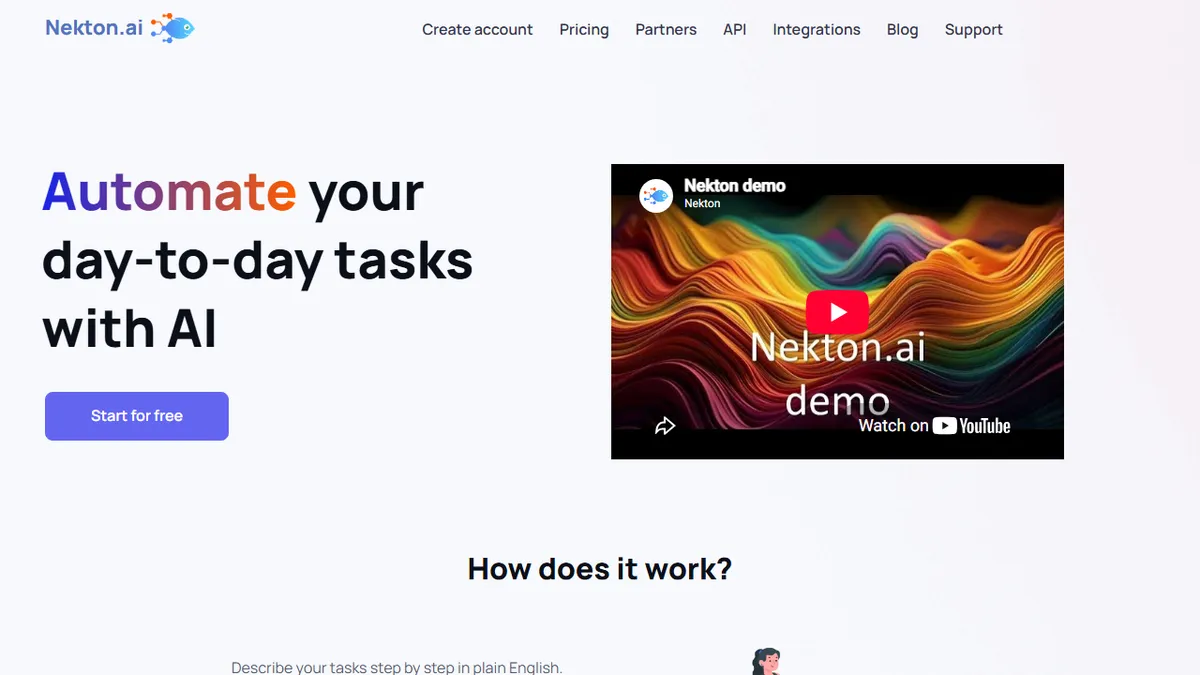
Nekton AI
Plain-English workflow automation that generates and runs cloud code from your prompt.
In short
Nekton AI converts natural language descriptions into executable cloud code for workflow automation. It is best for users who want to connect thousands of services via API without using visual flow builders or writing scripts manually.
Pick Nekton AI if you want to spin up custom automations by typing what you want, without learning a visual flow builder or writing scripts yourself.
Skip it if you need on-prem execution, strict code review of every step, or a mature connector ecosystem with vendor-supported integrations like Zapier or Workato.
Nekton AI turns natural-language descriptions into runnable automation workflows. You describe what you want in English, the platform uses LLMs (ChatGPT-class models) to generate the underlying code, and it executes that code in the cloud with no infrastructure to manage. Workflows can mix manual and automated steps, accept user input through generated forms, run on schedules, and be shared via link without requiring recipients to sign up.
It sits in the same space as Zapier and Make but with a code-generation twist: instead of stitching together fixed connector blocks, Nekton writes the glue for you and connects to thousands of services via API. That makes it a fit for operators, marketers, and small engineering teams who want one-off or long-tail automations that don't justify a full integration build. Pricing is freemium: Starter is free with 300 monthly workflow executions, Pro is around $18/month for 1,000 executions, and custom plans cover larger teams.
The trade-off is that you are trusting a generated-code model rather than a hand-built connector library, so debugging edge cases and auditing what the workflow actually does can be more work than in a traditional iPaaS. It is closed-source and cloud-only.
Nekton sits between Zapier and "just write a script" in a way that genuinely saves time for ad-hoc automations. The plain-English-to-code model is convenient, but treat the generated workflows like you would any LLM output: test them, and don't aim it at anything where a silent failure costs money. The free tier makes it cheap to try.
— The AI Tool Bible editorial team
Pros
- ✅ Describe automations in plain English, no flowchart UI to wrestle with
- ✅ Connects to thousands of services via API, not just a fixed connector list
- ✅ Cloud execution, scheduling, and shareable links built in
- ✅ Generous free tier (300 runs/mo) to experiment with
Cons
- ⚠️ Generated code can be harder to audit than hand-built iPaaS connectors
- ⚠️ Closed-source and cloud-only; no self-hosting
- ⚠️ Execution caps mean heavy users scale into custom pricing fast
Use cases
Frequently asked
- How does Nekton AI create automation workflows?
- It uses LLMs to generate underlying code from your natural-language descriptions. The platform then executes this code in the cloud without requiring you to manage infrastructure.
- What is the pricing structure for Nekton AI?
- Nekton AI offers a freemium model. The Starter plan is free with 300 monthly executions, while the Pro plan costs around $18 per month for 1,000 executions.
- Can I share workflows created in Nekton AI?
- Yes, workflows can be shared via link. Recipients do not need to sign up to access or interact with the shared workflow.
- Is Nekton AI suitable for on-premises execution?
- No, Nekton AI is cloud-only and closed-source. It does not support self-hosting or on-premises execution environments.
Explore related
Compare with similar tools
All in Agents →LangGraph
FeaturedStateful, graph-based agent orchestration from LangChain.
CrewAI
FeaturedPython framework for multi-agent orchestration.
Ernie Bot
Baidu's Mandarin-first ChatGPT rival, powered by the ERNIE model family
Moveworks
The enterprise AI assistant that searches, answers, and takes action across your business systems
AWS Bedrock
Build and scale generative AI applications with foundation models
Claude Agent SDK
Anthropic's official SDK for building autonomous Claude agents.