
Kosmik
AI-powered infinite canvas for moodboards, research, and visual thinking.
In short
Kosmik is an AI-powered infinite canvas for visual research, featuring a built-in browser and PDF reader. It auto-tags content for designers and researchers.
Pick Kosmik if you're a designer, art director, or researcher who wants an AI-aware infinite canvas with a browser and PDF reader baked in.
Skip it if you need an open API, self-hosting, or generative AI image/text creation rather than visual curation and recall.
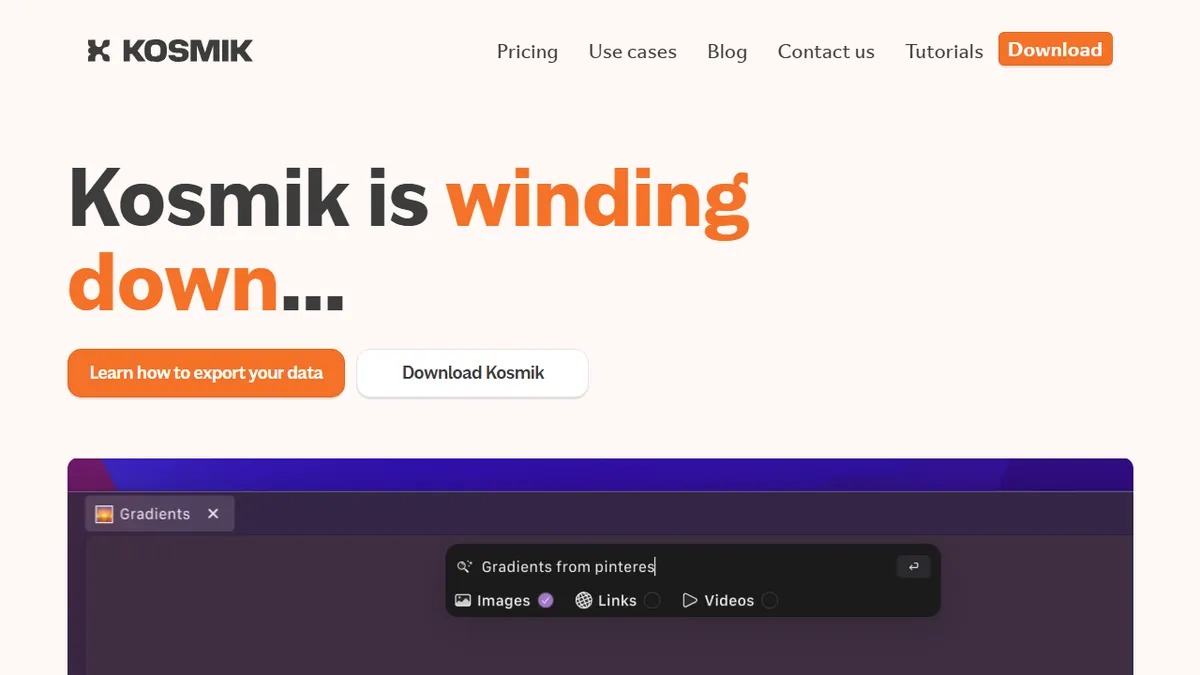
Kosmik is a desktop-first visual workspace built around an infinite canvas where you collect, arrange, and annotate images, notes, PDFs, and web clippings into shared 'universes.' Its standout move is bundling a Chromium-based browser and PDF reader directly inside the canvas, so research, scraping, and annotation happen without context-switching. AI runs through the whole product: dropped images and files are auto-tagged and described, objects/colors/styles are recognized, and the system suggests related images and links based on what's already on the board.
It's pitched at designers, art directors, researchers, and creative teams who used to live in Milanote, Eagle, or Figma's whiteboard mode and want something with real AI recall and a built-in browser. Pricing is consumer-friendly: a 1-week free trial, then Pro at roughly $11.99/mo annual ($14.99 monthly) with unlimited workspaces, sharing, and AI requests; an Ambassador tier near $16.99/mo annual adds Figma plugin, fonts, and brand kits; Enterprise is custom. Real-time multiplayer, live cursors, comments, and guest access cover the team-collaboration side.
Caveats: there is no public API, the product is closed-source, and the AI is more 'curatorial assistant' than generative — don't expect Midjourney-style image creation or LLM chat. Some reviewers note it's still maturing relative to Milanote/Mural on power-user features.
Kosmik is the most interesting take on the 'AI moodboard' since Eagle and Milanote, mostly because the embedded browser turns it into a research surface, not just a pinboard. The lack of an API and the curatorial-only AI cap its ceiling, but for solo creatives and small studios it's a genuinely fun daily driver at the price.
— The AI Tool Bible editorial team
Pros
- ✅ Infinite canvas with built-in Chromium browser and PDF reader keeps research in one place
- ✅ Automatic AI tagging, description, and visual similarity suggestions on every asset
- ✅ Real-time multiplayer with live cursors, comments, and guest access
- ✅ Reasonable consumer pricing with a true free trial and unlimited AI on Pro
Cons
- ⚠️ No public API for automation or integration
- ⚠️ Closed-source desktop app, not self-hostable
- ⚠️ AI is curatorial/assistive, not generative (no image generation or chat)
- ⚠️ Still maturing vs. established whiteboards like Milanote or Mural
Use cases
Frequently asked
- How much does Kosmik cost?
- Kosmik offers a freemium model with a 1-week free trial. Pro is $14.99 monthly or roughly $11.99 monthly on annual billing. Ambassador is $20.99 monthly, and Enterprise pricing is custom.
- Does Kosmik have a public API?
- No, Kosmik does not have a public API. The product is closed-source. If you require an open API or self-hosting capabilities, Kosmik is not the right fit for your workflow.
- Can Kosmik generate images like Midjourney?
- No, Kosmik is not a generative AI tool. It functions as a curatorial assistant that auto-tags and describes existing images. It does not create new images or offer LLM chat capabilities.
- What integrations does Kosmik support?
- Kosmik includes a built-in Chromium-based browser and PDF reader. The Ambassador tier adds a Figma plugin. It is designed for teams previously using Milanote, Eagle, or Figma whiteboards.
- Is Kosmik suitable for team collaboration?
- Yes, Kosmik supports real-time multiplayer, live cursors, comments, and guest access. It allows users to share 'universes' and collaborate on visual research and moodboards in real-time.
Explore related
Compare with similar tools
All in Image Generation →Midjourney
FeaturedThe gold standard for aesthetic AI image generation.
Flux
FeaturedBlack Forest Labs' open-weights image model — rivals Midjourney quality.
Stable Diffusion
Open-source image generation — run anywhere, fine-tune anything.
Nano Banana (Gemini Image)
Google DeepMind's Gemini-powered image generation and conversational editing model family
DALL·E 3
OpenAI's image model — strong on prompt adherence and text-in-image.
Canva Magic Studio
Canva's all-in-one AI creative suite for design, image, video, copy, and presentations