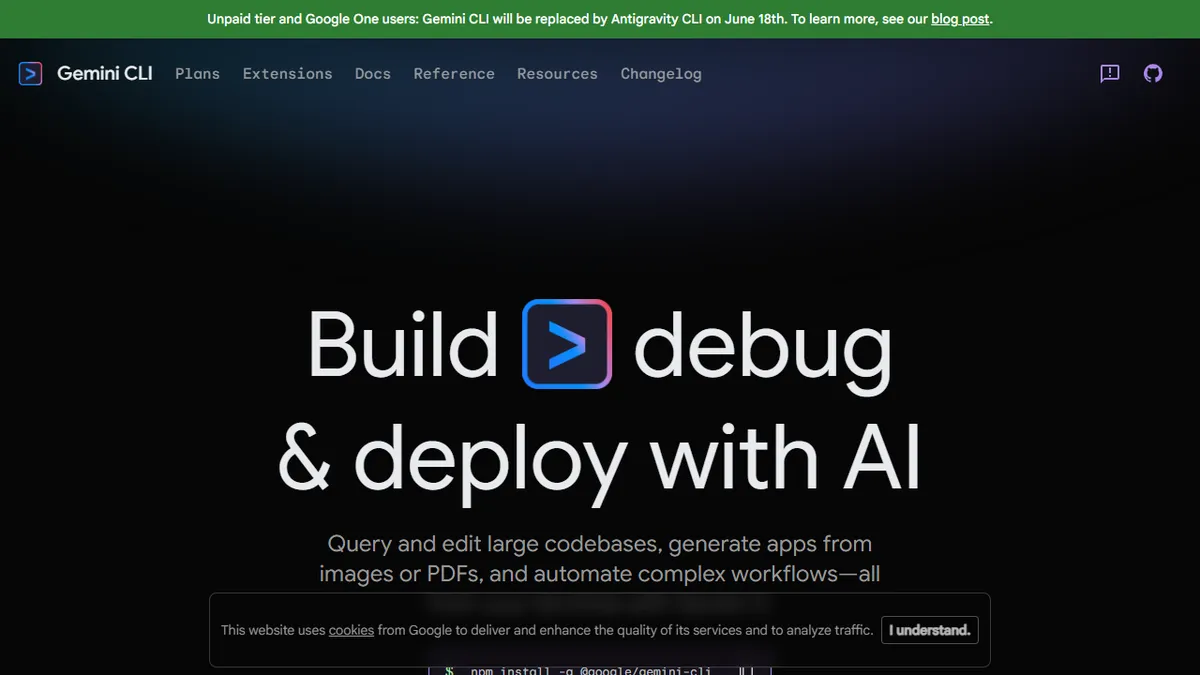

Gemini CLI
✓ Editorially verifiedGoogle's open-source terminal agent that brings Gemini 3 into your shell for codebase edits and workflow automation.
In short
Gemini CLI is an open-source command-line agent that integrates Gemini 3 into your terminal for editing code and automating workflows. It is best for solo developers seeking a free or low-cost alternative to other coding agents within the Google ecosystem.
Pick Gemini CLI if you want a free or cheap terminal coding agent backed by a frontier model and you're comfortable inside Google's ecosystem.
Skip it if you've already standardized on Claude Code or Codex CLI and your team's prompts, hooks, and skills are tuned to that workflow.
Gemini CLI is Google's official command-line coding agent, an open-source npm package (`@google/gemini-cli`) that drops Gemini 3 directly into your terminal. It can read and edit large codebases, scaffold apps from images or PDFs, and chain together multi-step workflows without ever leaving the shell. Conceptually it sits in the same lane as Claude Code, Aider, and OpenAI Codex CLI: a long-running agent that operates over your local files with tool use, planning, and human-in-the-loop confirmation.
The pitch versus competitors is the Gemini context window and Google's pricing posture. There is a meaningful free tier tied to a personal Google account, with paid usage flowing through Google One / AI subscriptions for higher quotas. That makes it one of the cheaper ways to drive a frontier model from the terminal for solo developers and tinkerers, especially anyone already inside Google's ecosystem. Note that Google is reshuffling its CLI lineup: unpaid users are being migrated to the newer Antigravity CLI, so the free path here is in flux.
The repo lives at github.com/google-gemini/gemini-cli with active development from the Gemini team. Because it's Apache-licensed and extensible, it slots cleanly into CI, dev containers, and scripted pipelines, and it can call out to MCP servers and shell tools. Worth keeping an eye on if Claude Code's pricing or rate limits become a problem.
Gemini CLI is the most credible non-Anthropic terminal agent right now, and the free tier alone makes it worth installing alongside Claude Code. The Antigravity rebrand is confusing and the agentic polish still trails Claude Code, but for raw model access at this price it's hard to ignore.
— The AI Tool Bible editorial team
Pros
- ✅ Open-source under Google's stewardship with active development
- ✅ Generous free tier tied to a personal Google account
- ✅ Huge Gemini context window suits large-codebase exploration
- ✅ Trivial install via npm; integrates with MCP and shell tools
Cons
- ⚠️ Free-tier path is in flux as Google migrates unpaid users to Antigravity CLI
- ⚠️ Less mature tooling ecosystem than Claude Code or Aider
- ⚠️ Quality depends on Gemini 3 model availability in your region
Use cases
Frequently asked
- How much does Gemini CLI cost?
- It operates on a freemium model with a free tier available for users with a personal Google account. Paid usage is available through Google One or AI subscriptions for higher quotas.
- What can Gemini CLI do in the terminal?
- It can read and edit large codebases, scaffold applications from images or PDFs, and chain multi-step workflows. It operates as a long-running agent with tool use and human-in-the-loop confirmation.
- Is Gemini CLI open source?
- Yes, it is an open-source npm package licensed under Apache. It is actively developed by the Gemini team and can be integrated into CI pipelines and dev containers.
- Who should avoid using Gemini CLI?
- It is not recommended for teams that have already standardized on Claude Code or Codex CLI, particularly if their prompts, hooks, and skills are tuned to those specific workflows.
Explore related
Compare with similar tools
All in Agents →LangGraph
FeaturedStateful, graph-based agent orchestration from LangChain.
CrewAI
FeaturedPython framework for multi-agent orchestration.
Ernie Bot
Baidu's Mandarin-first ChatGPT rival, powered by the ERNIE model family
Moveworks
The enterprise AI assistant that searches, answers, and takes action across your business systems
AWS Bedrock
Build and scale generative AI applications with foundation models
Claude Agent SDK
Anthropic's official SDK for building autonomous Claude agents.