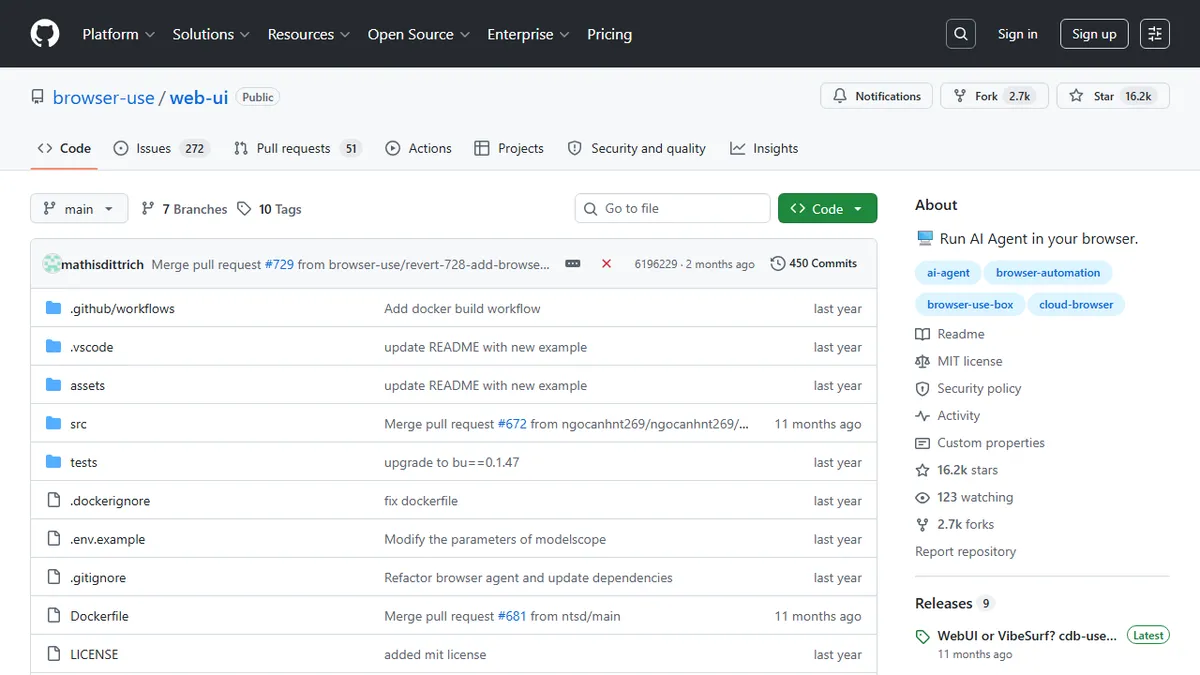
Browser Use Web UI
Gradio web UI for running browser-use AI agents in a real or persistent Chrome session.
In short
This tool provides a user-friendly interface to control a real browser using AI agents. It is best for developers who want to prototype web automation tasks without writing code, supporting various LLM providers and persistent login states.
Pick Browser Use Web UI if you want a quick GUI to prototype LLM-driven browser agents against your own Chrome profile and chosen model.
Skip it if you need a hosted, managed agent platform with SLAs, audit logs, or non-technical operator tooling.
Browser Use Web UI is an open-source Gradio frontend that wraps the popular browser-use Python library, letting you point an LLM at a real browser and have it drive web pages on your behalf. It exposes most of browser-use's agent functionality through a friendly interface, supports persistent browser sessions so the agent can keep state between tasks, and lets you attach your own logged-in Chrome profile to skip re-authentication on sites you already use.
It is aimed at developers and tinkerers who want to experiment with browser-controlling agents without writing glue code. The project is fully self-hosted (local Python install or Docker with a VNC viewer at port 6080), and it is LLM-agnostic: OpenAI, Anthropic, Google, Azure OpenAI, DeepSeek, and Ollama are all wired in, so you bring your own API keys (or run a local model) and pay only for inference. There is no SaaS tier and no usage cost beyond the underlying LLM.
The UI also supports HD screen recording of agent runs, which is genuinely useful for debugging brittle multi-step web automations. Caveats: it inherits browser-use's fragility on heavily client-rendered or anti-bot-protected sites, and the Gradio interface is functional rather than polished. Best treated as a power-user playground on top of the browser-use ecosystem.
A pragmatic companion to the browser-use library: same capabilities, but with a Gradio UI and Docker+VNC story that make it the fastest way to actually see a browser agent run. Treat it as a developer playground rather than a shippable product, and pair it with a strong LLM for usable results.
— The AI Tool Bible editorial team
Pros
- ✅ Runs a real browser under LLM control, with optional persistent profile and logged-in cookies
- ✅ LLM-agnostic: OpenAI, Anthropic, Gemini, Azure, DeepSeek, Ollama all supported
- ✅ Docker setup with built-in VNC viewer for watching the agent work
- ✅ Fully open-source and self-hosted; no per-task fees beyond the LLM
Cons
- ⚠️ Gradio UI is utilitarian rather than production-grade
- ⚠️ Inherits browser-use's brittleness on anti-bot and heavy SPA sites
- ⚠️ Requires local Python or Docker setup; not a hosted product
Use cases
Frequently asked
- What is the primary purpose of Browser Use Web UI?
- It is an open-source Gradio frontend that wraps the browser-use Python library, allowing users to point an LLM at a real browser to drive web pages on their behalf.
- Which LLM providers are supported by the tool?
- The tool is LLM-agnostic and supports OpenAI, Anthropic, Google, Azure OpenAI, DeepSeek, and Ollama, requiring users to bring their own API keys or run local models.
- Can the agent maintain login sessions between tasks?
- Yes, it supports persistent browser sessions and allows users to attach their own logged-in Chrome profile to skip re-authentication on sites they already use.
- Is Browser Use Web UI a hosted service?
- No, it is fully self-hosted and requires a local Python install or Docker setup with a VNC viewer at port 6080 to watch the agent work.
- What are the limitations of using this tool?
- It inherits browser-use's fragility on heavily client-rendered or anti-bot-protected sites, and the Gradio interface is functional rather than polished for production use.
Explore related
Compare with similar tools
All in Agents →LangGraph
FeaturedStateful, graph-based agent orchestration from LangChain.
CrewAI
FeaturedPython framework for multi-agent orchestration.
Ernie Bot
Baidu's Mandarin-first ChatGPT rival, powered by the ERNIE model family
Moveworks
The enterprise AI assistant that searches, answers, and takes action across your business systems
AWS Bedrock
Build and scale generative AI applications with foundation models
Claude Agent SDK
Anthropic's official SDK for building autonomous Claude agents.