Recast Studio vs Runway
A side-by-side look at pricing, capabilities, pros, cons, and our editorial scores.
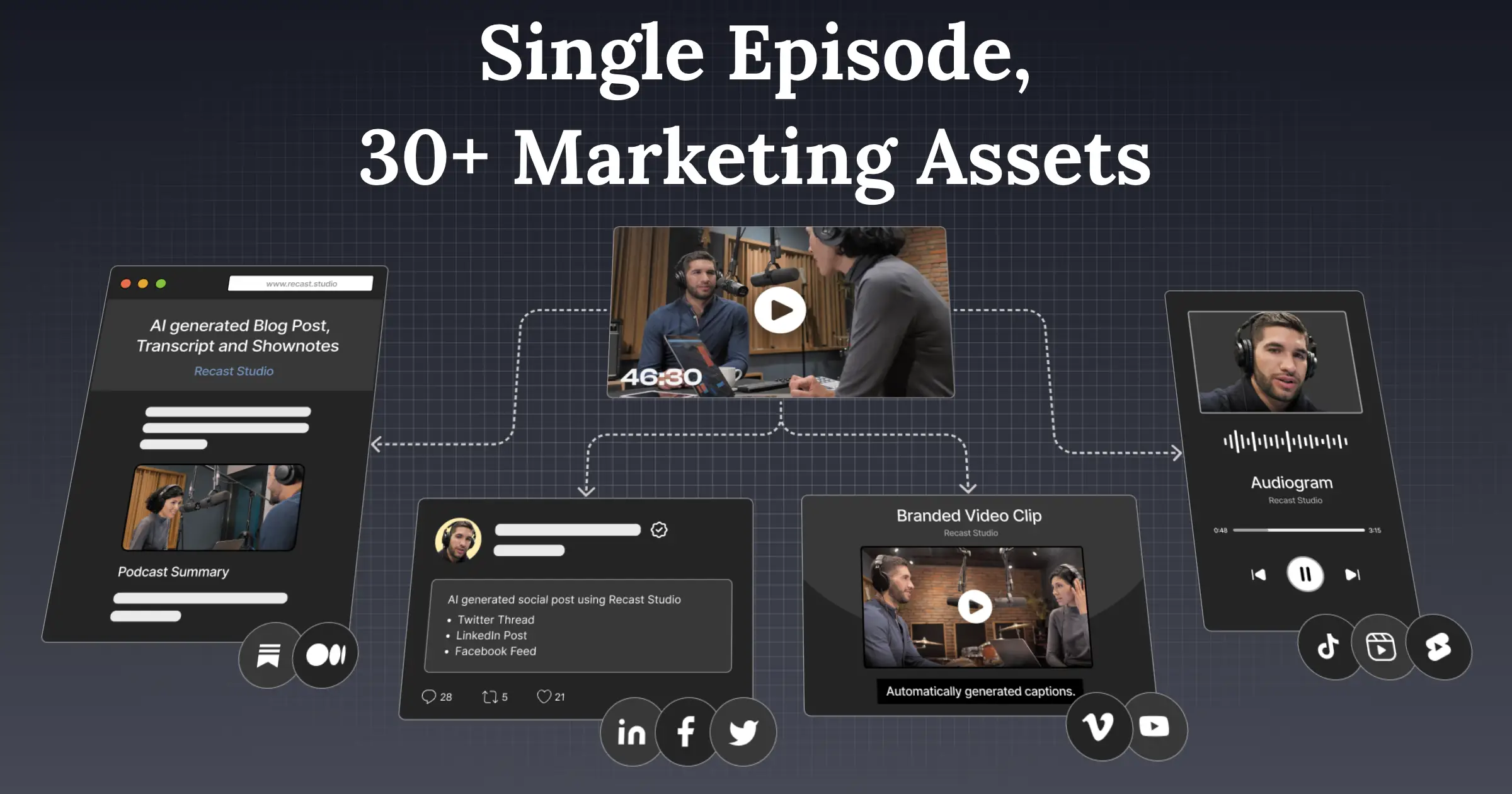 Recast Studio Video |  Runway Video | |
|---|---|---|
| Tagline | Turns webinars, podcasts and Zoom recordings into short social clips and written posts via transcript-based editing. | Pro-grade AI video editor and Gen-4 generation. |
| Category | Video | Video |
| Pricing | Freemium· Free trial; Starter $14/mo; Professional $26/mo | Paid· $15/mo Standard; $35/mo Pro; $95/mo Unlimited |
| Model | — | Gen-4 |
| Editorial score | 6.7 / 10 | 9.0 / 10 |
| Use cases | video-repurposingpodcast-clipsauto-captionssocial-publishingtranscription | short filmVFXimage-to-video |
| Pros |
|
|
| Cons |
|
|
| Website | recast.studio | runwayml.com |
Pick Recast Studio if
- ✅ Transcript-based editing keeps captions in sync while you trim
- ✅ Direct publishing/scheduling to all major social platforms
- ✅ Cheap entry tier ($14/mo) vs Opus Clip and Descript
- ✅ Auto-reframe and filler-word removal are one-click
Pick Runway if
- ✅ Pro editing timeline
- ✅ Best-in-class control (motion brush, etc.)
- ✅ Used in real productions
- ✅ Generation + editing in one tool