Frigate vs Runway
A side-by-side look at pricing, capabilities, pros, cons, and our editorial scores.
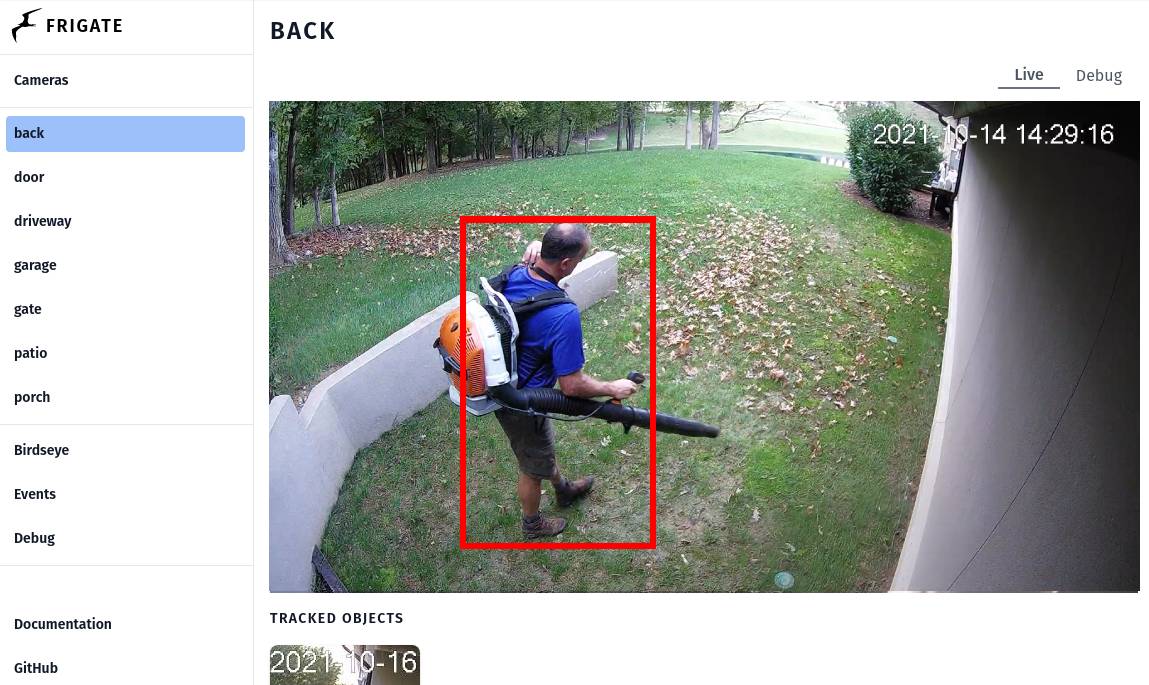 Frigate Video |  Runway Video | |
|---|---|---|
| Tagline | Open-source NVR that runs AI object detection locally on your security camera feeds. | Pro-grade AI video editor and Gen-4 generation. |
| Category | Video | Video |
| Pricing | Freemium· Free and open-source; Frigate+ custom-model subscription is paid | Paid· $15/mo Standard; $35/mo Pro; $95/mo Unlimited |
| Model | Custom object detection (Coral/YOLO/Frigate+ models) | Gen-4 |
| Editorial score | 6.9 / 10 | 9.0 / 10 |
| Use cases | security-camera-nvrobject-detectionhome-automationprivacy-focused-surveillance | short filmVFXimage-to-video |
| Pros |
|
|
| Cons |
|
|
| Website | frigate.video | runwayml.com |
Pick Frigate if
- ✅ Fully local processing, no cloud, no subscription required for core
- ✅ MIT-licensed open source with active community
- ✅ First-class Home Assistant and MQTT integration
- ✅ Real-time detection at 100+/sec with a Coral TPU
Pick Runway if
- ✅ Pro editing timeline
- ✅ Best-in-class control (motion brush, etc.)
- ✅ Used in real productions
- ✅ Generation + editing in one tool