Cluely vs ScreenSnapAI
A side-by-side look at pricing, capabilities, pros, cons, and our editorial scores.
 Cluely Writing |  ScreenSnapAI Writing | |
|---|---|---|
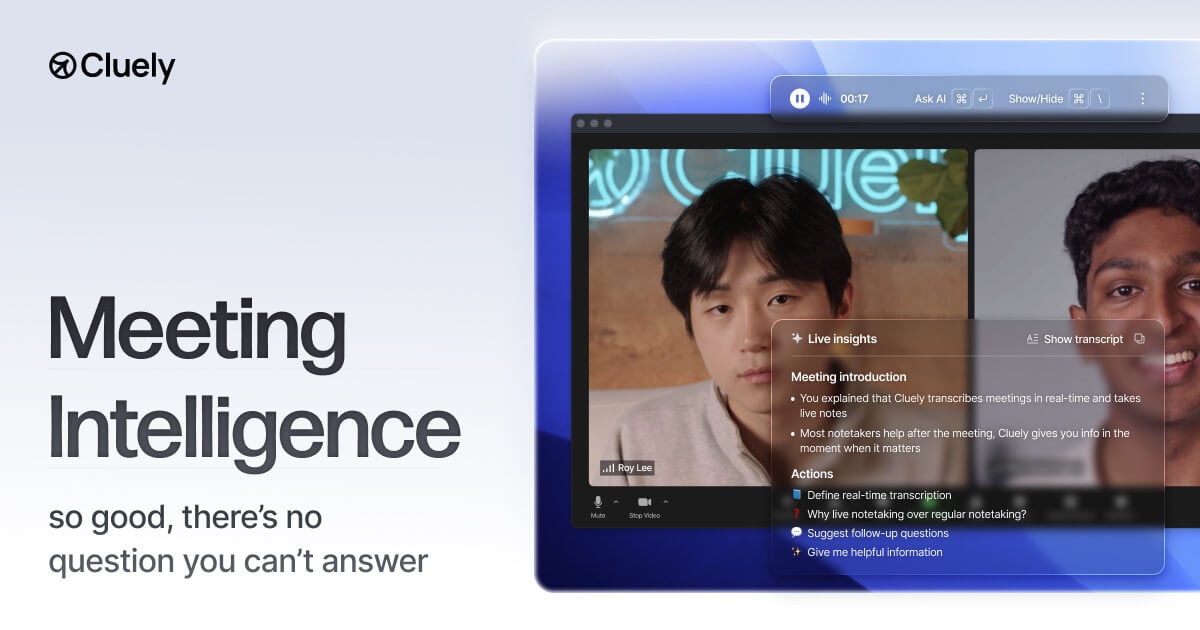
| Tagline | Real-time AI meeting assistant that takes notes and answers questions while you talk | Native macOS screenshot tool that auto-names captures and lets you chat with an LLM about what's on screen. |
| Category | Writing | Writing |
| Pricing | Freemium· Starter: Free · Pro: $19.99 · Pro + Undetectability: $149.99 | Freemium· Free tier; Pro $20 one-time on Mac App Store (bring-your-own OpenAI/Anthropic key) |
| Model | — | OpenAI / Anthropic (BYO key) |
| Editorial score | — | 7.0 / 10 |
| Use cases | Live sales call coachingReal-time meeting transcriptionAutomatic action-item extractionRecruiter screening notesInvestor pitch cheat-sheetsFollow-up question suggestionsPost-call AI summariesMultilingual meeting translationIn-person interview note-taking | screenshot-organizationauto-taggingvisual-qaimage-chatmacos-productivity |
| Pros |
|
|
| Cons |
|
|
| Website | cluely.com | screensnap.ai |
Pick Cluely if
- ✅ True real-time overlay — answers appear in ~300 ms while the meeting is still in progress, not after
- ✅ Does not join calls as a bot, so participants never see a 'Cluely Notetaker' avatar in the roster
- ✅ Works across Zoom, Google Meet, Microsoft Teams, Webex and Slack Huddles from a single desktop app
- ✅ Captures both microphone and system audio, so it handles in-person conversations as well as remote calls
Pick ScreenSnapAI if
- ✅ One-time $20 price instead of a subscription
- ✅ Native macOS app, fast and unobtrusive
- ✅ Choice of OpenAI or Anthropic backends
- ✅ Auto-names and tags screenshots for real searchability