
WritingMate.ai
Browser-side AI copilot that drops GPT-4 and Claude into Gmail, LinkedIn, and any web text field.
In short
WritingMate.ai is a browser-side AI copilot that integrates GPT-4, GPT-3.5, and Claude directly into Gmail, LinkedIn, and other web text fields. It is best for users seeking a convenient, multi-model writing assistant with a permanent free tier for drafting, rewriting, and translation.
Pick WritingMate.ai if you want a free, browser-resident copilot that calls GPT-4 or Claude directly inside Gmail and LinkedIn.
Skip it if you need API access, team workspaces, or a more mature ecosystem like Merlin or Monica.
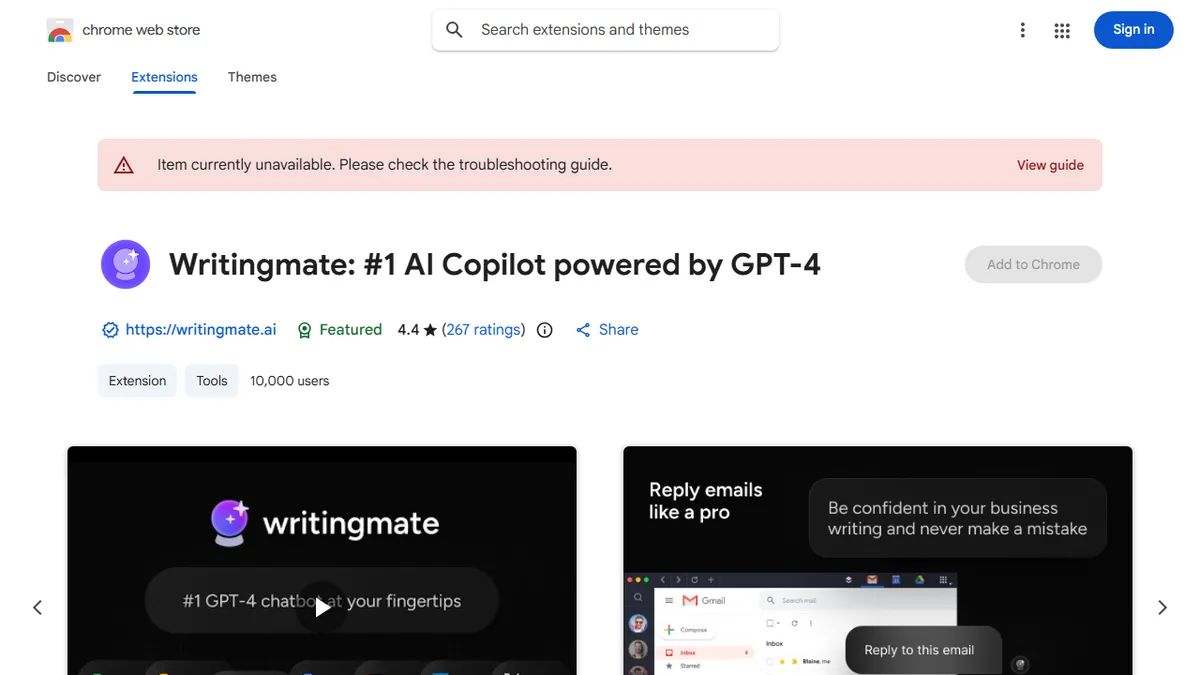
WritingMate.ai is a Chrome extension from Ava Labs that wires multiple frontier LLMs (GPT-4, GPT-3.5, and Claude) into the websites you already use. It surfaces a one-click writing helper that can compose Gmail replies, draft LinkedIn posts, rewrite or summarize selected text, translate across 54 languages, and brainstorm in-context wherever you can type.
The pitch is convenience and breadth rather than depth: instead of jumping to ChatGPT in a separate tab, you trigger the same models inline. It sits in the crowded category of browser AI copilots alongside Merlin, Sider, and Monica, and competes mostly on a permanent free tier with an optional paid upgrade. With 10,000+ installs and a 4.4 rating from 269 reviews it is a mid-tier player rather than a category leader.
There is no public API, no self-host option, and no agentic workflow layer; the value sits entirely in the convenience of having a multi-model prompt box one keystroke away inside the browser. Privacy is self-attested ("no data sold to third parties") rather than independently audited.
A serviceable mid-tier entrant in the browser-AI-copilot bracket. The multi-model toggle and forever-free tier are the real hooks, but it lacks the polish, install base, and ecosystem of the category leaders. Fine as a free fallback, not a daily driver for power users.
— The AI Tool Bible editorial team
Pros
- ✅ Multi-model access (GPT-4 and Claude) from a single extension
- ✅ Works inline in Gmail, LinkedIn, and arbitrary web text fields
- ✅ Persistent free tier covers casual everyday writing
- ✅ Supports 54 languages for translation and drafting
Cons
- ⚠️ No public API or programmatic access
- ⚠️ Modest install base versus Merlin, Sider, and Monica
- ⚠️ Privacy claims are self-attested, not independently audited
- ⚠️ Chrome-only; no Firefox or Safari build advertised
Use cases
Frequently asked
- What AI models does WritingMate.ai support?
- The tool wires multiple frontier LLMs into the browser, specifically supporting GPT-4, GPT-3.5, and Claude.
- Is there a free version available?
- Yes, WritingMate.ai offers a permanent free tier alongside paid Basic ($20) and Pro ($40) plans. It also provides a free trial for new users.
- Does the extension support Firefox or Safari?
- No, the tool is Chrome-only; no Firefox or Safari build is advertised in the entry.
- Can I access WritingMate.ai via an API?
- No, there is no public API or programmatic access available for this tool.
Explore related
Compare with similar tools
All in Writing →Claude
FeaturedAnthropic's flagship assistant for long-form writing, analysis, and coding.
GPT-4o
FeaturedOpenAI's multimodal flagship behind ChatGPT.
Gemini Advanced
Google's flagship — strong at math, long context, and Workspace integration.
Llama 3
Meta's open-weights LLM family that put serious frontier-adjacent models in everyone's hands.
Qwen
Alibaba's open-weight foundation model family covering chat, vision, image generation, translation, and safety classification.
Jan
Open-source desktop ChatGPT alternative that runs local LLMs and routes to cloud providers from one app.