
Trae
✓ Editorially verifiedByteDance's AI-native IDE built as a Cursor-style VS Code fork with agent and cloud-task workflows.
In short
Trae is an AI-first code editor that provides agent-based coding workflows, multi-file edits, and cloud task parallelization. It is best for developers wanting a Cursor-style IDE at a lower price point, specifically with its SOLO mode for multi-step tasks.
Pick Trae if you want a Cursor-style AI IDE at roughly half the price and you're comfortable with a ByteDance-owned editor.
Skip it if you need an open-source editor, a code-agent API, or you have a hard policy against routing source code through ByteDance infrastructure.
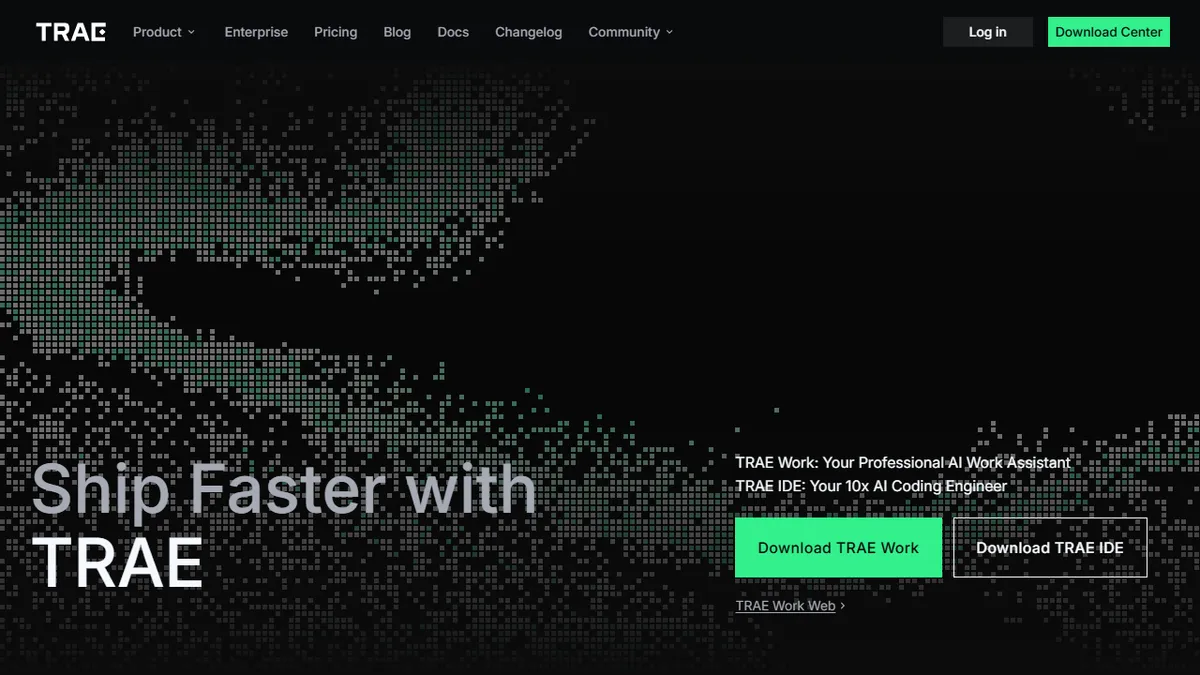
Trae is an AI-first code editor from ByteDance, positioned as a direct competitor to Cursor and Windsurf. The flagship product, Trae IDE, is a VS Code-derived desktop app with a built-in agent (SOLO mode), inline autocomplete, multi-file edits, and chat over your repo. A second offering, Trae Work, extends similar agent ergonomics into general knowledge-work tasks. The pitch is straightforward: ship faster by letting an agent plan, edit, and run tasks across your codebase rather than just suggesting next-token completions.
Pricing is aggressive for the category. The Free tier includes 5,000 autocompletions per month plus SOLO-mode access, Lite is $3/mo, Pro is $10/mo (after a 7-day trial) with $20 of basic model usage and up to 10 concurrent cloud tasks, scaling to Pro+ at $30 and Ultra at $100 for heavy users with model early access and 20 parallel cloud tasks. That undercuts Cursor's $20 Pro tier meaningfully, which is the main reason Trae has picked up traction with cost-sensitive developers.
The trade-offs are real. Trae is closed-source, owned by ByteDance, and the marketing pages are notably thin on which underlying models you actually get at each tier - expect a multi-model backend with Claude/GPT-class frontier models gated by usage credits rather than a flat subscription. There is no published public API; Trae is consumed as an IDE, not a platform. Privacy-conscious teams and enterprise buyers will want to scrutinize data handling before adopting it for proprietary code.
Trae is the most credible cheap alternative to Cursor right now, and SOLO mode is a real agent rather than a glorified autocomplete. The ByteDance ownership and opaque model lineup keep it out of regulated shops, but for indie devs and small teams the price-to-capability ratio is genuinely hard to beat.
— The AI Tool Bible editorial team
Pros
- ✅ Aggressively priced - Pro at $10/mo undercuts Cursor and Windsurf
- ✅ Generous free tier with 5,000 autocompletions and SOLO agent access
- ✅ Familiar VS Code fork - extensions and keybindings carry over
- ✅ Cloud-task concurrency lets you parallelize agent runs
- ✅ Built-in agent (SOLO mode) handles multi-step coding tasks
Cons
- ⚠️ Closed-source and owned by ByteDance - data-handling concerns for some teams
- ⚠️ Pricing page is vague about which models back each tier
- ⚠️ No public API - consumed as a desktop IDE only
- ⚠️ Smaller ecosystem and community than Cursor
Use cases
Frequently asked
- How much does Trae cost?
- Trae offers a free tier with 5,000 autocompletions per month. Paid plans include Lite at $3, Pro at $10, Pro+ at $30, and Ultra at $100 per month.
- What is SOLO mode in Trae?
- SOLO mode is a built-in agent that handles multi-step coding tasks, allowing it to plan, edit, and run tasks across the codebase rather than just providing next-token completions.
- Is Trae open source?
- No, Trae is closed-source and owned by ByteDance. It is a VS Code-derived desktop application.
- Does Trae have a public API?
- No, there is no published public API. Trae is consumed exclusively as a desktop IDE.
- What are the main limitations of Trae?
- Trae is closed-source, which may raise data-handling concerns for some teams. Additionally, the pricing page is vague about which specific models back each tier, and it lacks a public API.
Explore related
Compare with similar tools
All in Coding →Cursor
FeaturedAI-first VS Code fork — chat, edit, and agentic coding in one IDE.
GitHub Copilot
FeaturedThe original AI pair programmer, now with chat and agents.
Replit Agent
FeaturedBuild & deploy a full app from a single prompt.
Warp
The agentic development environment, from the terminal up
Cline
Open-source agentic coding assistant that plans, edits, and runs code inside your IDE
Aider
Terminal-based AI pair programmer that writes commits.