
Spell
AI-native document editor that drafts and rewrites in natural language, pitched as a Google Docs alternative.
In short
Spell is an AI-native browser editor that drafts and rewrites documents via natural language. It serves as a Google Docs alternative with freemium pricing for individuals and teams.
Pick Spell if you want a Google Docs-style editor where AI drafting and rewriting are first-class instead of a side panel bolted onto an older product.
Skip it if you need API access, on-prem hosting, deep integrations with Notion/Drive/Slack, or transparency about which model is doing the writing.
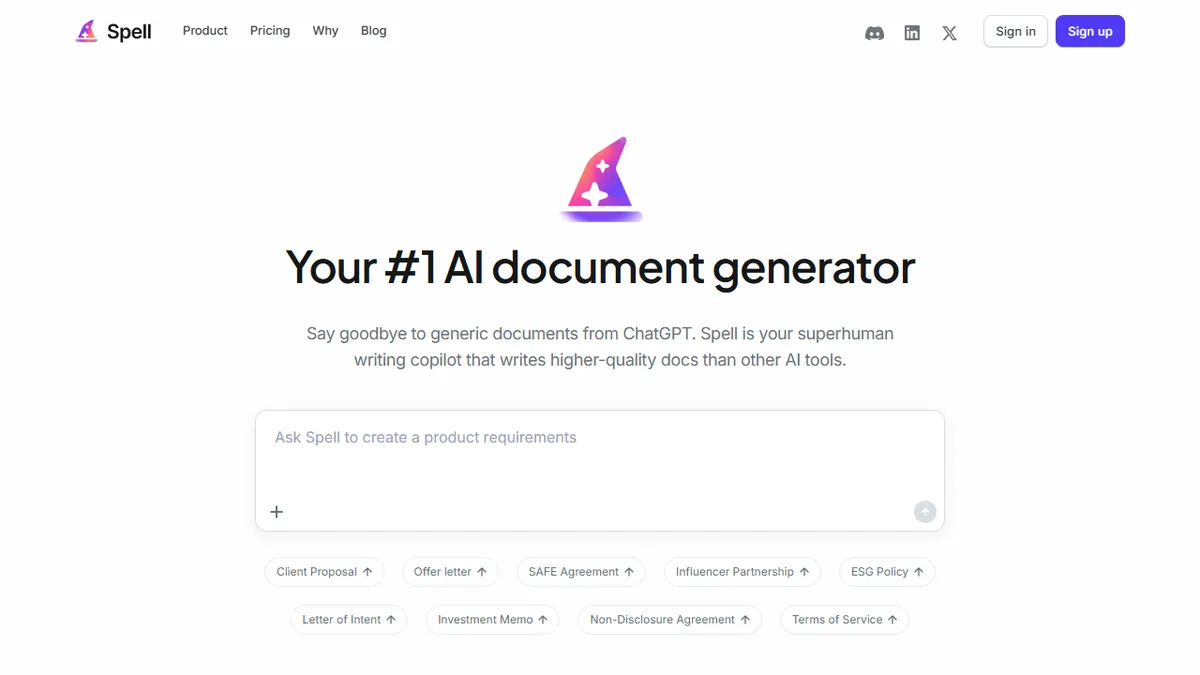
Spell is a browser-based document editor built around AI generation and natural-language editing. Type a description of what you want and it drafts a full document; highlight any block of prose and ask for changes in plain English instead of fiddling with formatting toolbars. It handles the usual document long-tail too: business proposals, job descriptions, contracts, essays, research papers, with exports to Word, PDF and Markdown.
The pitch is squarely aimed at writers and small teams who already live in Google Docs and want the AI step folded into the editor rather than bolted on as a sidebar. A free tier gives you a capped number of AI messages forever, Pro is $20/month for heavier use, and a $40/user/month Team plan adds collaboration permissions. The underlying model is not disclosed, and Spell makes a point of saying documents are encrypted and never used for training.
There's no public API, no third-party app integrations advertised, and the product is closed-source. That makes it a clean consumer/SMB writing tool rather than something you'd embed in a workflow. If you want programmatic generation or deep Notion/Slack/Drive plumbing, look elsewhere.
Spell is a competent take on the AI-native doc editor category, but it lands in a crowded field against Notion AI, Lex, and Coda. The natural-language editing flow is genuinely nice; the lack of a disclosed model and any API is what keeps it firmly in the consumer lane rather than the toolchain.
— The AI Tool Bible editorial team
Pros
- ✅ Natural-language editing replaces formatting menus for rewrites and tone changes
- ✅ Real-time collaboration with permission controls on the Team plan
- ✅ Clean free tier so you can actually evaluate it before paying
- ✅ Exports cleanly to Word, PDF and Markdown
Cons
- ⚠️ Underlying model is not disclosed, so capabilities are a black box
- ⚠️ No public API or third-party integrations advertised
- ⚠️ Closed-source with all documents stored in their cloud
- ⚠️ Pro at $20/mo is pricier than several established AI writing tools
Use cases
Frequently asked
- How much does Spell cost?
- Spell offers a free tier with capped AI messages. Pro costs $20/month for heavier use, while the Team plan is $40 per user per month and adds collaboration permissions.
- Does Spell integrate with Notion, Slack, or Google Drive?
- No, Spell does not advertise third-party app integrations. It is a closed-source browser-based editor without public API access, making it unsuitable for deep workflow plumbing with other tools.
- Is Spell suitable for academic or business writing?
- Yes, it handles business proposals, job descriptions, contracts, essays, and research papers. You can export finished documents to Word, PDF, or Markdown formats.
- Which AI model powers Spell?
- The underlying model is not disclosed. However, Spell states that documents are encrypted and never used for training data.
- How does Spell differ from traditional editors?
- Spell is AI-native, allowing you to draft full documents by typing descriptions and edit prose using plain English commands instead of formatting toolbars.
Explore related
Compare with similar tools
All in Writing →Claude
FeaturedAnthropic's flagship assistant for long-form writing, analysis, and coding.
GPT-4o
FeaturedOpenAI's multimodal flagship behind ChatGPT.
Gemini Advanced
Google's flagship — strong at math, long context, and Workspace integration.
Llama 3
Meta's open-weights LLM family that put serious frontier-adjacent models in everyone's hands.
Qwen
Alibaba's open-weight foundation model family covering chat, vision, image generation, translation, and safety classification.
Jan
Open-source desktop ChatGPT alternative that runs local LLMs and routes to cloud providers from one app.