SlidesWizard
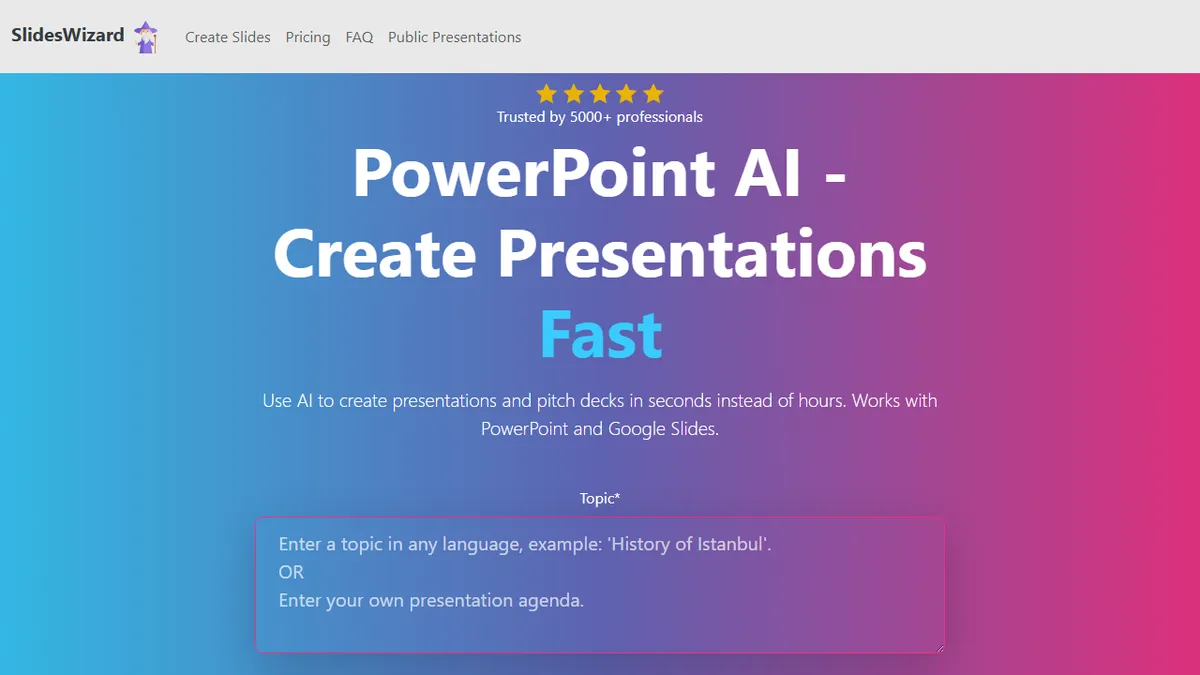
AI presentation generator that ships finished PowerPoint and Google Slides decks from a prompt or outline.
In short
SlidesWizard generates draft PowerPoint or Google Slides decks from prompts using ChatGPT. It offers a freemium model with a $2.50 per-deck fee for watermark-free exports.
Pick SlidesWizard if you need a one-shot first draft of a PowerPoint or Google Slides deck and prefer paying per export over a monthly plan.
Skip it if you need brand-controlled design, live data-driven charts, team collaboration, or the polish of Gamma, Tome, or Beautiful.ai.
SlidesWizard is a lightweight web app that turns a topic or outline into a complete slide deck, with structured sections, layout variety (bullets, text-image splits, timelines, Venn diagrams, pie charts), automatically picked stock imagery, and pre-written speaker notes. The underlying generator is ChatGPT for content with a photo-search engine handling visuals, and the output exports cleanly to PowerPoint, Google Slides, or PDF.
The pitch is aimed at professionals who need a serviceable first draft fast and don't want to wrestle with template galleries or design tools. Pricing is unusually simple: the free tier lets you build and share decks but stamps a watermark, and $2.50 per presentation unlocks watermark-free downloads. There is no subscription tier surfaced, which makes it attractive for one-off users and brutal-honest about its scope as a draft generator rather than a full design suite.
Don't expect brand controls, deep theming, agentic editing, or chart-from-your-own-data the way Gamma or Tome offer. It's a one-shot generator that gets you to 70% so a human can polish in PowerPoint or Slides.
A refreshingly small, single-purpose tool: prompt in, editable PPTX or Slides deck out, $2.50 a pop. It won't replace a designer or a presentation platform, but for ad-hoc drafts it's cheaper and less fussy than the subscription-heavy incumbents.
— The AI Tool Bible editorial team
Pros
- ✅ Pay-per-deck pricing avoids subscription lock-in
- ✅ Exports natively to PowerPoint, Google Slides, and PDF
- ✅ Auto-picks images and writes speaker notes alongside slides
- ✅ Free tier is usable for drafting and sharing
Cons
- ⚠️ Stock-photo visuals feel generic compared to design-native tools
- ⚠️ No brand kit, theming, or team collaboration controls
- ⚠️ Single underlying model (ChatGPT) with no choice or fine-tuning
- ⚠️ Thin track record at ~5,000 users
Use cases
Frequently asked
- How much does SlidesWizard cost?
- SlidesWizard uses a freemium model. The free tier allows building and sharing decks but includes a watermark. Pay-per-use costs $2.50 per presentation to unlock watermark-free downloads. There is no subscription tier surfaced in the documentation.
- What file formats can I export?
- You can export your finished decks to PowerPoint, Google Slides, or PDF. The tool generates structured sections with layout variety, including bullets, text-image splits, timelines, Venn diagrams, and pie charts, along with pre-written speaker notes.
- Is SlidesWizard suitable for brand-controlled design?
- No, you should skip it if you need brand-controlled design, deep theming, or live data-driven charts. It is a one-shot generator intended to provide a 70% complete first draft for human polishing, rather than a full design suite.
- What AI model powers SlidesWizard?
- The underlying generator uses ChatGPT (OpenAI) for content creation. A separate photo-search engine handles the selection of automatically picked stock imagery to support the visual elements of the generated slide decks.
- How does SlidesWizard compare to Gamma or Tome?
- SlidesWizard lacks the polish, team collaboration, and agentic editing features found in Gamma, Tome, or Beautiful.ai. It is best for users who need a quick, one-shot first draft and prefer paying per export over a monthly plan.
Explore related
Compare with similar tools
All in Writing →Claude
FeaturedAnthropic's flagship assistant for long-form writing, analysis, and coding.
GPT-4o
FeaturedOpenAI's multimodal flagship behind ChatGPT.
Gemini Advanced
Google's flagship — strong at math, long context, and Workspace integration.
Llama 3
Meta's open-weights LLM family that put serious frontier-adjacent models in everyone's hands.
Qwen
Alibaba's open-weight foundation model family covering chat, vision, image generation, translation, and safety classification.
Jan
Open-source desktop ChatGPT alternative that runs local LLMs and routes to cloud providers from one app.