Runcell
Jupyter-native AI agent built for multi-week ML and data science projects.
In short
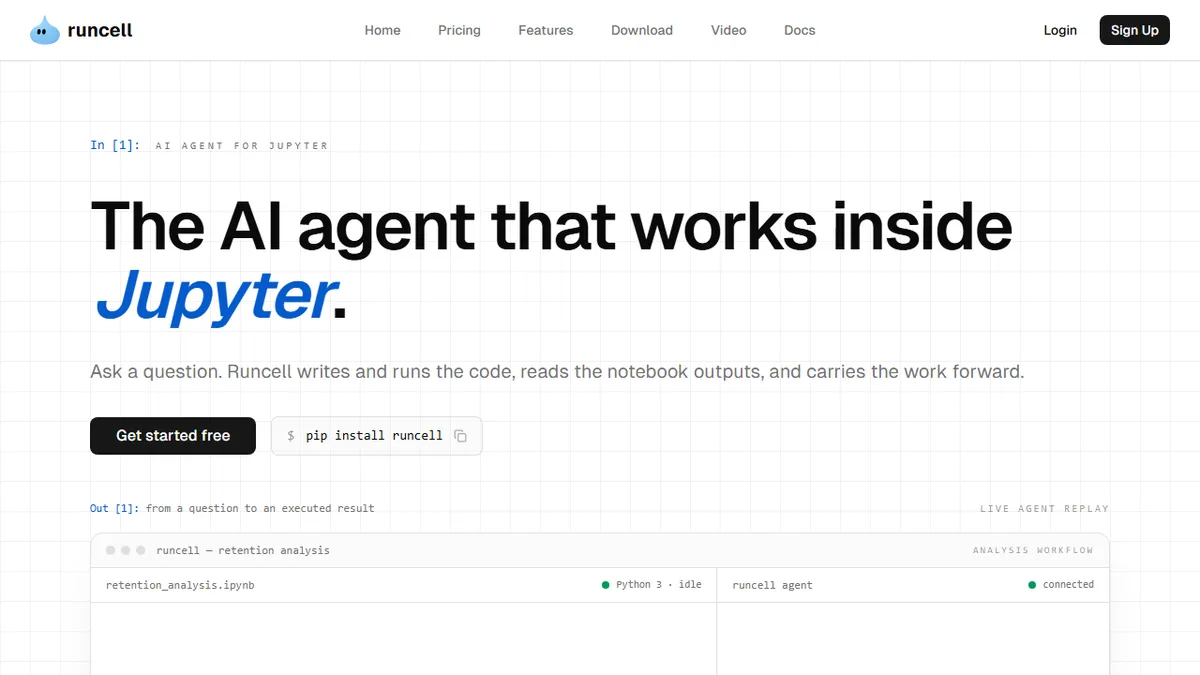
Runcell is a Jupyter-native AI agent designed for long-term data science and ML projects. It operates within JupyterLab, reading cell outputs to maintain context across sessions. It is best for domain experts who work primarily in notebooks.
Pick Runcell if you're a researcher or quant whose real work lives in JupyterLab and you want an agent that remembers the project across weeks.
Skip it if you primarily work in VS Code, plain Python scripts, or you need a general coding agent for app development.
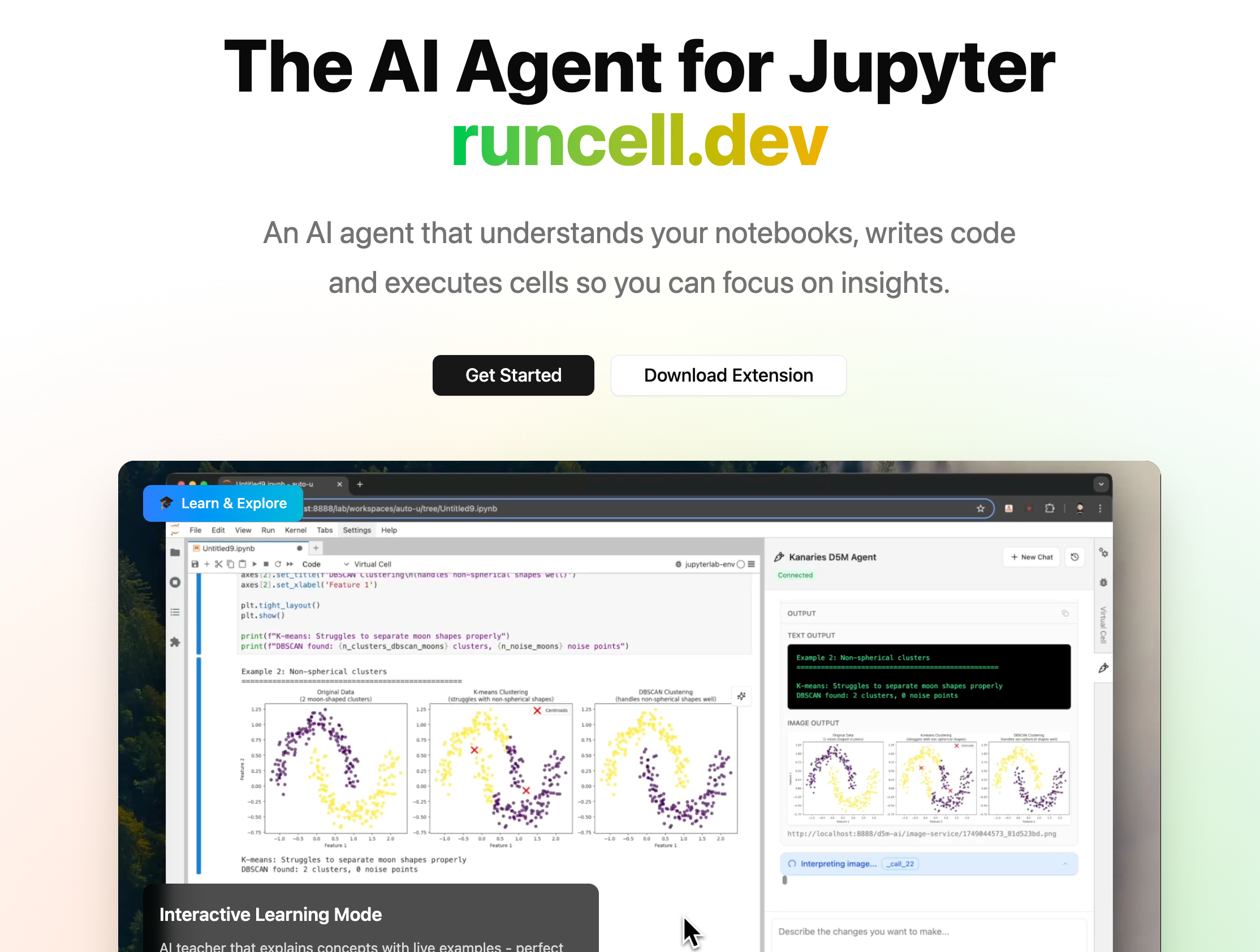
Runcell is a JupyterLab extension that drops an AI agent directly into the notebook environment, where it acts less like a code completer and more like a project partner that tracks decisions, plots, and progress across sessions. It can read the actual output of cells (charts, dataframes, metrics), plan multi-step workflows, and sit through long-running training jobs without losing context, which is the workflow most general-purpose coding agents fumble.
The pitch is aimed at domain experts rather than software engineers: quants in risk and fintech, academic researchers, supply-chain forecasters, and life-sciences ML teams who live in .ipynb files and don't want to migrate to a separate IDE or agent UI. Installation is a single pip install runcell, and model access (GPT, Claude, Gemini) is bundled through the subscription instead of requiring you to bring your own API keys. There's a free Hobby tier with monthly credits, with paid plans unlocking more credits and access to the stronger frontier models.
It's a closed-source SaaS layer on top of JupyterLab, with no public API documented, so it's best treated as an end-user tool rather than a platform you'd build on. If you've already standardized on Cursor, Claude Code, or Copilot for general coding, Runcell only earns a slot if your real work happens inside notebooks.
Runcell is one of the few coding agents that actually takes notebooks seriously instead of treating them as second-class code. The output-aware reasoning and cross-session memory are the right bets for data science workflows. We'd want to see open pricing math and an API before recommending it for team-wide rollouts.
— The AI Tool Bible editorial team
Pros
- ✅ Lives inside JupyterLab instead of forcing an IDE switch
- ✅ Reads cell outputs (plots, dataframes) for grounded reasoning
- ✅ Persistent cross-session memory survives multi-week projects
- ✅ Bundled model access — no BYO API keys required
- ✅ Handles multi-hour training runs without context loss
Cons
- ⚠️ Closed-source with no public API documented
- ⚠️ Niche to JupyterLab — useless if you've moved to VS Code notebooks or scripts
- ⚠️ Credit-metered pricing can get opaque for heavy users
- ⚠️ Young product with limited public track record
Use cases
Frequently asked
- Who is Runcell designed for?
- Runcell is aimed at domain experts like quants, academic researchers, and ML teams who work in JupyterLab. It is not intended for general software engineers using VS Code or plain Python scripts.
- How does Runcell handle long-running projects?
- It features persistent cross-session memory that tracks decisions and progress over weeks. The agent can sit through long-running training jobs without losing context.
- Does Runcell require separate API keys?
- No, model access for GPT, Claude, and Gemini is bundled through the subscription. Users do not need to bring their own API keys.
- What are the pricing options for Runcell?
- Runcell offers a free Hobby tier with monthly credits. Paid plans include Pro at $20/month, Pro+ at $60/month, Ultra at $200/month, and Teams at $40/seat/month.
- Is Runcell open source or does it have a public API?
- Runcell is a closed-source SaaS layer with no public API documented. It is best treated as an end-user tool rather than a platform for building integrations.
Explore related
Compare with similar tools
All in Coding →Cursor
FeaturedAI-first VS Code fork — chat, edit, and agentic coding in one IDE.
GitHub Copilot
FeaturedThe original AI pair programmer, now with chat and agents.
Replit Agent
FeaturedBuild & deploy a full app from a single prompt.
Warp
The agentic development environment, from the terminal up
Cline
Open-source agentic coding assistant that plans, edits, and runs code inside your IDE
Aider
Terminal-based AI pair programmer that writes commits.