PyGPT
✓ Editorially verifiedOpen-source desktop AI assistant that wires every major LLM provider into one local app with agents, vision, and a code interpreter.
In short
PyGPT is a free, open-source desktop app that connects to multiple LLM providers like GPT-5 and Claude. It offers agents, vision, and a code interpreter for local, self-hosted AI use.
Pick PyGPT if you want one open-source desktop cockpit that talks to every major LLM provider plus local Ollama models.
Skip it if you need a managed cloud service, a programmable API, or a polished consumer chat app with zero setup.
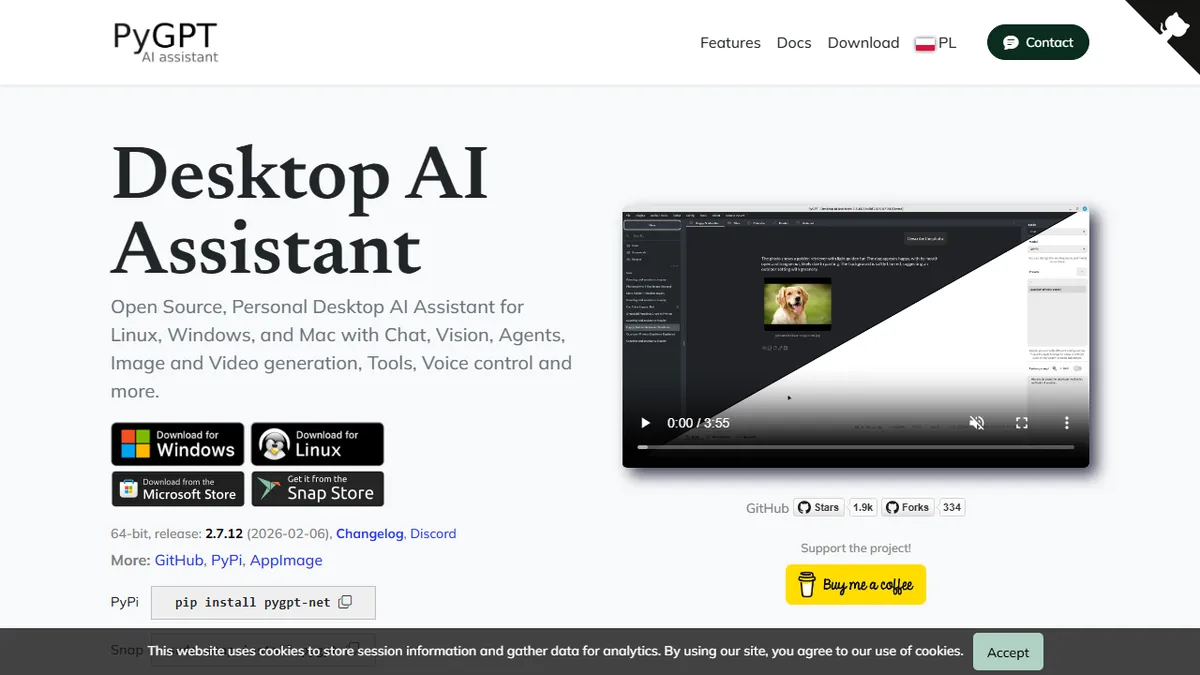
PyGPT is a cross-platform desktop AI assistant for Windows, macOS, and Linux that serves as a self-hosted alternative to ChatGPT's web app. It bundles 12 operational modes including chat, vision, image and video generation, an autonomous agent runner, and a built-in Python code interpreter, with LlamaIndex baked in so you can point it at local files and chat with your own data.
What makes it distinct is that it is genuinely model-agnostic and genuinely free. The app is MIT-licensed and you bring your own API keys, slotting in OpenAI GPT-5/GPT-4/o-series, Anthropic Claude, Google Gemini, xAI Grok, DeepSeek, Perplexity, Mistral, or anything you run locally through Ollama. That makes it a good fit for tinkerers, privacy-minded power users, and developers who want one keyboard-driven cockpit instead of juggling six different web UIs.
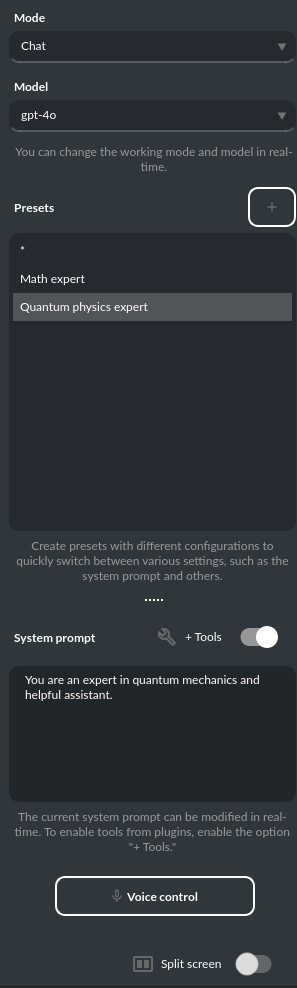
The plugin system covers web search, file management, voice I/O, a task scheduler, and custom integrations, and token usage is surfaced in real time so you can keep an eye on what each provider is costing you. PyGPT itself does not expose an API — it is a client, not a server — so teams that need programmatic access should look elsewhere.
PyGPT is the kind of project the open-source desktop AI space needs more of: a single MIT-licensed client that does not lock you to one vendor. It is opinionated about being a power-user tool, so expect to spend an evening configuring keys and plugins — but the payoff is a genuinely capable local assistant.
— The AI Tool Bible editorial team
Pros
- ✅ Truly multi-provider: OpenAI, Anthropic, Google, xAI, DeepSeek, Mistral, Ollama in one app
- ✅ MIT-licensed and free; you only pay the underlying API providers
- ✅ Bundles agents, vision, image/video gen, and a Python code interpreter
- ✅ LlamaIndex integration for chatting with local files and folders
- ✅ Cross-platform desktop builds for Windows, macOS, and Linux
Cons
- ⚠️ No hosted API — it is a desktop client only
- ⚠️ Requires you to manage and pay for your own provider API keys
- ⚠️ Feature surface is broad, which can feel busy for casual users
- ⚠️ Quality of any given mode depends on the third-party model you wire in
Use cases
Frequently asked
- How much does PyGPT cost?
- PyGPT is completely free and open-source under the MIT license. However, you must bring your own API keys for providers like OpenAI or Anthropic, or use local models via Ollama to avoid external costs.
- Which AI models does PyGPT support?
- It supports GPT-5, GPT-4, o-series, Claude, Gemini, Grok, DeepSeek, Perplexity, Mistral, and local models through Ollama. This multi-model approach lets you switch between providers within one interface without juggling different web apps.
- Can I use PyGPT for coding tasks?
- Yes, PyGPT includes a built-in Python code interpreter. It also features an autonomous agent runner and LlamaIndex integration, allowing you to point the tool at local files and chat with your own data for development workflows.
- Is PyGPT suitable for teams needing API access?
- No, PyGPT is a client, not a server, and does not expose an API. It is designed for individual desktop use. Teams requiring programmatic access or a managed cloud service should look for other solutions.
- What platforms does PyGPT run on?
- PyGPT is a cross-platform desktop application available for Windows, macOS, and Linux. It serves as a self-hosted alternative to web-based chat apps, offering a keyboard-driven cockpit for privacy-minded users and developers.
Explore related
Compare with similar tools
All in Writing →Claude
FeaturedAnthropic's flagship assistant for long-form writing, analysis, and coding.
GPT-4o
FeaturedOpenAI's multimodal flagship behind ChatGPT.
Gemini Advanced
Google's flagship — strong at math, long context, and Workspace integration.
Llama 3
Meta's open-weights LLM family that put serious frontier-adjacent models in everyone's hands.
Qwen
Alibaba's open-weight foundation model family covering chat, vision, image generation, translation, and safety classification.
Jan
Open-source desktop ChatGPT alternative that runs local LLMs and routes to cloud providers from one app.