
ProWritingAid
✓ Editorially verifiedAI-powered writing coach and manuscript editor built for fiction authors and long-form writers.
In short
ProWritingAid provides craft-level feedback on pacing, dialogue, and structure for novelists and long-form writers. It goes beyond basic grammar checks with AI features for rewrites and manuscript analysis. It is best for authors who need detailed stylistic critique rather than business copy optimization.
Pick ProWritingAid if you're a novelist or long-form writer who wants craft-level feedback on pacing, dialogue, and structure beyond basic grammar.
Skip it if you mostly write short business emails or marketing copy, or if you need an API to embed writing checks into your own product.
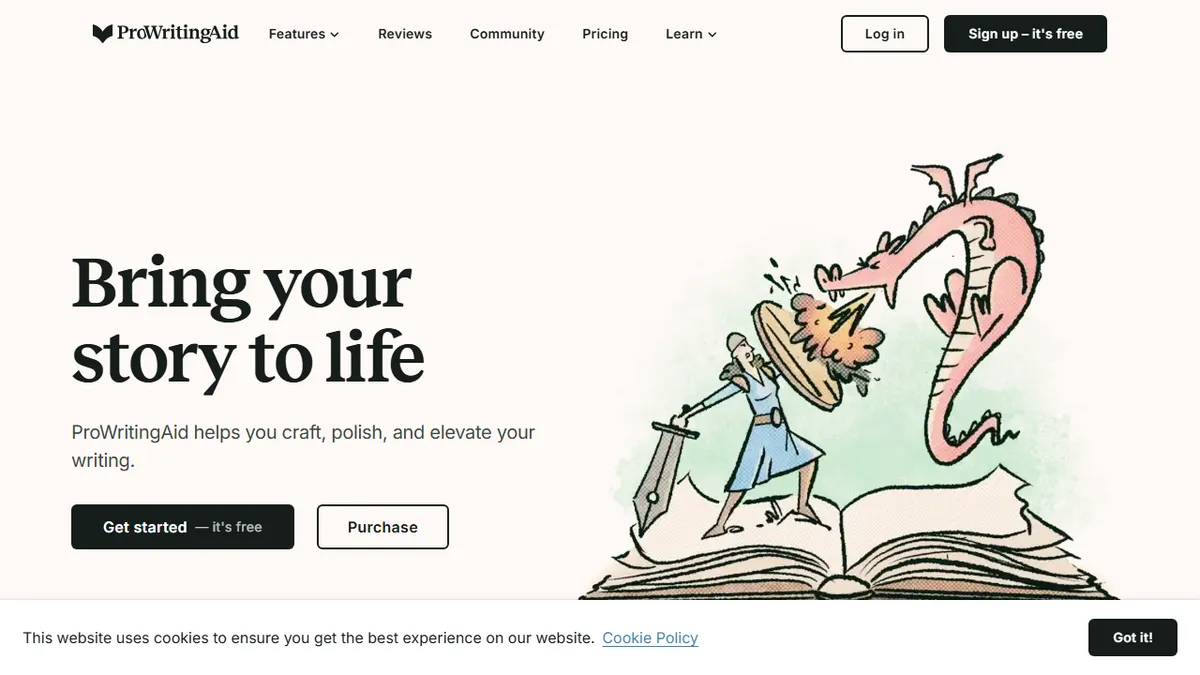
ProWritingAid is a desktop, browser, and cloud writing assistant that goes well beyond grammar and spell-check. It runs your prose through dozens of analytical reports (style, pacing, dialogue, sensory language, sticky sentences, cliches, readability, echoes) and layers on AI features for rewrites, sparks/brainstorming, and story-level tools like Manuscript Analysis, Chapter Critique, Plot Analysis, Character Analysis, and a Virtual Beta Reader. It integrates with Microsoft Word, Google Docs, Scrivener, Chrome, Firefox, Edge, Apple Notes, Notion, and Discord, so the same rulebook follows you across every writing surface.
Where Grammarly optimizes for business email and marketing copy, ProWritingAid is unapologetically built for novelists and long-form writers who care about craft. Pricing is freemium: a limited free plan exists, with Premium and Premium Pro subscriptions on monthly, annual, or lifetime terms (roughly $30/mo, $120/yr, or a one-time lifetime license, depending on promotions). The company also states it does not use your text to train its models, which matters if you're editing an unpublished manuscript.
Caveats: the AI-heavy features (rewrites, Sparks, Critique) are gated behind Premium Pro credit limits, and the sheer number of reports can be overwhelming until you tune which ones you actually care about. There's no publicly documented API for developers, so this is a tool for writers to use, not to embed.
ProWritingAid remains the most novelist-friendly editor on the market, and the recent AI Sparks and Critique features have made it a genuine drafting companion rather than just a red-pen tool. The lifetime license and no-training pledge are meaningful differentiators against Grammarly. Just budget an afternoon to learn which of its many reports you actually trust.
— The AI Tool Bible editorial team
Pros
- ✅ Deep craft-level reports tailored to novelists, not just grammar fixes
- ✅ Integrates with Word, Google Docs, Scrivener, and major browsers
- ✅ Lifetime license option is rare in the writing-tool space
- ✅ Explicit commitment to not training on your text
Cons
- ⚠️ AI features are credit-limited on lower tiers
- ⚠️ Report overload can be intimidating for new users
- ⚠️ No public API for developers
- ⚠️ Desktop app can be sluggish on very long manuscripts
Use cases
Frequently asked
- Who is ProWritingAid designed for?
- It is built specifically for fiction authors and long-form writers who care about craft. It is not optimized for short business emails or marketing copy.
- What writing platforms does ProWritingAid integrate with?
- It integrates with Microsoft Word, Google Docs, Scrivener, Chrome, Firefox, Edge, Apple Notes, Notion, and Discord.
- Does ProWritingAid use my text to train its AI models?
- No, the company states it does not use your text to train its models, which is important for editing unpublished manuscripts.
- Is there a public API for developers?
- No, there is no publicly documented API for developers. It is a tool for writers to use directly, not to embed into other products.
- What are the limitations of the free plan?
- The free plan is limited. AI-heavy features like rewrites, Sparks, and Critique are gated behind Premium Pro credit limits.
Explore related
Compare with similar tools
All in Writing →Claude
FeaturedAnthropic's flagship assistant for long-form writing, analysis, and coding.
GPT-4o
FeaturedOpenAI's multimodal flagship behind ChatGPT.
Gemini Advanced
Google's flagship — strong at math, long context, and Workspace integration.
Llama 3
Meta's open-weights LLM family that put serious frontier-adjacent models in everyone's hands.
Qwen
Alibaba's open-weight foundation model family covering chat, vision, image generation, translation, and safety classification.
Jan
Open-source desktop ChatGPT alternative that runs local LLMs and routes to cloud providers from one app.