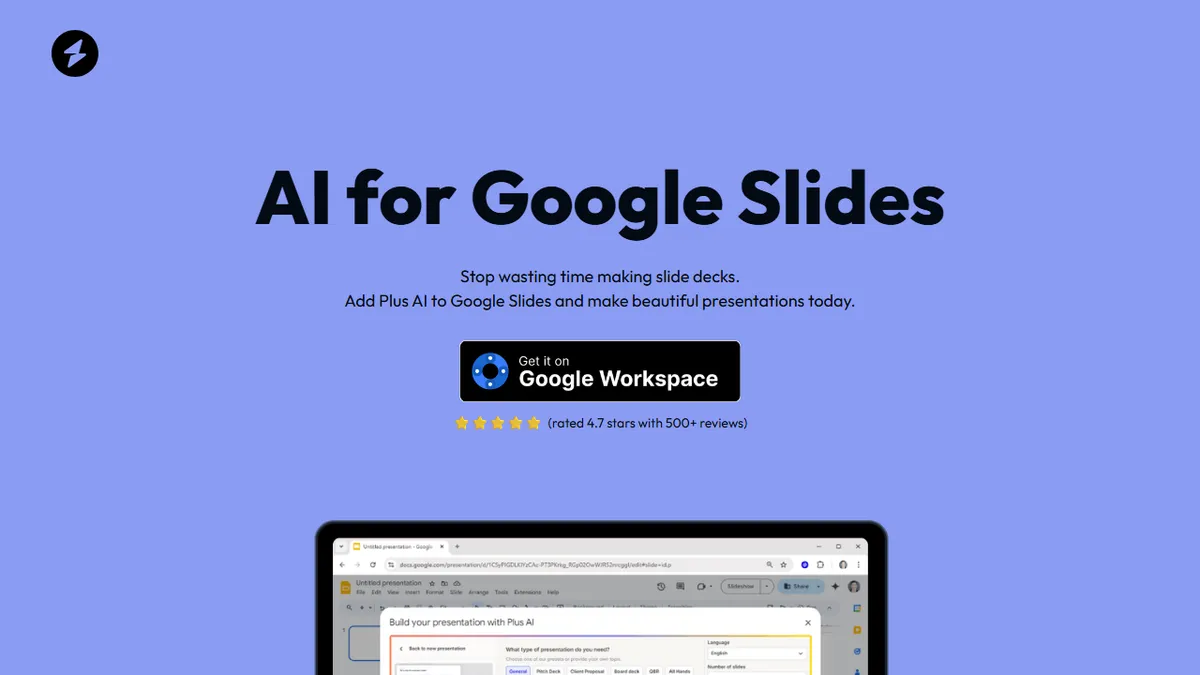

Plus AI for Google Slides
Native Google Slides add-on that drafts, edits, and rebrands decks from a prompt or uploaded doc.
In short
Plus AI integrates generative AI directly into Google Slides to generate full decks from prompts or uploaded documents. It is best for Google Workspace teams needing to create pitch decks or training materials without leaving the editor.
Pick Plus AI for Google Slides if your team lives in Google Workspace and needs to draft pitch decks or training material directly inside Slides.
Skip it if you work primarily in PowerPoint or Keynote, or if you need an API to generate decks programmatically.
Plus AI is a Google Workspace add-on that bolts generative AI directly into Google Slides, letting you spin up full presentations from a prompt, convert a document into a deck, or rewrite and restyle individual slides without leaving the editor. Because it lives inside Slides rather than exporting from a separate app, the output stays as a real .gslides file with editable text, shapes, and themes instead of locked-down images.
It's aimed squarely at knowledge workers who already live in Google Workspace and need to churn out pitch decks, training material, or internal updates faster. Pricing starts at $10/month on the annual Starter plan and climbs to $40/month for Teams with custom branding, document uploads, and longer prompts gated behind the Pro tier and above. A 7-day free trial covers every feature, which is generous compared to most AI presentation tools.
The trade-off is scope: Plus AI is firmly a Google Slides citizen, so PowerPoint-first teams or anyone wanting a standalone web app should look elsewhere. There's no public API, no open-source code, and the underlying models aren't disclosed, but for Workspace shops the native integration is the whole point.
Plus AI is one of the few presentation tools that respects the host editor instead of fighting it — decks stay native Google Slides files. The pricing is fair for Workspace teams, but the closed model stack and Slides-only footprint make it a poor fit for anyone outside that ecosystem.
— The AI Tool Bible editorial team
Pros
- ✅ Runs inside Google Slides — output is a real editable deck, not an export
- ✅ Generates full presentations from a prompt or uploaded document
- ✅ Custom branding and team controls on higher tiers
- ✅ 7-day free trial covers all features
Cons
- ⚠️ Google Slides only — no PowerPoint or Keynote support
- ⚠️ Underlying AI models are not disclosed
- ⚠️ No public API for programmatic deck generation
- ⚠️ Document uploads and longer prompts gated to Pro and above
Use cases
Frequently asked
- Does Plus AI work with PowerPoint or Keynote?
- No, Plus AI is a Google Slides-only add-on. It does not support PowerPoint or Keynote, making it unsuitable for teams that primarily use those platforms.
- Is the output from Plus AI editable?
- Yes, the tool generates real .gslides files with editable text, shapes, and themes, rather than exporting locked-down images or separate files.
- What features are included in the free trial?
- The 7-day free trial covers every feature of the tool, including those typically gated behind higher tiers, allowing users to test all capabilities.
- Can I use Plus AI to generate decks via an API?
- No, there is no public API available for programmatic deck generation. The tool is designed to be used directly within the Google Slides interface.
Explore related
Compare with similar tools
All in Writing →Claude
FeaturedAnthropic's flagship assistant for long-form writing, analysis, and coding.
GPT-4o
FeaturedOpenAI's multimodal flagship behind ChatGPT.
Gemini Advanced
Google's flagship — strong at math, long context, and Workspace integration.
Llama 3
Meta's open-weights LLM family that put serious frontier-adjacent models in everyone's hands.
Qwen
Alibaba's open-weight foundation model family covering chat, vision, image generation, translation, and safety classification.
Jan
Open-source desktop ChatGPT alternative that runs local LLMs and routes to cloud providers from one app.