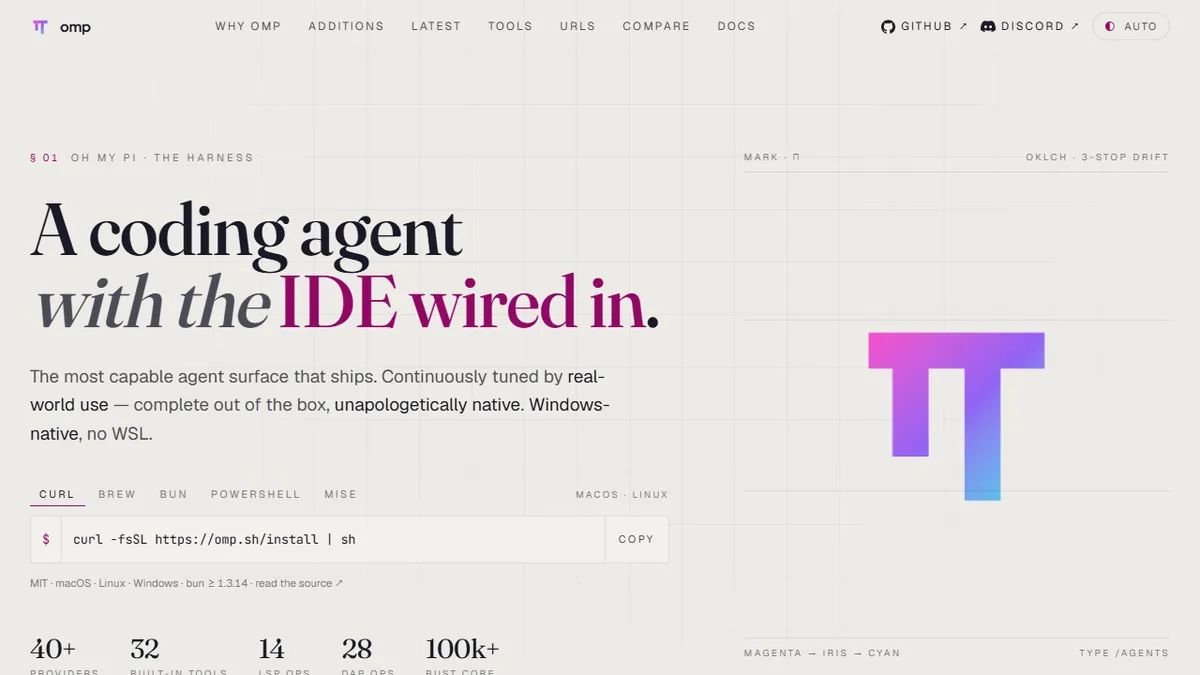

omp (Oh My Pi)
Open-source terminal coding agent with LSP, DAP, subagents, and a native Rust execution engine.
In short
omp is an open-source terminal AI coding agent that integrates Language Server Protocol and Debug Adapter Protocol for IDE-like capabilities. It is best for developers who prefer terminal-based workflows and require precise, hash-anchored edits over fuzzy diff patching.
Pick omp if you live in the terminal, want an open-source coding agent with real LSP/DAP wiring, and prefer hash-anchored edits over fuzzy diff patching.
Skip it if you want a hosted IDE plugin, a team collaboration UI, or a turnkey product that hides the model and API key from you.
omp, short for Oh My Pi, is a terminal-based AI coding agent built around a TypeScript orchestration layer and a native Rust engine that handles the hot paths. Unlike thin CLI wrappers around an LLM, it ships with real IDE plumbing wired in: Language Server Protocol for cross-file refactors, Debug Adapter Protocol for live debugging, hash-anchored edits to prevent silent merge drift, subagents for parallel work, plan mode for staged execution, and a hindsight memory layer for keeping context across long sessions.
It is MIT-licensed, multi-provider (Anthropic Claude, OpenAI, and others via the model harness), and runs on macOS, Linux, and Windows. The npm distribution is @oh-my-pi/pi-coding-agent. Pricing for the tool itself is free; you bring your own API keys, and cost is whatever your chosen model provider charges. With 15K+ GitHub stars and active development by maintainer can1357, it sits squarely in the Claude Code / aider / OpenCode tier of serious open-source coding agents rather than the toy-CLI tier.
The headline differentiator is the engineering altitude: most agentic CLIs glue together shell commands and string-diffs, while omp leans on LSP/DAP and a typed, hash-anchored edit protocol to behave more like an IDE collaborator. The trade-off is that it is a terminal tool for power users — there is no hosted GUI, no team dashboard, and the conceptual surface (plan mode, hashline edits, time-traveling rules, subagents) takes a session or two to internalize.
omp is one of the more technically ambitious open-source coding agents to land recently — Rust engine, LSP, DAP, subagents, and a serious edit protocol, all MIT. It is clearly written by someone who has used Claude Code in anger and decided to fix the rough edges. Worth a serious evaluation if you already run aider or Claude Code from a shell.
— The AI Tool Bible editorial team
Pros
- ✅ MIT-licensed and fully open source on GitHub
- ✅ Real LSP and DAP integration, not just shell shelling
- ✅ Hash-anchored edits prevent silent overwrites on stale files
- ✅ Multi-provider: Anthropic, OpenAI, and more via one harness
- ✅ Native Rust engine keeps tool calls and file ops fast
Cons
- ⚠️ Terminal-only; no GUI or hosted dashboard
- ⚠️ Concept surface (plan mode, hashlines, subagents) has a learning curve
- ⚠️ You pay model-provider fees separately
- ⚠️ Younger ecosystem than Claude Code or aider
Use cases
Frequently asked
- How much does omp cost to use?
- The tool itself is free and MIT-licensed. Users must bring their own LLM API keys, so costs depend on the chosen model provider.
- What makes omp different from other terminal coding agents?
- omp uses a native Rust engine and real IDE plumbing, including LSP for refactoring and DAP for debugging. It employs hash-anchored edits to prevent silent merge drift, unlike tools that rely on shell commands and string-diffs.
- Which AI models and operating systems are supported?
- omp supports multiple providers, including Anthropic Claude and OpenAI, via a model harness. It runs on macOS, Linux, and Windows.
- Is omp suitable for teams or GUI-based workflows?
- No, omp is a terminal-only tool for power users. It does not offer a hosted GUI, team dashboard, or collaboration UI, and it has a steeper learning curve due to features like plan mode and subagents.
Explore related
Compare with similar tools
All in Coding →Cursor
FeaturedAI-first VS Code fork — chat, edit, and agentic coding in one IDE.
GitHub Copilot
FeaturedThe original AI pair programmer, now with chat and agents.
Replit Agent
FeaturedBuild & deploy a full app from a single prompt.
Warp
The agentic development environment, from the terminal up
Cline
Open-source agentic coding assistant that plans, edits, and runs code inside your IDE
Aider
Terminal-based AI pair programmer that writes commits.