Magic Patterns
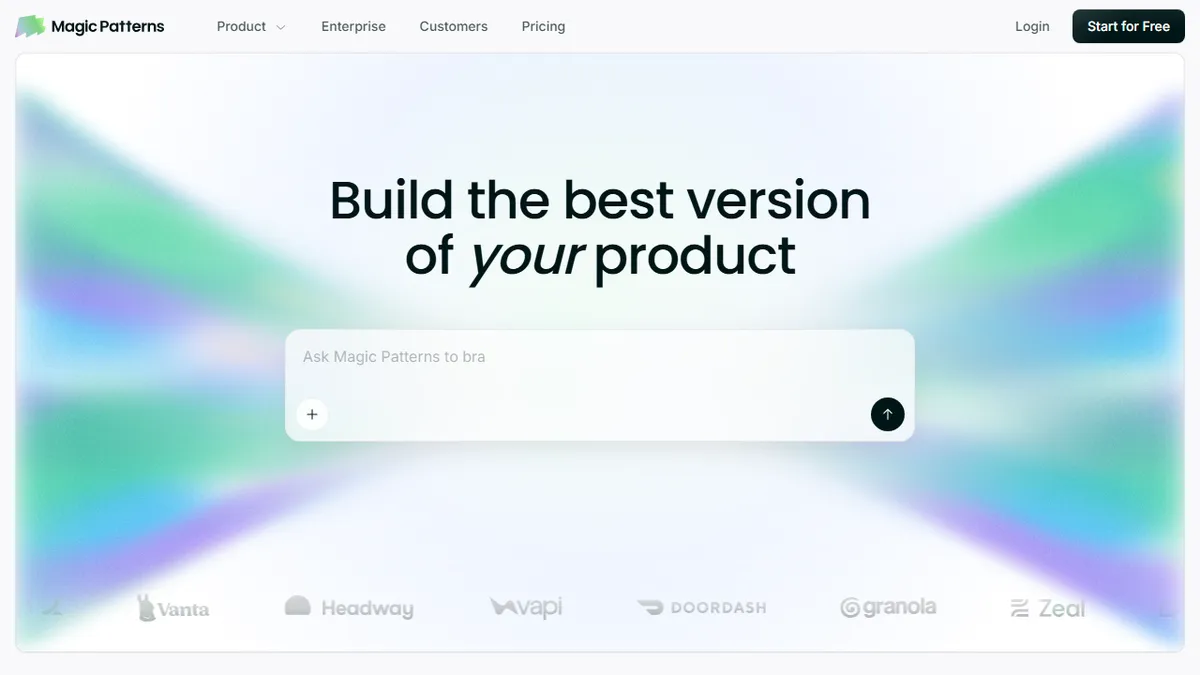
AI prototype generator that turns prompts into production-styled UI mocks for product teams.
In short
Magic Patterns generates production-styled React UI mocks from prompts, integrating with your design system for fast product validation.
Pick Magic Patterns if you are a product team that needs polished, on-brand UI prototypes in hours instead of days to validate features or pitch internally.
Skip it if you want an open-source code generator, a deep IDE integration, or a tool that ships production-ready apps end-to-end.
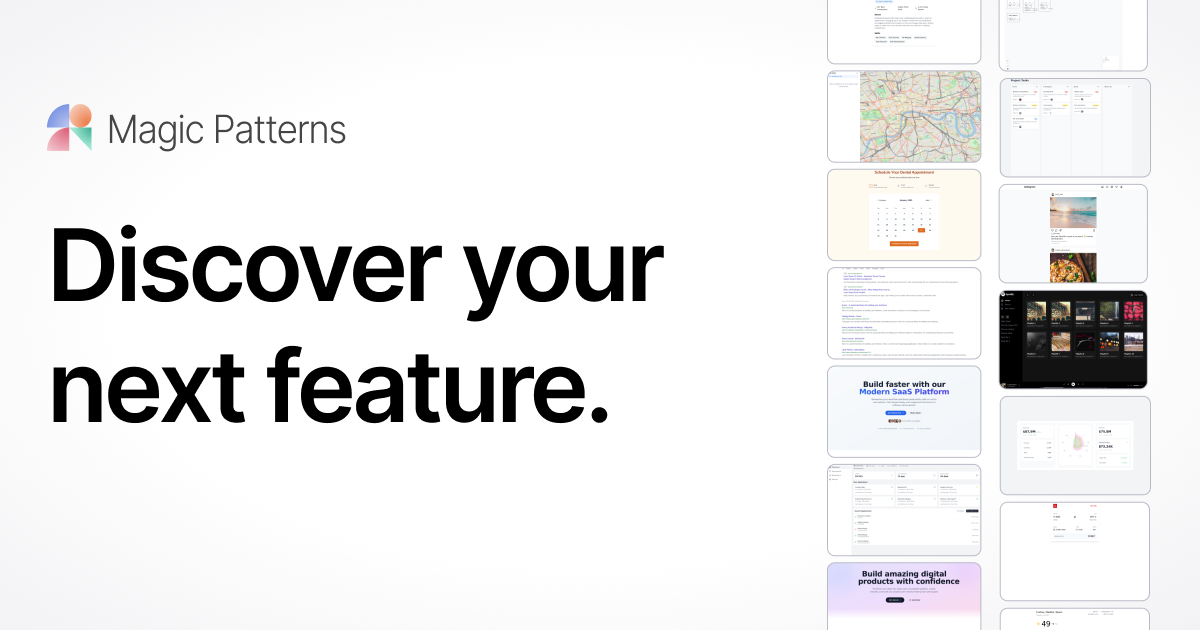
Magic Patterns is an AI-driven prototyping tool aimed at product managers, designers, and founders who need to spin up interactive UI mocks before committing engineering time. You describe what you want (or paste in screenshots/specs), and it generates React-based components and screens that match your existing design system, which you can edit, share, and iterate on live with collaborators. The community catalog claims over a million designs as a reference and inspiration library.
What differentiates Magic Patterns from generic 'AI website builders' is its emphasis on plugging into a team's real design system so generated patterns look like they belong in the product, not a Tailwind demo. Pricing is freemium: a free tier to try it, Starter at $20/seat/month, Business at $100/seat/month, and custom Enterprise plans with SOC 2 and ISO 27001 compliance for buyers who care about audit trail.
The target buyer is clearly a product team running discovery, sales engineers building bespoke demos, or a startup founder trying to externalize an idea fast. There is no public mention of an open API or open-source release, so treat it as a closed SaaS surface.
Magic Patterns sits in the increasingly crowded 'AI mockup' space but earns its keep by taking design-system fidelity seriously. It is a discovery and demo tool, not an engineering tool, and pricing reflects that — fine for a PM seat, less obvious as a per-developer purchase. Worth a free-tier try before any team rollout.
— The AI Tool Bible editorial team
Pros
- ✅ Generates UI that respects your existing design system, not just generic Tailwind
- ✅ Live collaborative editing makes it usable in product/design reviews
- ✅ Free tier and modest $20/seat entry price for individual exploration
- ✅ SOC 2 and ISO 27001 certifications make it viable for enterprise pilots
Cons
- ⚠️ No public API documented, so workflow automation is limited
- ⚠️ Closed source and locked to the hosted platform
- ⚠️ Output is prototype-grade — not a replacement for production engineering
Use cases
Frequently asked
- How much does Magic Patterns cost?
- Magic Patterns uses a freemium model. The Free tier is $0, Starter is $20 per seat per month, Business is $100 per seat per month, and Enterprise plans are custom-priced with compliance features.
- Is Magic Patterns open-source?
- No, Magic Patterns is a closed SaaS surface. There is no public mention of an open-source release or open API, so it is not an open-source code generator.
- Does it integrate with existing design systems?
- Yes, it emphasizes plugging into a team's real design system. Generated React-based components and screens match your existing design system, ensuring patterns look like they belong in the product.
- Who is the best user for this tool?
- It is best for product managers, designers, and founders who need interactive UI mocks to validate features or pitch internally. It is ideal for teams running discovery or building bespoke demos.
- Can it ship production-ready apps end-to-end?
- No, you should skip it if you want a tool that ships production-ready apps end-to-end. It is designed for prototyping and generating UI mocks, not for full application deployment.
Explore related
Compare with similar tools
All in Coding →Cursor
FeaturedAI-first VS Code fork — chat, edit, and agentic coding in one IDE.
GitHub Copilot
FeaturedThe original AI pair programmer, now with chat and agents.
Replit Agent
FeaturedBuild & deploy a full app from a single prompt.
Warp
The agentic development environment, from the terminal up
Cline
Open-source agentic coding assistant that plans, edits, and runs code inside your IDE
Aider
Terminal-based AI pair programmer that writes commits.