
llmfit
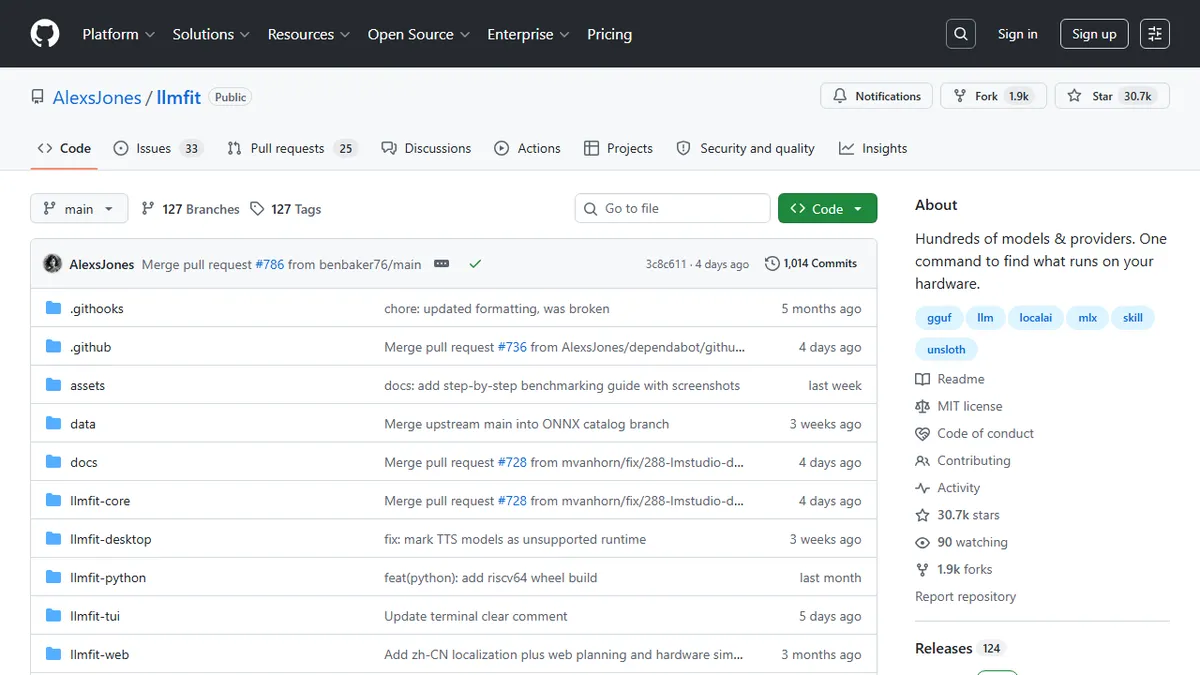
Terminal tool that scores hundreds of open LLMs against your actual CPU, RAM, and GPU and tells you which ones will run well.
In short
llmfit is a terminal application that analyzes your specific hardware to determine which open-weight LLMs will run effectively. It scores models on quality, speed, and fit, recommending the best quantization and runtime for your machine.
Pick llmfit if you self-host LLMs and want a data-driven answer to which GGUF, MLX, or Ollama model your specific machine should actually run.
Skip it if you only use hosted APIs like OpenAI or Anthropic and never plan to run inference locally.
llmfit is a Rust-based terminal app that profiles your machine (CPU cores, system RAM, GPU model, VRAM, available backend) and then ranks hundreds of open-weight LLMs by how they will actually perform on that hardware. It scores each model across quality, speed, fit, and context dimensions, picks the best quantization, estimates tokens-per-second, and flags whether the model is a GPU fit, a CPU offload, an MoE expert-switch case, or a no-go. The default interface is a Vim-keyed TUI with filters by provider, use case, capability, license, and runtime; a classic CLI mode emits JSON for piping into jq.
Where most "what model should I run" guides are blog posts that age out in a month, llmfit is data-driven and live: it integrates with Ollama, llama.cpp, MLX, Docker Model Runner, and LM Studio to mark which models you already have installed, has a Plan mode that inverts the question to "what hardware would I need for this config?", a Hardware Simulation mode to test specs you don't own, and a Community Leaderboard view powered by localmaxxing.com that surfaces real measured tok/s, TTFT, and VRAM from other users on the same GPU. It's MIT-licensed, free, and installable via Homebrew, Scoop, MacPorts, uv/pip, Docker, or cargo.
The project is actively developed by Alex Jones with a tunable scoring panel (efficiency, GPU/CPU/MoE offload factors) so power users can correct for known overestimation cases, plus a download manager that handles model fetching and deletion against the configured runtime. It pairs with sister tools llmserve and llama-panel for actually serving the chosen model.
This is the tool the "what can my 3060 run?" Reddit threads should have replaced years ago. It is opinionated, hardware-aware, and refreshingly free of vendor spin, and the localmaxxing.com integration turns guesswork into measured reality. Easy recommendation for anyone serious about local inference.
— The AI Tool Bible editorial team
Pros
- ✅ Scores hundreds of models against your real CPU/RAM/GPU, not generic guidance
- ✅ Integrates with Ollama, llama.cpp, MLX, LM Studio, and Docker Model Runner
- ✅ Community Leaderboard shows real measured tok/s from same-hardware users
- ✅ MIT-licensed, single Rust binary, installs via brew/scoop/uv/cargo/docker
- ✅ Hardware Simulation and Plan modes let you spec future builds before buying
Cons
- ⚠️ Terminal-only TUI; no GUI for non-CLI users
- ⚠️ Speed estimates are heuristic and can be off without manual tuning
- ⚠️ Recommendations only as good as the model catalogue and benchmark coverage
Use cases
Frequently asked
- What hardware specifications does llmfit analyze?
- The tool profiles your machine's CPU cores, system RAM, GPU model, VRAM, and available backend to assess model compatibility.
- Which local LLM runtimes does llmfit integrate with?
- It integrates with Ollama, llama.cpp, MLX, Docker Model Runner, and LM Studio to identify which models are already installed on your system.
- How does llmfit determine the best model for my hardware?
- It ranks hundreds of open-weight LLMs by scoring them across quality, speed, fit, and context dimensions, while estimating tokens-per-second and flagging GPU or CPU offload requirements.
- Is llmfit available for free?
- Yes, llmfit is free and MIT-licensed. It can be installed via Homebrew, Scoop, MacPorts, uv/pip, Docker, or cargo.
- Can I use llmfit to plan future hardware purchases?
- Yes, it includes a Plan mode that inverts the question to show what hardware is needed for a specific configuration, as well as a Hardware Simulation mode for testing specs you do not own.
Explore related
Compare with similar tools
All in Evaluation →Braintrust
FeaturedEval, monitor, and improve AI products end-to-end.
LangSmith
LangChain's eval + observability platform.
Weights & Biases
The ML experiment tracker, now with LLM eval features.
Helicone
Open-source LLM observability — one-line proxy install.
Arize AI
Enterprise observability and evaluation platform for LLM agents and generative AI applications.
Giskard
Continuous AI red teaming platform that stress-tests LLM agents for vulnerabilities before they hit production.