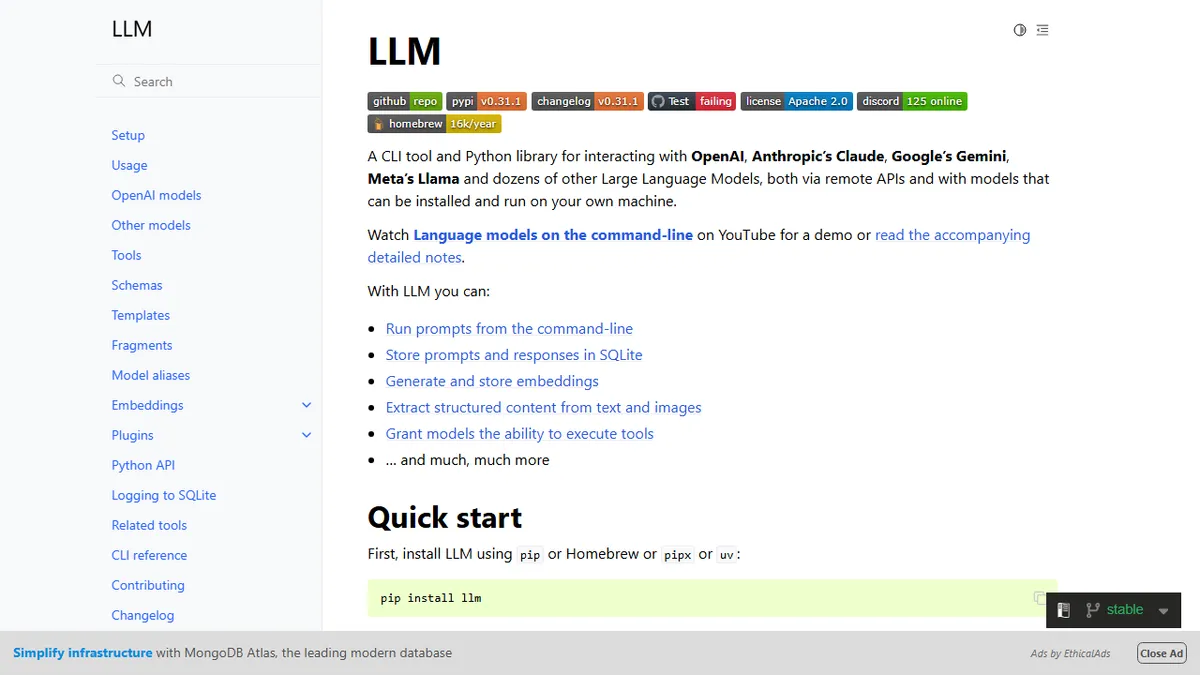
LLM by Datasette
A CLI and Python library for running prompts against any LLM provider and logging everything to SQLite.
In short
LLM by Datasette is a free, open-source CLI and Python library for running prompts against any LLM provider. It logs all interactions to SQLite for easy querying and supports multi-modal inputs.
Pick LLM by Datasette if you live in the terminal and want one scriptable, vendor-neutral interface to every major model with a permanent SQLite log.
Skip it if you want a polished chat UI, team collaboration features, or a managed service that hides API keys and billing.
LLM is Simon Willison's open-source command-line tool and Python library for talking to large language models from a terminal. Out of the box it speaks to OpenAI, Anthropic, Google Gemini, Meta Llama and dozens of other providers through a plugin system, and it stores every prompt and response in a local SQLite database that you can query with Datasette. It supports multi-modal inputs (text, images, audio, video), schema-based structured extraction, tool use, embeddings, fragments and templates, and interactive chat sessions.
It is aimed at developers, researchers and power users who want a single, scriptable interface to many models without committing to one vendor's SDK. Pricing is free under Apache 2.0 — you only pay the underlying model providers, and you can run entirely offline against local models via the Ollama or llama.cpp plugins. The CLI composes well with Unix pipes, which makes it a favourite for shell-based pipelines, batch evaluations and ad-hoc data extraction work.
The plugin ecosystem is the real differentiator: community plugins add new model backends, embedding stores, tool integrations and output formatters, and the SQLite log doubles as a queryable history you can mine later. The trade-off is that it is a developer tool — there is no GUI, no hosted service, and no team features.
This is the swiss-army knife the CLI-native crowd reaches for. Simon Willison's plugin discipline keeps it ahead of the model churn, and the SQLite log alone justifies the install for anyone running evals or doing data work. Not for non-developers, but unbeatable for those who are.
— The AI Tool Bible editorial team
Pros
- ✅ One CLI for OpenAI, Anthropic, Gemini, Llama and local models via plugins
- ✅ Every prompt and response logged to queryable SQLite
- ✅ Composes well with Unix pipes for scripting and batch jobs
- ✅ Apache-2.0 open source with an active plugin ecosystem
- ✅ Supports multi-modal input, schemas, embeddings and tool use
Cons
- ⚠️ Command-line only — no GUI or hosted dashboard
- ⚠️ Requires bringing your own API keys and managing provider costs
- ⚠️ Learning curve for plugin install and template syntax
Use cases
Frequently asked
- How much does LLM by Datasette cost?
- The tool is free and open source under the Apache 2.0 license. You only pay the underlying model providers separately for their API usage. You can also run entirely offline against local models via plugins like Ollama or llama.cpp.
- Which AI models does it support?
- It supports a multi-model approach, speaking to OpenAI, Anthropic, Google Gemini, Meta Llama, and dozens of other providers through a plugin system. Community plugins can add new model backends, embedding stores, and other integrations.
- Is there a graphical user interface?
- No, it is a developer tool with no GUI. It is designed for the terminal and composes well with Unix pipes. If you want a polished chat UI, team collaboration features, or a managed service, you should skip it.
- What features does it offer for data handling?
- It stores every prompt and response in a local SQLite database that you can query with Datasette. It supports multi-modal inputs (text, images, audio, video), schema-based structured extraction, tool use, embeddings, fragments, and templates.
- Who is this tool best for?
- It is aimed at developers, researchers, and power users who want a single, scriptable, vendor-neutral interface to many models. It is ideal for shell-based pipelines, batch evaluations, and ad-hoc data extraction work without committing to one vendor's SDK.
Explore related
Compare with similar tools
All in Coding →Cursor
FeaturedAI-first VS Code fork — chat, edit, and agentic coding in one IDE.
GitHub Copilot
FeaturedThe original AI pair programmer, now with chat and agents.
Replit Agent
FeaturedBuild & deploy a full app from a single prompt.
Warp
The agentic development environment, from the terminal up
Cline
Open-source agentic coding assistant that plans, edits, and runs code inside your IDE
Aider
Terminal-based AI pair programmer that writes commits.