
Lex
Google Docs-style writing app with an LLM sidekick wired into every sentence.
In short
Lex is a browser-based writing app that combines a Google Docs-like interface with built-in AI for drafting, editing, and brainstorming. It supports live collaboration and offers a free tier plus paid Pro and Teams options.
Pick Lex if you live in long-form prose and want a Google Docs replacement where an LLM is one keystroke away from every paragraph.
Skip it if you need an API, programmatic content pipelines, or a transparent enterprise pricing sheet before you'll evaluate.
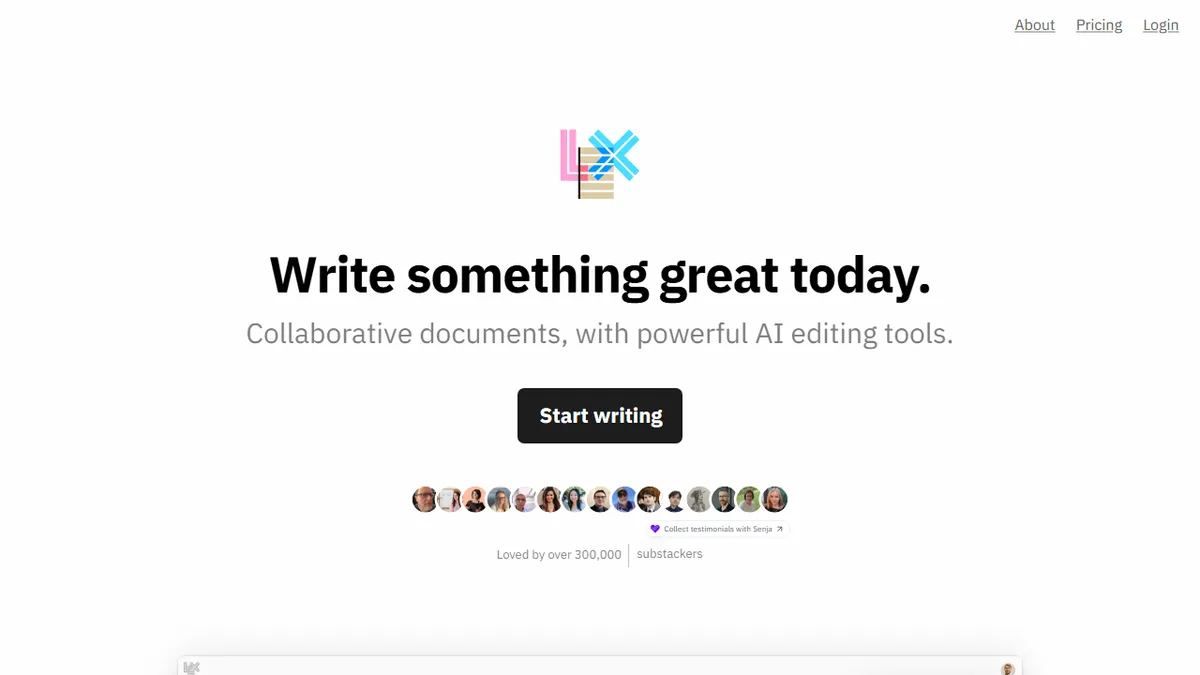
Lex is a browser-based document editor that looks and feels like Google Docs but bakes in AI commands for drafting, brainstorming, line-level feedback, and title generation. You write in a clean minimal canvas, and a chat-style assistant can be invoked on a selection or the whole document to rewrite, critique, continue, or fact-check passages without leaving the page.
The pitch is for professional writers, editors, and teams who want AI help without learning a new interface or piping prose between tabs. Pro unlocks access to frontier models (GPT-4.1, Claude, and others) plus early features and priority support; a free tier covers casual use, and a Teams add-on enables shared folders. Lex claims 300,000+ writers and name-checks Google, Microsoft, Harvard, Stanford, the New York Times, and BuzzFeed among its users.
Live collaboration, comments, version history, and read-only publish links round out the document-app fundamentals, and Track Changes is on the roadmap. There's no public API, no self-host option, and pricing detail is mostly hidden behind a signup or email request, which makes procurement a touch awkward for larger teams.
Lex is one of the more tasteful AI writing apps because it respects the document-first workflow instead of forcing you into a chat panel. The multi-model Pro tier is genuinely useful, but the coyness around pricing and the missing API ceiling its appeal for teams that want to standardize on it.
— The AI Tool Bible editorial team
Pros
- ✅ Familiar Google Docs-style editor with AI woven in, not bolted on
- ✅ Multi-model access (GPT-4.1, Claude) on the Pro plan
- ✅ Real-time collaboration, comments, versioning, and publish links
- ✅ Adopted by serious newsrooms and universities, not just hobbyists
Cons
- ⚠️ Pricing is not transparently published on the site
- ⚠️ No public API or self-hosted option
- ⚠️ Track Changes still listed as 'coming soon'
- ⚠️ Thin disclosure about which model handles which task
Use cases
Frequently asked
- How much does Lex cost?
- Lex uses a freemium model with a free tier for casual use. Lex Pro is a paid subscription with a non-public price, and a Teams add-on is available for shared folders. Specific pricing details are hidden behind a signup or email request.
- What AI models does Lex use?
- Lex utilizes a multi-model approach, including GPT-4.1 and Claude. Access to these frontier models is unlocked with the Lex Pro subscription, which also provides early features and priority support for professional writers and teams.
- Is there a public API for Lex?
- No, there is no public API available for Lex. The tool is designed as a browser-based document editor for direct human interaction, not for programmatic content pipelines or automated integration into other software systems.
- Does Lex support team collaboration?
- Yes, Lex supports live collaboration, comments, and version history. A Teams add-on enables shared folders for group work. The platform is designed for professional writers, editors, and teams who need AI assistance within a familiar document interface.
- What are the main use cases for Lex?
- Lex is best for long-form drafting, editorial feedback, collaborative writing, brainstorming, and AI rewriting. It allows users to invoke AI commands on text selections or the whole document to rewrite, critique, continue, or fact-check passages without leaving the page.
Explore related
Compare with similar tools
All in Writing →Claude
FeaturedAnthropic's flagship assistant for long-form writing, analysis, and coding.
GPT-4o
FeaturedOpenAI's multimodal flagship behind ChatGPT.
Gemini Advanced
Google's flagship — strong at math, long context, and Workspace integration.
Llama 3
Meta's open-weights LLM family that put serious frontier-adjacent models in everyone's hands.
Qwen
Alibaba's open-weight foundation model family covering chat, vision, image generation, translation, and safety classification.
Jan
Open-source desktop ChatGPT alternative that runs local LLMs and routes to cloud providers from one app.