
HyperWrite
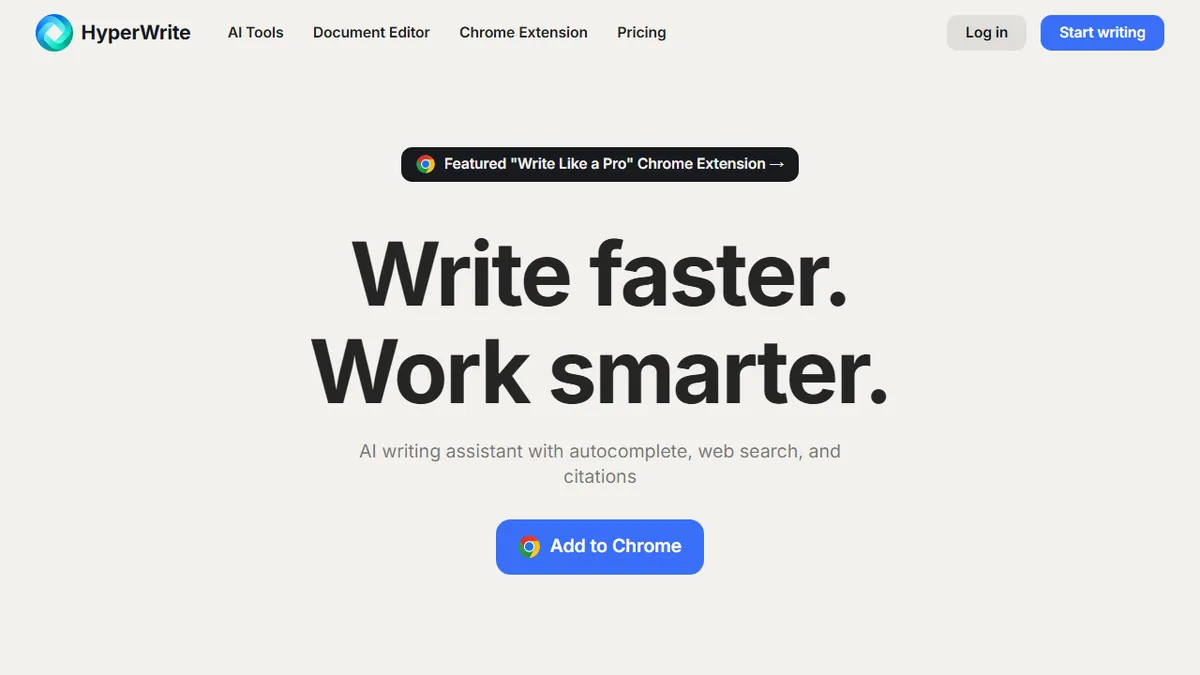
Browser-based AI writing assistant with autocomplete, persona-matching, and integrated research citations.
In short
HyperWrite is a Chrome extension that provides AI writing assistance, including autocomplete and persona-matching, directly within web apps like Gmail and Docs. It is best for users who want a context-aware copilot that follows them across their browser rather than a standalone editor.
Pick HyperWrite if you want a context-aware writing copilot that follows you across every web app instead of forcing you into a separate editor.
Skip it if you need a long-form book/marketing-content studio or want full control over which model is generating your text.
HyperWrite is an AI writing platform that lives mostly in your browser via a Chrome extension, layering autocomplete, paragraph generation, and rewrite tools on top of whatever app you happen to be typing in. The core loop is TypeAhead (Copilot-style sentence completions), AutoWrite (full paragraph generation), and HyperChat (a conversational sidekick), with email response, summarization, and a built-in research feature that pulls citations from scholarly articles.
Where HyperWrite tries to differentiate from the Jasper/Copy.ai crowd is in personalization: you train custom AI personas on your own writing samples so output sounds more like you and less like generic LLM mush. Pricing is reasonable for individuals (Premium around $19.99/mo with 250 messages and 3 personas, Ultra around $44.99/mo for unlimited messages and 10 personas), with a free tier for light use. It's pitched at professionals, students, and creators who want assistance scattered across every text field on the web rather than a separate writing app.
The extension-first distribution is the real hook — it works inside Gmail, Docs, LinkedIn, and most CMSs without a copy-paste dance. Caveats: the underlying model isn't disclosed in detail, the research/citation feature is convenient but worth double-checking, and the parent company has pivoted hard toward agent products (Personal Assistant, browser agents), so HyperWrite's roadmap leans more toward action-taking than pure prose polish.
HyperWrite was one of the earlier serious browser-based writing copilots and the persona feature still holds up well for matching tone. The pivot toward agentic browsing makes its roadmap a bit uncertain, but as a daily-driver writing extension at $20/mo it's still a sensible pick over yet another standalone editor.
— The AI Tool Bible editorial team
Pros
- ✅ Chrome extension works inside Gmail, Docs, LinkedIn, and most web apps
- ✅ Custom personas trained on your samples reduce generic LLM voice
- ✅ Built-in research with citations beats vanilla chat assistants
- ✅ Hundreds of pre-built task templates (rewriter, summarizer, etc.)
Cons
- ⚠️ Underlying model not clearly disclosed
- ⚠️ Message caps on Premium tier feel tight for heavy users
- ⚠️ Focus is drifting toward agent products rather than writing
- ⚠️ Citation quality requires verification before publication
Use cases
Frequently asked
- How does HyperWrite integrate with other applications?
- It operates primarily as a Chrome extension, allowing it to function inside Gmail, Google Docs, LinkedIn, and most CMSs without requiring copy-paste workflows.
- What is the pricing structure for HyperWrite?
- HyperWrite offers a freemium model with a free tier for light use. Premium costs $19.99/mo or $16/month, while Ultra is $44.99/mo or $29/month.
- Can HyperWrite match my specific writing style?
- Yes, it allows users to train custom AI personas on their own writing samples to ensure the output sounds more like the user and less like generic LLM text.
- Does HyperWrite include research capabilities?
- It features a built-in research tool that pulls citations from scholarly articles, though the entry notes that citation quality requires verification before publication.
- Is HyperWrite suitable for long-form content creation?
- It is not recommended for long-form book or marketing-content studios, as it is designed for assistance scattered across web text fields rather than a dedicated writing studio.
Explore related
Compare with similar tools
All in Writing →Claude
FeaturedAnthropic's flagship assistant for long-form writing, analysis, and coding.
GPT-4o
FeaturedOpenAI's multimodal flagship behind ChatGPT.
Gemini Advanced
Google's flagship — strong at math, long context, and Workspace integration.
Llama 3
Meta's open-weights LLM family that put serious frontier-adjacent models in everyone's hands.
Qwen
Alibaba's open-weight foundation model family covering chat, vision, image generation, translation, and safety classification.
Jan
Open-source desktop ChatGPT alternative that runs local LLMs and routes to cloud providers from one app.