GPT for Sheets
Bulk AI prompts inside Google Sheets, Docs, Slides, Forms and Gmail with 50+ frontier models.
In short
GPT for Sheets allows users to run LLM prompts across thousands of spreadsheet rows without coding. It supports 50+ models and extends to Docs, Slides, and Gmail, making it ideal for non-engineers needing bulk AI processing within Google Workspace.
Pick GPT for Sheets if you live in Google Workspace and need to run LLM prompts across thousands of rows without writing code.
Skip it if you need a standalone agent platform, code-grade pipelines, or strict enterprise data governance outside Google's add-on model.
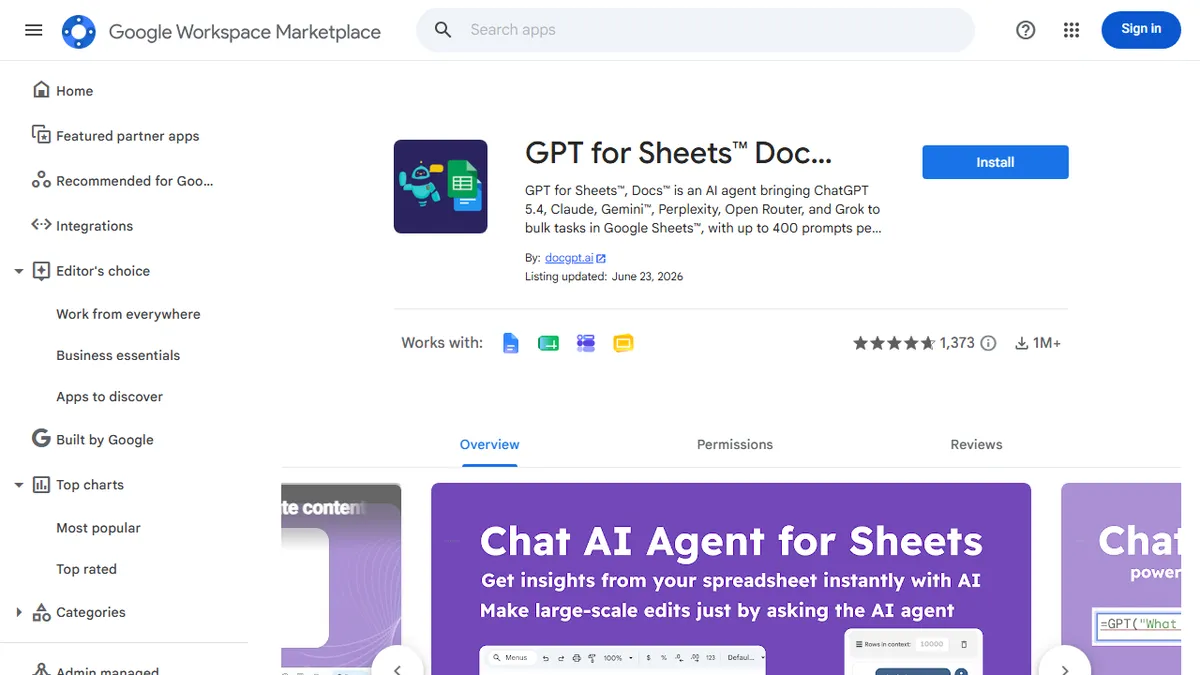
GPT for Sheets is a Google Workspace add-on from docgpt.ai that turns spreadsheets into an AI batch-processing surface. You write a formula (or use the chat sidebar) and run prompts against GPT, Claude, Gemini, Perplexity, Grok, DeepSeek, Mistral and 100+ more models via OpenRouter, with image generation through DALL-E and friends. It also extends into Docs, Slides, Forms and Gmail, so the same prompt library can draft a slide deck, classify form responses, or write email replies.
The sell here is scale and ergonomics: it handles 300,000+ rows, runs hundreds of prompts per minute, and ships with web search and external API connectors so you can enrich rows from live sources. There's a free trial with no API key or credit card required (you can plug your own keys later for cost control), and paid tiers unlock the higher-volume features. It's aimed at marketers, analysts, ops teams and SEO/content shops who already live in Sheets and don't want to build a Python pipeline for what is essentially row-wise LLM calls.
Caveats: as a third-party add-on it inherits Google's add-on quirks (auth scopes, occasional execution-time limits), and at very large volumes you'll want your own API keys to keep costs sane. Still, for non-engineers it's one of the most direct ways to apply frontier models to tabular data.
This is the most pragmatic way to weaponize Sheets with frontier LLMs. The multi-model coverage and bulk throughput put it ahead of the GPT-only clones, and the free-tier-without-API-key onboarding removes the usual friction. Real teams ship real work with this; just bring your own keys once you scale.
— The AI Tool Bible editorial team
Pros
- ✅ Runs 50+ models including GPT, Claude, Gemini and Grok from a single add-on
- ✅ Scales to 300k+ rows and hundreds of prompts per minute
- ✅ Works across Sheets, Docs, Slides, Forms and Gmail, not just spreadsheets
- ✅ Free trial with no API key or credit card required
- ✅ Built-in web search and external API connectors for live data enrichment
Cons
- ⚠️ Heavy use requires your own API keys to control costs
- ⚠️ Subject to Google add-on execution limits and auth-scope friction
- ⚠️ Spreadsheet-bound UX is awkward for long-form or agentic workflows
Use cases
Frequently asked
- Which AI models does GPT for Sheets support?
- The add-on supports over 50 frontier models, including GPT, Claude, Gemini, Perplexity, Grok, DeepSeek, and Mistral, accessible via OpenRouter.
- Can I use GPT for Sheets without an API key?
- Yes, there is a free trial that requires no API key or credit card. Users can plug in their own keys later for cost control on higher-volume features.
- What is the maximum data volume GPT for Sheets can handle?
- The tool is designed to handle over 300,000 rows and can run hundreds of prompts per minute for bulk processing tasks.
- Does GPT for Sheets work outside of Google Sheets?
- Yes, it extends into Google Docs, Slides, Forms, and Gmail, allowing the same prompt library to draft decks, classify form responses, or write email replies.
- Who is GPT for Sheets best suited for?
- It is best for marketers, analysts, and ops teams who live in Google Workspace and need to run LLM prompts across large datasets without writing Python pipelines.
Explore related
Compare with similar tools
All in Writing →Claude
FeaturedAnthropic's flagship assistant for long-form writing, analysis, and coding.
GPT-4o
FeaturedOpenAI's multimodal flagship behind ChatGPT.
Gemini Advanced
Google's flagship — strong at math, long context, and Workspace integration.
Llama 3
Meta's open-weights LLM family that put serious frontier-adjacent models in everyone's hands.
Qwen
Alibaba's open-weight foundation model family covering chat, vision, image generation, translation, and safety classification.
Jan
Open-source desktop ChatGPT alternative that runs local LLMs and routes to cloud providers from one app.