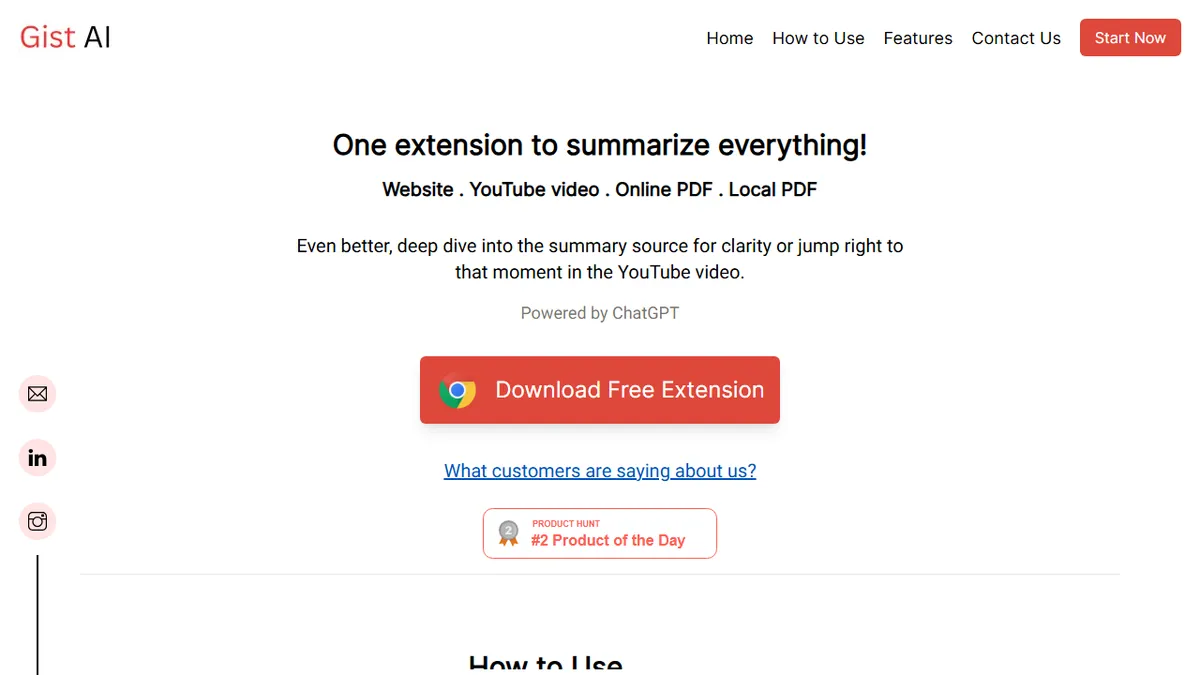

Gist AI
ChatGPT-powered Chrome extension that summarizes articles, YouTube videos, and PDFs in one click.
In short
Gist AI is a free Chrome extension using ChatGPT to summarize articles, YouTube videos, and PDFs instantly. It offers clickable timestamps and source links without requiring signup or payment.
Pick Gist AI if you want a zero-friction Chrome extension to summarize long articles, YouTube videos, and PDFs without paying or signing up.
Skip it if you need a team knowledge base, API access, citation export, or anything beyond a Chrome browser workflow.
Gist AI is a free Chrome extension that pipes whatever you're reading or watching through ChatGPT and returns a structured summary. It handles long-form web articles, YouTube videos (with clickable timestamps that jump to the source moment), and PDFs - both online and locally stored - without imposing a length cap. The output is broken into discrete blocks and linked back to the underlying passages so you can verify a claim or dig deeper without re-skimming the original.
The pitch is aimed at students, researchers, and analysts who need to triage a lot of input quickly. There's no paid tier, no signup wall, and the developers claim they don't collect user data - content is sent to OpenAI for summarization and nothing else. That makes Gist AI one of the lighter-weight alternatives to bulkier reading assistants like Glasp or Wiseone, though the trade-off is that there's no team workspace, no API, and no real product surface beyond the extension itself.
It sits firmly in the consumer browser-extension tier rather than the enterprise knowledge-management tier. If you want highlights synced to Notion, citation export, or multi-model fallback, you'll outgrow it quickly.
A focused, free utility that does one job - one-click summaries of whatever's in your tab - reasonably well. The YouTube timestamp jump and PDF support push it above the average ChatGPT-wrapper extension, but the lack of an API, sync, or non-Chrome client caps how serious a tool it can become.
— The AI Tool Bible editorial team
Pros
- ✅ Genuinely free with no signup or usage cap
- ✅ Handles articles, YouTube (with timestamp jumps), and PDFs in one extension
- ✅ Source-linked summary blocks make verification easy
- ✅ Stated no-data-collection privacy posture
Cons
- ⚠️ Chrome-only; no mobile or standalone web app
- ⚠️ No API or integrations for power users
- ⚠️ Single-model dependency on OpenAI/ChatGPT
- ⚠️ Thin product surface compared to Glasp, Wiseone, or Recall
Use cases
Frequently asked
- How much does Gist AI cost?
- Gist AI is completely free. There is no paid tier, no signup wall, and no subscription required to use the extension for summarizing content.
- What types of content can Gist AI summarize?
- It handles long-form web articles, YouTube videos, and PDFs. Both online and locally stored PDFs are supported, with no length cap imposed on the input files.
- Does Gist AI work with YouTube videos?
- Yes, it summarizes YouTube videos and includes clickable timestamps. These timestamps allow you to jump directly to the specific source moment in the video for verification.
- Is there a learning curve to using Gist AI?
- The tool is designed for zero-friction use. It operates as a Chrome extension where you can summarize content in one click without complex setup or configuration.
- Does Gist AI offer API access or team features?
- No, Gist AI does not offer API access, team workspaces, or knowledge base features. It is strictly a consumer browser extension without enterprise-level product surfaces.
- How does Gist AI handle data privacy?
- Developers claim they do not collect user data. Content is sent to OpenAI solely for summarization purposes, and nothing else is retained or processed by the extension.
Explore related
Compare with similar tools
All in Writing →Claude
FeaturedAnthropic's flagship assistant for long-form writing, analysis, and coding.
GPT-4o
FeaturedOpenAI's multimodal flagship behind ChatGPT.
Gemini Advanced
Google's flagship — strong at math, long context, and Workspace integration.
Llama 3
Meta's open-weights LLM family that put serious frontier-adjacent models in everyone's hands.
Qwen
Alibaba's open-weight foundation model family covering chat, vision, image generation, translation, and safety classification.
Jan
Open-source desktop ChatGPT alternative that runs local LLMs and routes to cloud providers from one app.