Gemini
Google's flagship multimodal AI assistant with deep integration into Workspace and Android.
In short
Gemini is Google's multimodal AI assistant integrated into Workspace and Android. It offers live Search access and image generation, with a free tier and a $19.99/mo Advanced plan.
Pick Gemini if you live in Google Workspace or Android and want an AI assistant grounded in live Search results.
Skip it if you need predictable enterprise data isolation or a stable, slowly-evolving model behind your production app.
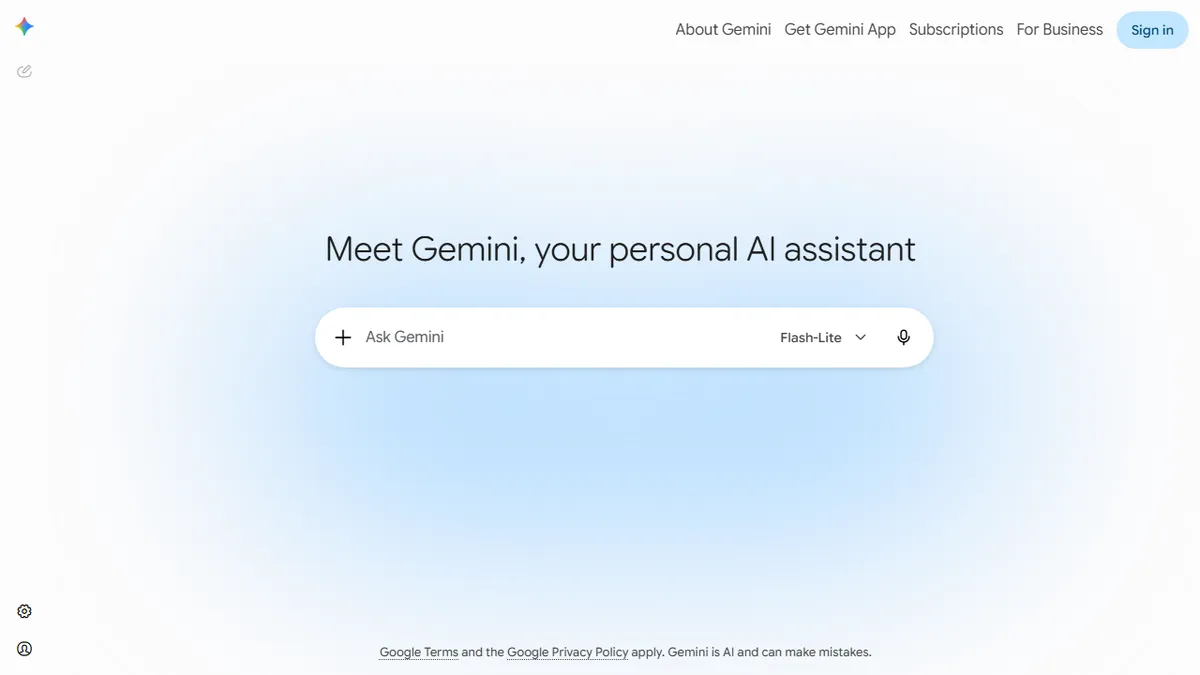
Gemini is Google's consumer-facing AI assistant, built on the Gemini family of multimodal models (currently spanning the Flash, Pro, and Ultra tiers). It handles text, image, audio, and video input in a single conversation, can browse the web, generate images via Imagen, and execute code in a sandboxed Python environment. The free tier covers most general-purpose chat, writing, and reasoning tasks; the Advanced tier unlocks the largest context window, Deep Research, and the experimental agentic features.
The pitch versus ChatGPT and Claude is mostly about distribution and integration: Gemini is the AI layer inside Gmail, Docs, Sheets, Meet, and Android, and it has near-real-time access to Google Search and YouTube. For anyone already living in Workspace, that integration is hard to beat. Gemini Advanced is bundled into the Google One AI Premium plan at $19.99/month, which also bumps your Drive storage to 2TB, making it one of the better-value premium AI subscriptions if you'd pay for the storage anyway.
For developers, the same models are exposed through Google AI Studio and Vertex AI with a generous free quota and competitive token pricing. The main caveats: Gemini's outputs still trail Claude on long-form writing nuance and GPT on tool-use reliability in our testing, and Google's product surface keeps shifting (Bard → Gemini → Gemini app → Workspace integration), which makes capability docs a moving target.
Gemini is the default AI most people will actually use, because it's wired into the Google products they already open. The model is genuinely strong on multimodal and research tasks, but Google's habit of renaming and reshuffling tiers makes it a frustrating tool to write durable documentation around.
— The AI Tool Bible editorial team
Pros
- ✅ Native multimodal input across text, image, audio, and video
- ✅ Deep integration with Gmail, Docs, Sheets, and Android
- ✅ Real-time Google Search and YouTube grounding
- ✅ Generous free tier with strong everyday performance
- ✅ Advanced plan bundles 2TB Drive storage for the price
Cons
- ⚠️ Long-form writing quality still trails Claude in side-by-side tests
- ⚠️ Product naming and feature gating change frequently
- ⚠️ Privacy posture less clear than dedicated AI vendors
- ⚠️ Agentic / tool-use reliability behind GPT in some workflows
Use cases
Frequently asked
- How much does Gemini cost?
- Gemini offers a free tier for general tasks. The Advanced tier is included in Google One AI Premium at $19.99/month, which also provides 2TB of Drive storage.
- What are the main alternatives to Gemini?
- ChatGPT and Claude are primary competitors. Gemini differentiates through deep Google Workspace and Android integration, plus near-real-time access to Google Search and YouTube.
- Is Gemini good for long-form writing?
- Testing indicates Gemini's outputs trail Claude on long-form writing nuance. It is best for users prioritizing Workspace integration and live search over specific writing style.
- Does Gemini integrate with Google Workspace?
- Yes, Gemini is the AI layer inside Gmail, Docs, Sheets, and Meet. This deep integration makes it a strong choice for users already living in the Google ecosystem.
- Can developers use Gemini models?
- Yes, models are available via Google AI Studio and Vertex AI. Developers get a generous free quota and competitive token pricing for building applications.
Explore related
Compare with similar tools
All in Writing →Claude
FeaturedAnthropic's flagship assistant for long-form writing, analysis, and coding.
GPT-4o
FeaturedOpenAI's multimodal flagship behind ChatGPT.
Gemini Advanced
Google's flagship — strong at math, long context, and Workspace integration.
Llama 3
Meta's open-weights LLM family that put serious frontier-adjacent models in everyone's hands.
Qwen
Alibaba's open-weight foundation model family covering chat, vision, image generation, translation, and safety classification.
Jan
Open-source desktop ChatGPT alternative that runs local LLMs and routes to cloud providers from one app.