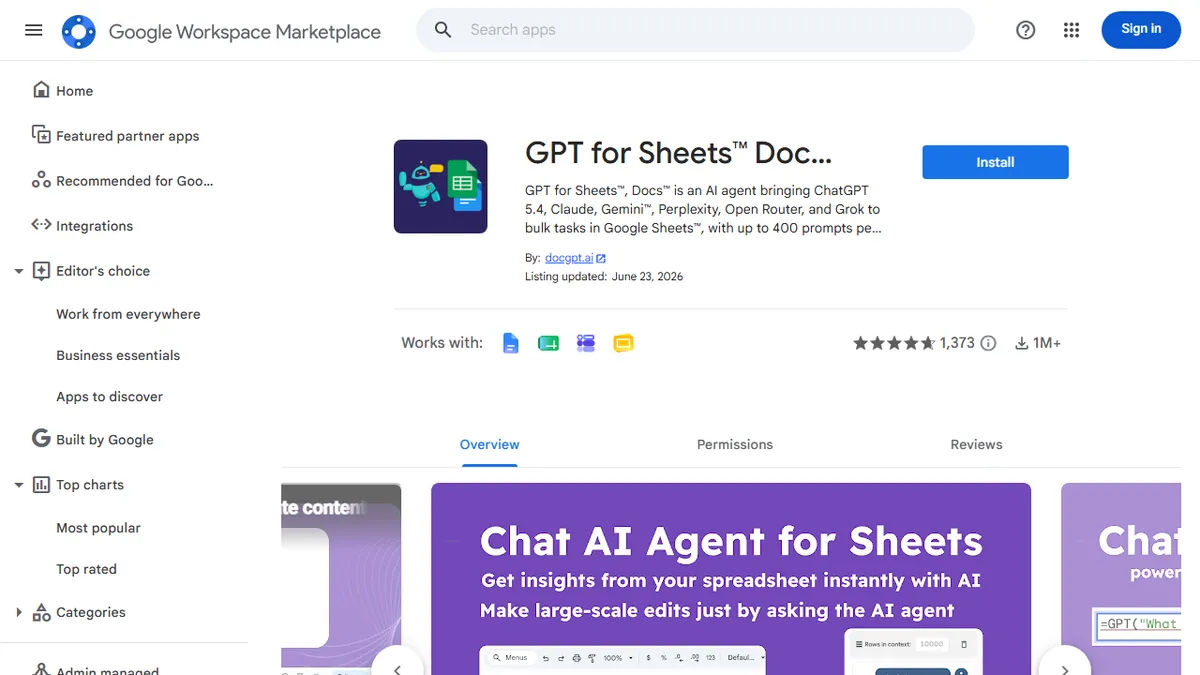

DocGPT AI Writer for Docs
Google Docs sidebar add-on that drops GPT-class drafting, rewriting, and summarization straight into your document.
In short
DocGPT AI Writer is a Google Docs sidebar add-on for drafting, rewriting, and summarizing using GPT, Claude, or Gemini. It offers a freemium model with plans starting at €3.40.
Pick DocGPT AI Writer if you draft, rewrite, or summarize inside Google Docs every day and want a sidebar assistant rather than a separate AI tab.
Skip it if you do not use Google Docs, need bulk batch processing across thousands of rows, or want a fully agentic writing workflow.
DocGPT AI Writer is a Google Workspace add-on that embeds large-language-model writing inside Google Docs (with companion modes for Sheets, Forms, and Slides). From a sidebar you can generate first drafts, rewrite paragraphs in a different tone, summarize long documents, translate, expand bullet points into prose, and run custom prompts against selected text without ever leaving the doc.
It is aimed at writers, marketers, students, and operations teams who already live in Google Docs and want the convenience of ChatGPT-style assistance with no copy-paste loop. The add-on follows a freemium model: a free tier with daily usage caps plus paid plans for heavier output, and an option to bring your own OpenAI/Anthropic API key. Under the hood it routes to a selectable mix of frontier models, so quality tracks whatever foundation model you pick rather than a proprietary system.
Because it installs through the Google Workspace Marketplace, governance is handled by Google's OAuth and admin controls, which makes it easier to roll out across a team than browser extensions. The trade-off is that you are locked to the Docs UI surface, and bulk or programmatic workflows are better handled by the same publisher's Sheets-oriented tooling.
A pragmatic add-on rather than a flagship product: it wins on placement, not on novel AI. If your team already runs on Google Docs, the sidebar workflow is hard to beat for everyday rewriting and summarization. Power users will outgrow it quickly and end up either bringing their own API key or moving to a sheet-scale tool.
— The AI Tool Bible editorial team
Pros
- ✅ Lives inside the Google Docs sidebar, no context switching
- ✅ Installs through Workspace Marketplace with standard OAuth governance
- ✅ Multi-model routing instead of a single locked vendor
- ✅ Bring-your-own API key option keeps usage costs predictable
Cons
- ⚠️ Free tier is capped; heavy users will need a paid plan or own key
- ⚠️ Bound to the Google Docs UI; no standalone editor or desktop app
- ⚠️ Quality depends on the underlying model you select, not the wrapper
Use cases
Frequently asked
- How much does DocGPT AI Writer cost?
- It uses a freemium model. Paid plans include Starter at €3.40, Standard at €6.80, Plus at €10.55, and Enterprise via sales contact. A free tier with daily usage caps is also available.
- Which AI models does DocGPT use?
- It routes to a selectable mix of frontier models, including GPT, Claude, and Gemini. You can also bring your own OpenAI or Anthropic API key for specific model preferences.
- Is DocGPT compatible with Google Sheets or Slides?
- Yes, it is a Google Workspace add-on that embeds writing assistance in Google Docs, with companion modes available for Sheets, Forms, and Slides.
- Can I use DocGPT for bulk processing?
- No, it is not designed for bulk batch processing across thousands of rows. For programmatic workflows, the publisher recommends using their Sheets-oriented tooling instead.
- How is DocGPT installed and managed?
- It installs through the Google Workspace Marketplace. Governance is handled by Google's OAuth and admin controls, making it easier to roll out across teams than browser extensions.
Explore related
Compare with similar tools
All in Writing →Claude
FeaturedAnthropic's flagship assistant for long-form writing, analysis, and coding.
GPT-4o
FeaturedOpenAI's multimodal flagship behind ChatGPT.
Gemini Advanced
Google's flagship — strong at math, long context, and Workspace integration.
Llama 3
Meta's open-weights LLM family that put serious frontier-adjacent models in everyone's hands.
Qwen
Alibaba's open-weight foundation model family covering chat, vision, image generation, translation, and safety classification.
Jan
Open-source desktop ChatGPT alternative that runs local LLMs and routes to cloud providers from one app.