DataLine
Open-source chat-with-your-database tool that turns natural language into SQL, tables, and charts.
In short
DataLine allows users to query relational databases using plain English, returning generated SQL, data tables, and visual charts. It is best for teams needing a self-hosted text-to-SQL solution that supports bring-your-own LLM credentials without sending schema data to third-party SaaS providers.
Pick DataLine if you want an open-source, self-hostable chat-with-your-database layer over Postgres or MySQL.
Skip it if you need a managed enterprise BI platform with row-level security, scheduled pipelines, and SLAs out of the box.
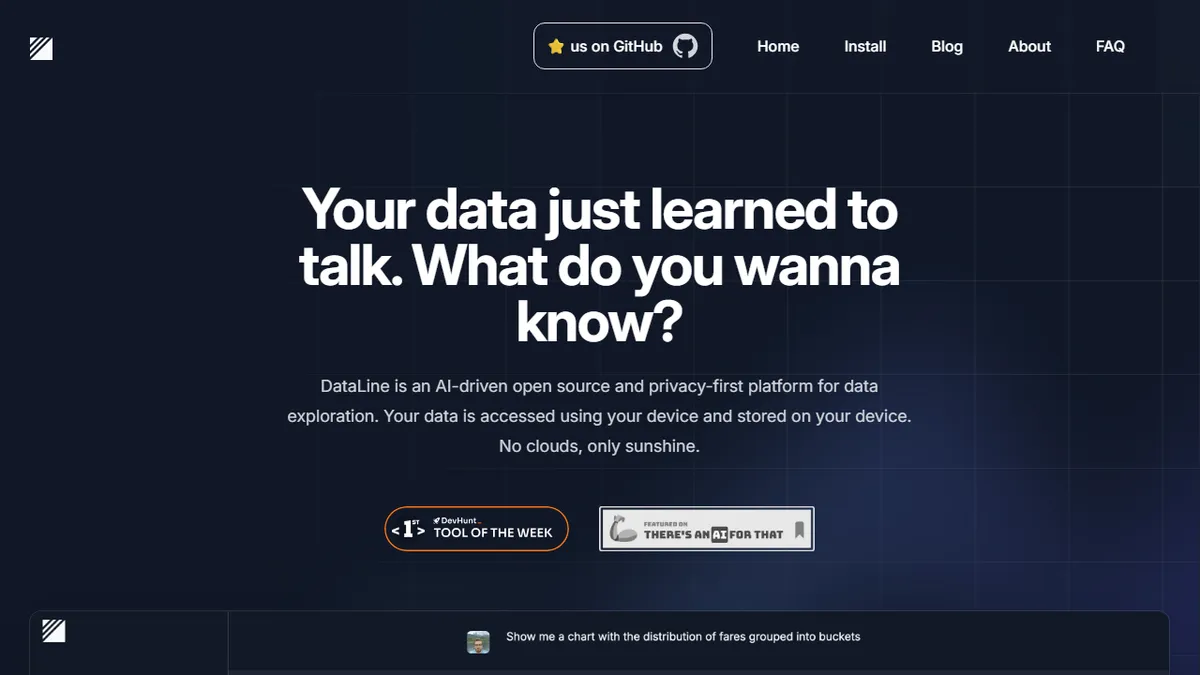
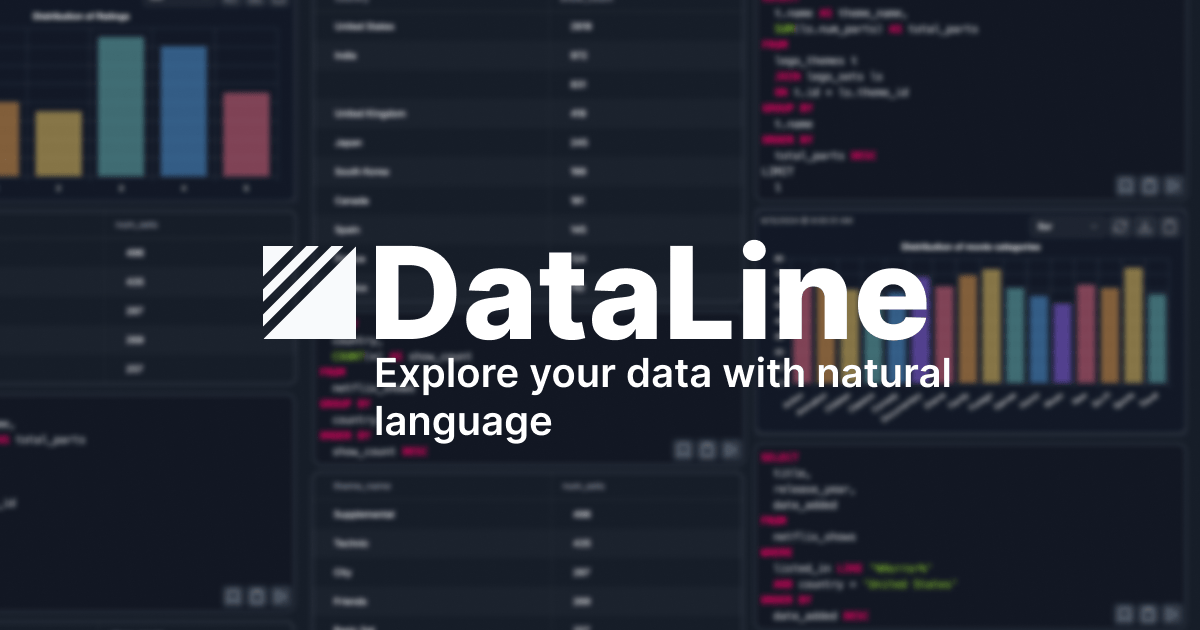
DataLine is an AI data analysis assistant that connects to your relational database and lets you ask questions in plain English, returning generated SQL, result tables, and auto-built charts or dashboards. It supports common engines like PostgreSQL and MySQL and is pitched at two audiences at once: non-technical people who want quick answers without writing queries, and developers who want a strong text-to-SQL backend to embed or self-host.
What sets it apart in the increasingly crowded text-to-SQL space is that the core project is open source on GitHub (github.com/RamiAwar/dataline), so teams that can't ship their schema to a third-party SaaS can run it locally against their own LLM credentials. The hosted dataline.app version layers a polished chat UI, dashboarding, and a security-focused FAQ on top of that engine, but pricing and exact tier limits aren't published on the marketing page.
The trade-off is the usual one for self-hosted text-to-SQL: accuracy depends heavily on your schema quality and the underlying model you wire in, and the public site is light on details about row-level permissions, multi-tenant governance, or BI-grade features like scheduled refreshes.
DataLine is one of the more credible open-source entrants in the text-to-SQL category, because it ships both a real product UI and a GitHub repo you can actually run. For small teams that want ChatGPT-style data exploration without uploading their schema to a vendor, it's a sensible first pick; for regulated enterprises, treat it as a starting point rather than a finished BI stack.
— The AI Tool Bible editorial team
Pros
- ✅ Open source core, so you can self-host against your own database
- ✅ Generates SQL plus tables, charts, and dashboards in one flow
- ✅ Targets both non-technical analysts and developers needing a text-to-SQL engine
- ✅ Works with mainstream databases like PostgreSQL and MySQL
Cons
- ⚠️ Hosted pricing and API details not published on the landing page
- ⚠️ Accuracy is bounded by schema quality and the LLM you plug in
- ⚠️ Light on enterprise governance details (RBAC, audit, row-level security)
Use cases
Frequently asked
- Which database engines does DataLine support?
- DataLine supports common relational database engines, specifically including PostgreSQL and MySQL.
- Is DataLine available as open source?
- Yes, the core project is open source on GitHub, allowing teams to self-host the tool and run it locally against their own LLM credentials.
- Who is DataLine designed for?
- It targets both non-technical users who want quick answers without writing queries and developers who need a text-to-SQL backend to embed or self-host.
- What outputs does DataLine generate from natural language queries?
- The tool returns generated SQL code, result tables, and auto-built charts or dashboards in a single flow.
- Does DataLine include enterprise governance features like row-level security?
- The public site is light on details regarding row-level permissions, multi-tenant governance, or BI-grade features like scheduled refreshes.
Explore related
Compare with similar tools
All in Coding →Cursor
FeaturedAI-first VS Code fork — chat, edit, and agentic coding in one IDE.
GitHub Copilot
FeaturedThe original AI pair programmer, now with chat and agents.
Replit Agent
FeaturedBuild & deploy a full app from a single prompt.
Warp
The agentic development environment, from the terminal up
Cline
Open-source agentic coding assistant that plans, edits, and runs code inside your IDE
Aider
Terminal-based AI pair programmer that writes commits.