
DagsHub
GitHub-style collaboration platform for ML datasets, experiments, and models with MLflow and DVC under the hood.
In short
DagsHub provides a GitHub-style interface for managing ML datasets, experiments, and models using DVC and MLflow. It is best for ML engineers who want a unified workspace without building a custom MLOps stack.
Pick DagsHub if you want a GitHub-like home for ML projects that unifies dataset versioning, experiments, and model tracking without rolling your own MLOps stack.
Skip it if your team is happy with a bespoke MLflow + S3 + Weights & Biases setup, or if you need a fully self-hostable open-source platform.
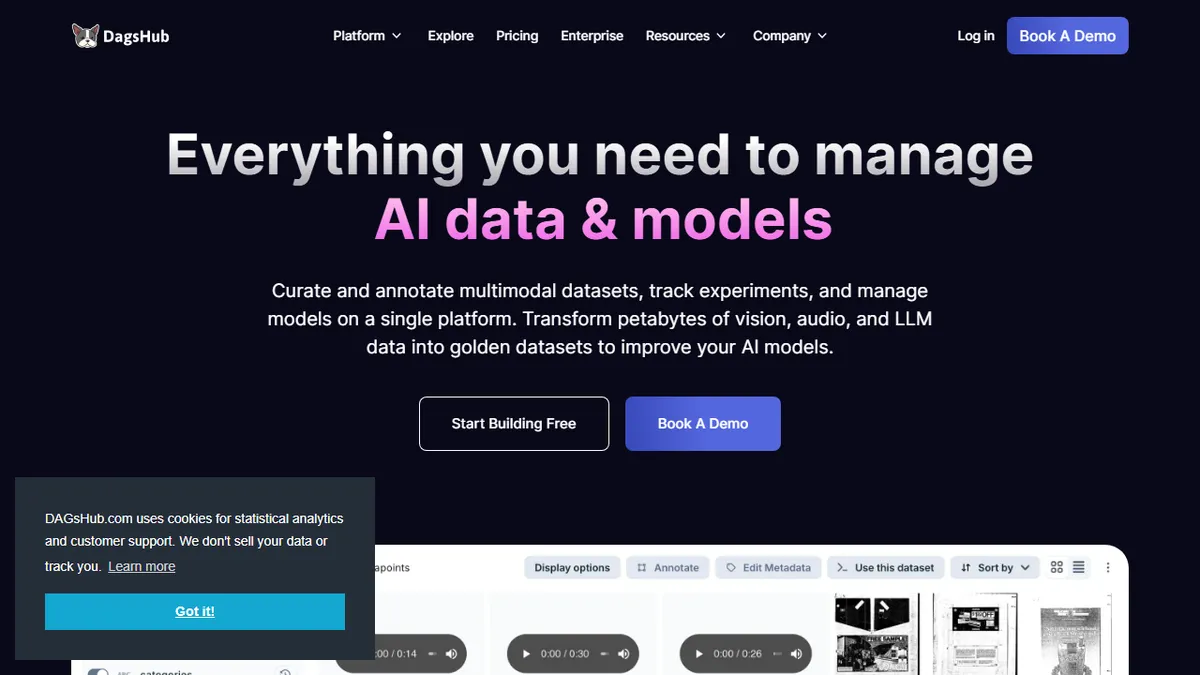
DagsHub is a hosted platform for managing the messy parts of machine learning: large datasets, experiment runs, models, and the code that ties them together. It bundles Git for code, DVC for data versioning, MLflow for experiment tracking, and Label Studio for annotation into one repo-shaped interface, so an ML team can browse a dataset diff, compare runs, and pull a model checkpoint without stitching five tools together.
It is aimed at ML engineers and data scientists who have outgrown notebooks-and-S3 but do not want to build a full MLOps stack in-house. The free Individual tier covers solo work and public repos with 20GB of storage and 100 tracked experiments; Team plans land around $99-$119 per user per month with private repos and 1TB of data, and Enterprise scales to petabyte workloads used by groups at Google, Pfizer, Intel, and academic labs.
The platform's edge is its openness to external storage (S3, GCS, Azure) and open formats: you keep your data in your bucket and DagsHub indexes it. Multimodal annotation, auto-labeling, notebook diffing, and model registry round it out. The product itself is commercial, though many of the underlying tools it leans on (DVC, MLflow) are open source.
DagsHub is the closest thing the ML world has to a GitHub for data, and it leans hard on open tooling rather than reinventing it. The free tier is genuinely useful for solo work, but the per-seat Team pricing means you should be sure the unified UI is worth it before you commit a whole team.
— The AI Tool Bible editorial team
Pros
- ✅ One interface for code, data, experiments, models, and annotations
- ✅ Built on open standards (Git, DVC, MLflow) so you can leave without lock-in
- ✅ Connects to your own S3/GCS/Azure buckets instead of forcing data migration
- ✅ Generous free tier for solo researchers and public projects
Cons
- ⚠️ Team pricing is steep per-seat once you scale past a few engineers
- ⚠️ The DagsHub platform itself is not open source, only its building blocks
- ⚠️ Opinionated workflow assumes you are comfortable with Git + DVC
Use cases
Frequently asked
- What tools does DagsHub integrate into its platform?
- DagsHub bundles Git for code, DVC for data versioning, MLflow for experiment tracking, and Label Studio for annotation into a single repo-shaped interface.
- How does DagsHub handle data storage?
- The platform connects to external storage providers like S3, GCS, and Azure, allowing users to keep their data in their own buckets while DagsHub indexes it.
- What are the pricing options for DagsHub?
- DagsHub offers a free Individual tier, a Team plan at $119 per user per month, and a custom-quoted Enterprise plan for large-scale workloads.
- Is DagsHub an open-source platform?
- The DagsHub platform itself is commercial and not open source, although it relies on open-source building blocks like DVC and MLflow.
Explore related
Compare with similar tools
All in Fine-tuning →Together AI
FeaturedFine-tune & serve open-weight models (Llama, Mistral, DeepSeek).
Modal
Serverless GPUs and infra for training & serving ML.
Replicate
One-API platform for running and fine-tuning open-source models.
OpenAI Fine-tuning
Fine-tune GPT-4o-mini and friends on your own data.
Llama
Meta's open-weight LLM family covering 1B mobile models up to 405B frontier and natively multimodal 10M-context Llama 4 variants.
RunPod
On-demand GPU cloud and serverless inference platform built specifically for AI workloads.