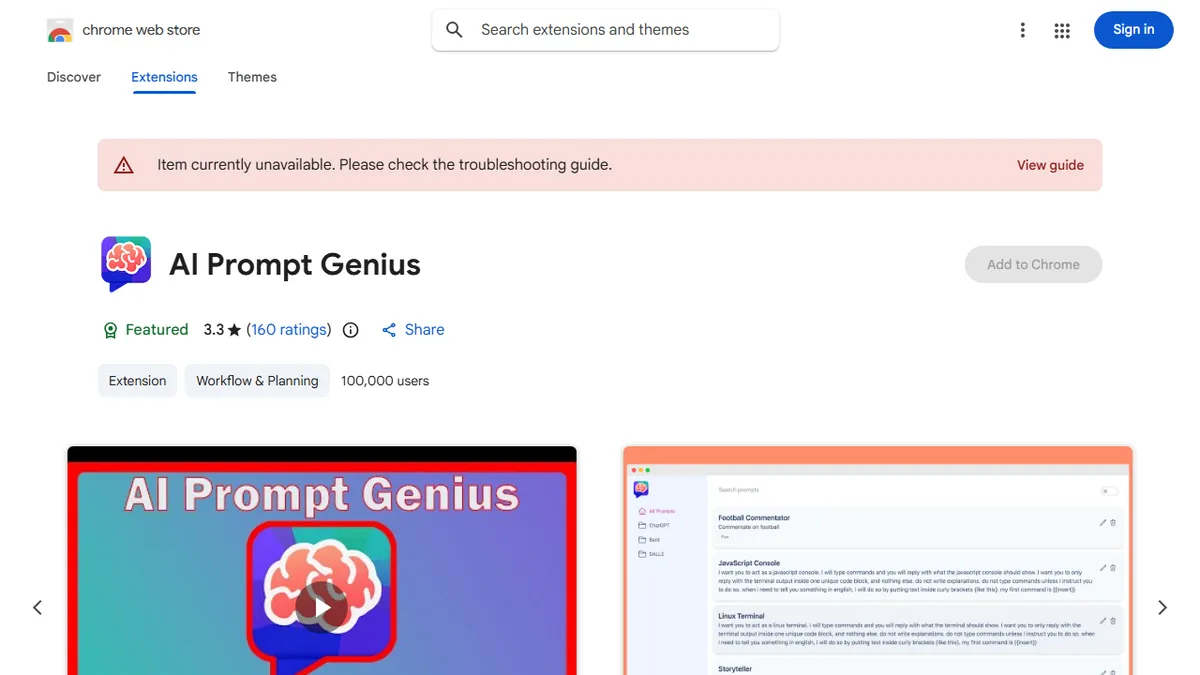

AI Prompt Genius
Open-source Chrome extension for building a searchable, tagged library of reusable AI prompts.
In short
AI Prompt Genius is a free, open-source Chrome extension that organizes reusable AI prompts with tags and folders. It injects templates into ChatGPT and syncs via Google Sheets.
Pick AI Prompt Genius if you live in ChatGPT in the browser and want a free, hackable way to organize a growing pile of reusable prompts.
Skip it if you need team prompt management, an API to wire prompts into apps, or a polished commercial-grade tool with support.
AI Prompt Genius (originally ChatGPT Prompt Genius) is a free, open-source Chrome extension that turns the browser into a personal prompt management system. It lets you save prompts to a local library, organize them with tags and folders, search across the collection, and inject reusable templates with dynamic variables into ChatGPT and other LLM chat interfaces. A Google Sheets sync option keeps the library mirrored across machines.
The target user is the heavy prompt tinkerer who has accumulated dozens of go-to system prompts, jailbreaks, and content templates and is tired of pasting from a notes file. It is fully free with no upsell, ships in 13 languages, supports import/export, and has a public GitHub repo. The trade-off is that it is a browser extension rather than a hosted service, so there is no API, no team sharing, and the experience is bounded by what a Chrome extension can do inside the host chat UI.
With 100,000+ installs but a middling 3.3-star rating across 159 reviews, the project is clearly in use but uneven. Updates are recent (v4.3.5 in early 2026), and because the code is open, power users can fork or self-modify rather than wait on the maintainer.
A useful little power-user utility that does exactly one thing — local prompt library plus injection — and does it for free with the source open. The 3.3-star rating is a fair warning that polish is uneven, but for solo tinkerers it beats juggling a Notion page of prompts.
— The AI Tool Bible editorial team
Pros
- ✅ Genuinely free and open-source with code on GitHub
- ✅ Tags, folders, search, and variables make a real prompt CMS
- ✅ Google Sheets sync covers multi-device use without a backend
- ✅ 13-language UI and import/export for portability
Cons
- ⚠️ Browser-only — no API, no team sharing, no mobile
- ⚠️ 3.3-star rating signals reliability and UX friction
- ⚠️ Tied to Chrome/Chromium; not a cross-browser solution
Use cases
Frequently asked
- How much does AI Prompt Genius cost?
- It is completely free and open-source. There are no upsells or paid tiers mentioned in the documentation.
- Does it support team collaboration or sharing?
- No, it does not support team sharing. It is a personal browser extension without an API or hosted service features for group management.
- Can I use it with other LLMs besides ChatGPT?
- Yes, it can inject reusable templates into ChatGPT and other LLM chat interfaces within the browser.
- How do I sync my prompts across different machines?
- You can use the Google Sheets sync option to keep your prompt library mirrored across multiple machines.
- Is the source code available for modification?
- Yes, the project has a public GitHub repository. Power users can fork or self-modify the code rather than waiting on the maintainer.
Explore related
Compare with similar tools
All in Writing →Claude
FeaturedAnthropic's flagship assistant for long-form writing, analysis, and coding.
GPT-4o
FeaturedOpenAI's multimodal flagship behind ChatGPT.
Gemini Advanced
Google's flagship — strong at math, long context, and Workspace integration.
Llama 3
Meta's open-weights LLM family that put serious frontier-adjacent models in everyone's hands.
Qwen
Alibaba's open-weight foundation model family covering chat, vision, image generation, translation, and safety classification.
Jan
Open-source desktop ChatGPT alternative that runs local LLMs and routes to cloud providers from one app.