ChatGPT
✓ Editorially verifiedOpenAI's flagship conversational assistant, and the default benchmark every other chatbot is measured against.
In short
ChatGPT is a versatile AI assistant handling writing, coding, and data analysis via GPT models. It is best for users wanting a polished, all-in-one AI experience without managing APIs. The Plus tier offers high-value access to advanced features and frontier models.
Pick ChatGPT if you want the broadest, most polished single-app AI experience and access to OpenAI's frontier models without touching an API.
Skip it if you need an open-source model you can self-host, strict on-prem data control, or a specialist tool tuned to one narrow workflow.
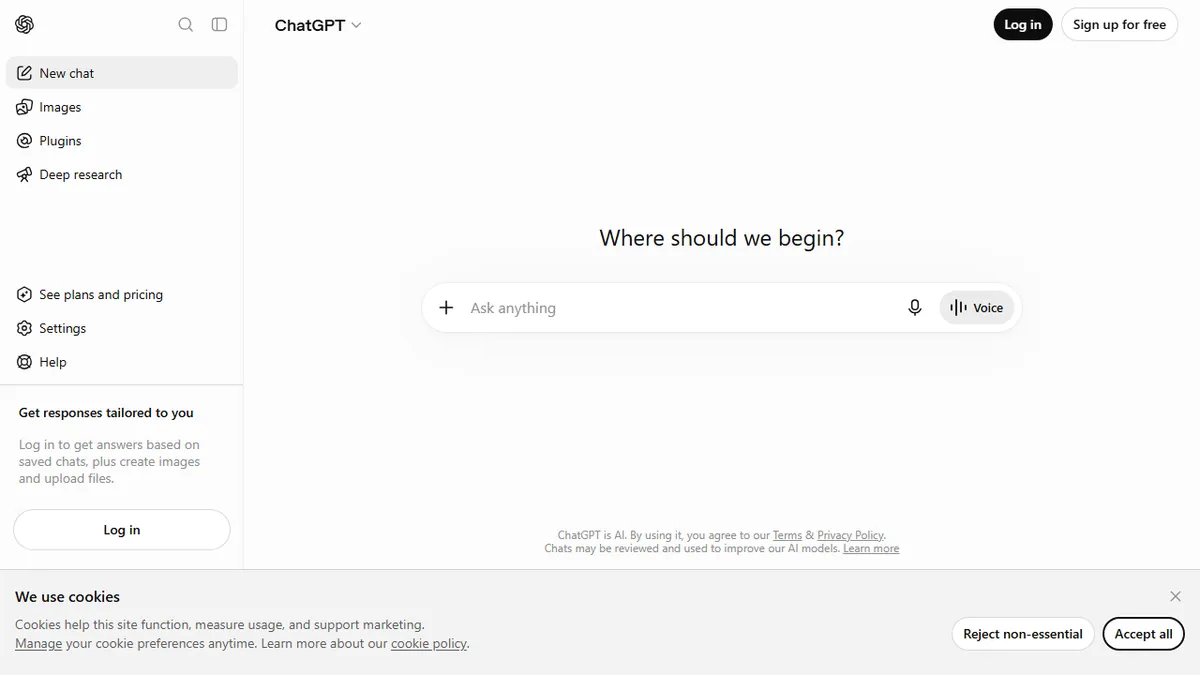
ChatGPT is OpenAI's general-purpose conversational AI, powered by the GPT family of models. It handles open-ended chat, writing, coding, data analysis, image generation (via DALL-E and the native image model), voice mode, web browsing, file and image uploads, and a Canvas-style editing surface for documents and code. Custom GPTs let users package prompts, knowledge files, and actions into shareable assistants, and Projects group related chats with shared memory and files.
It's the product most people mean when they say 'AI.' The Free tier gives access to a capable default model with limits; Plus ($20/mo) unlocks higher usage of frontier models, image generation, advanced voice, and deeper research tools; Pro ($200/mo) adds near-unlimited access plus the reasoning-heavy o-series and Pro mode. Team and Enterprise tiers add admin controls, SSO, and a no-training data policy. For most knowledge workers, ChatGPT is the lowest-friction way to get value from a state-of-the-art LLM.
The ecosystem is its real moat: the GPT Store, Connectors to Drive/SharePoint/GitHub, the Operator/agent surface for browser tasks, and tight integration with OpenAI's API for developers who want to graduate from chat to programmatic use. The trade-offs are predictable: closed-source, occasional hallucinations on niche facts, rate limits on the cheaper tiers, and data-residency questions for regulated industries.
ChatGPT remains the default we recommend to anyone starting with AI, and the yardstick we compare every other assistant against. Plus at $20/mo is still the highest-leverage subscription in software. Power users should pair it with a coding-specialist (Claude, Cursor) and an open-model fallback for sensitive work.
— The AI Tool Bible editorial team
Pros
- ✅ Best-in-class general reasoning, writing, and coding across a single chat surface
- ✅ Huge feature surface: voice, vision, image generation, file analysis, web browsing, Canvas
- ✅ Custom GPTs, Projects, and Connectors make it sticky for repeated workflows
- ✅ Free tier is genuinely useful; Plus is the most cost-effective frontier-model subscription
Cons
- ⚠️ Closed-source with no self-hosting option
- ⚠️ Rate limits on advanced models even on paid tiers
- ⚠️ Still hallucinates confidently on niche or recent facts
- ⚠️ Enterprise data-residency and compliance need careful review
Use cases
Frequently asked
- What are the pricing options for ChatGPT?
- ChatGPT uses a freemium model. The Free tier has usage limits, while Plus costs $20 per month for higher usage and advanced tools. Pro is $200 per month, and Enterprise requires contacting sales.
- What features are included in the ChatGPT Plus subscription?
- The Plus tier unlocks higher usage of frontier models, image generation, advanced voice capabilities, and deeper research tools. It is described as the most cost-effective frontier-model subscription.
- Can I use ChatGPT for coding and data analysis?
- Yes, ChatGPT handles coding and data analysis alongside writing and chat. It includes a Canvas-style editing surface for documents and code, as well as file and image uploads for analysis.
- Is ChatGPT open source or self-hostable?
- No, ChatGPT is closed-source and does not offer a self-hosting option. It is not suitable for users who require open-source models or strict on-prem data control.
- What are the main limitations of using ChatGPT?
- Key trade-offs include rate limits on advanced models, occasional hallucinations on niche facts, and the need for careful review of data-residency policies for regulated industries.
Explore related
Compare with similar tools
All in Writing →Claude
FeaturedAnthropic's flagship assistant for long-form writing, analysis, and coding.
GPT-4o
FeaturedOpenAI's multimodal flagship behind ChatGPT.
Gemini Advanced
Google's flagship — strong at math, long context, and Workspace integration.
Llama 3
Meta's open-weights LLM family that put serious frontier-adjacent models in everyone's hands.
Qwen
Alibaba's open-weight foundation model family covering chat, vision, image generation, translation, and safety classification.
Jan
Open-source desktop ChatGPT alternative that runs local LLMs and routes to cloud providers from one app.