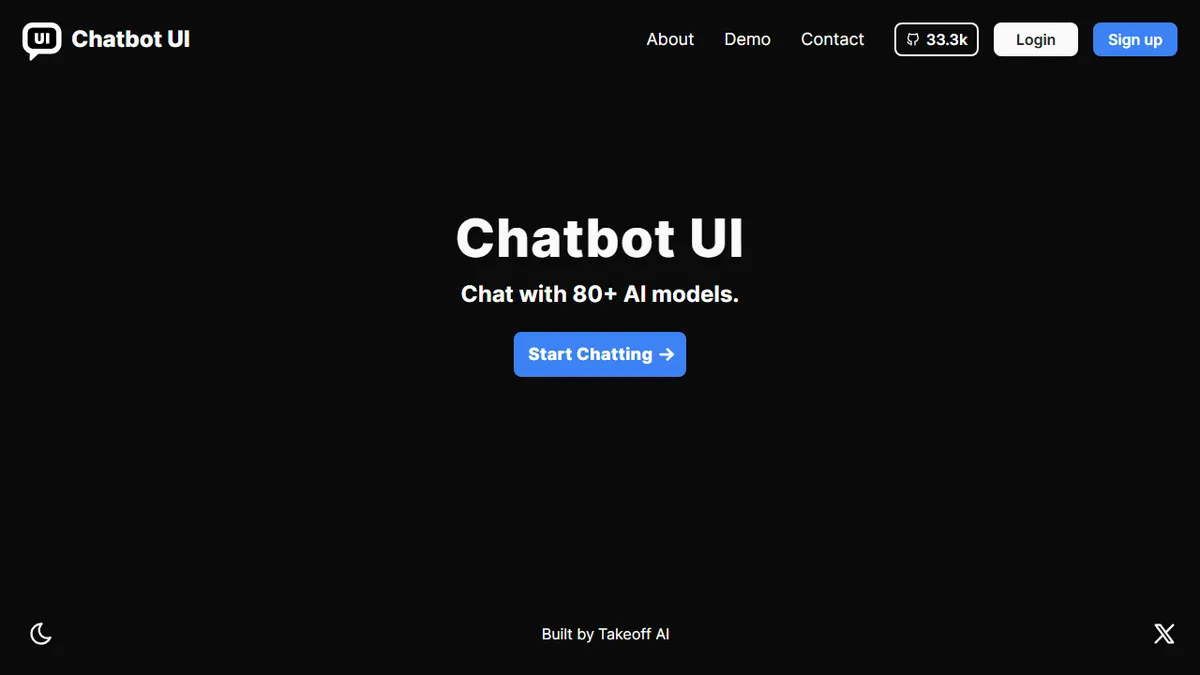
Chatbot UI
Open-source unified chat interface for 80+ frontier AI models.
In short
Chatbot UI is an open-source, self-hostable chat interface for 80+ AI models. It offers a free hosted tier and lets you manage prompts and compare models without vendor lock-in.
Pick Chatbot UI if you want one open-source frontend to talk to every major LLM without paying per-seat for a closed SaaS chat app.
Skip it if you need enterprise SSO, audit logs, and SLA-backed support, or you just want a zero-setup consumer chat app.
Chatbot UI is a polished, open-source web app that gives you a single ChatGPT-style interface for talking to 80+ models from OpenAI, Anthropic, Google, Mistral, Meta, and others. Built by Mckay Wrigley (Takeoff AI), the project has racked up tens of thousands of GitHub stars and has become the de facto reference implementation for self-hosted multi-model chat UIs.
The hosted version at chatbotui.com lets you sign up and start chatting across providers without juggling separate accounts, while the open-source repo lets engineering teams fork the codebase, plug in their own API keys, and run it on their own infrastructure. It's aimed at developers, prosumers, and small teams who want one place to compare models, manage prompt libraries, and avoid vendor lock-in. Pricing on the hosted product is lightweight (a free tier plus paid plans), but most serious users self-host and pay only for the underlying model API calls.
The ecosystem includes workspace features, model-switching mid-conversation, prompt and assistant management, and file-upload support. The main caveats: the hosted app is less feature-rich than tools like OpenRouter Chat or TypingMind, and the self-hosted route requires comfort with Supabase, Docker, and provider API keys.
The original and still the cleanest open-source multi-model chat UI. We recommend it as the default starting point for any team that wants a self-hosted ChatGPT alternative without reinventing the wheel. The hosted version is fine for casual use, but the real value is in forking the repo.
— The AI Tool Bible editorial team
Pros
- ✅ One interface for 80+ models across every major provider
- ✅ Fully open-source and self-hostable with a permissive license
- ✅ Clean, ChatGPT-familiar UX with prompt and workspace management
- ✅ Huge community and active GitHub ecosystem (20k+ stars)
Cons
- ⚠️ Self-hosting needs Supabase, Docker, and provider API keys
- ⚠️ Hosted version is less feature-rich than paid competitors
- ⚠️ No native team SSO/admin tier comparable to enterprise tools
Use cases
Frequently asked
- How much does Chatbot UI cost?
- The hosted app has a free tier and paid plans. Self-hosting is free, but you must bring your own API keys and pay for the underlying model API calls directly to providers.
- Which AI models are supported?
- It supports over 80 frontier models from providers including OpenAI, Anthropic, Google, Mistral, and Meta. You can switch models mid-conversation to compare performance across different vendors.
- Is Chatbot UI suitable for enterprise teams?
- It is best for developers, prosumers, and small teams. It is not recommended if you require enterprise SSO, audit logs, or SLA-backed support, as these features are not documented.
- What is the learning curve for self-hosting?
- Self-hosting requires comfort with Supabase, Docker, and managing provider API keys. It is not a zero-setup consumer app; engineering teams need to fork the codebase and run it on their own infrastructure.
- What features are included in the interface?
- The app includes workspace features, prompt and assistant management, file-upload support, and model-switching capabilities. It serves as a unified frontend to avoid juggling separate accounts for different AI providers.
Explore related
Compare with similar tools
All in Writing →Claude
FeaturedAnthropic's flagship assistant for long-form writing, analysis, and coding.
GPT-4o
FeaturedOpenAI's multimodal flagship behind ChatGPT.
Gemini Advanced
Google's flagship — strong at math, long context, and Workspace integration.
Llama 3
Meta's open-weights LLM family that put serious frontier-adjacent models in everyone's hands.
Qwen
Alibaba's open-weight foundation model family covering chat, vision, image generation, translation, and safety classification.
Jan
Open-source desktop ChatGPT alternative that runs local LLMs and routes to cloud providers from one app.