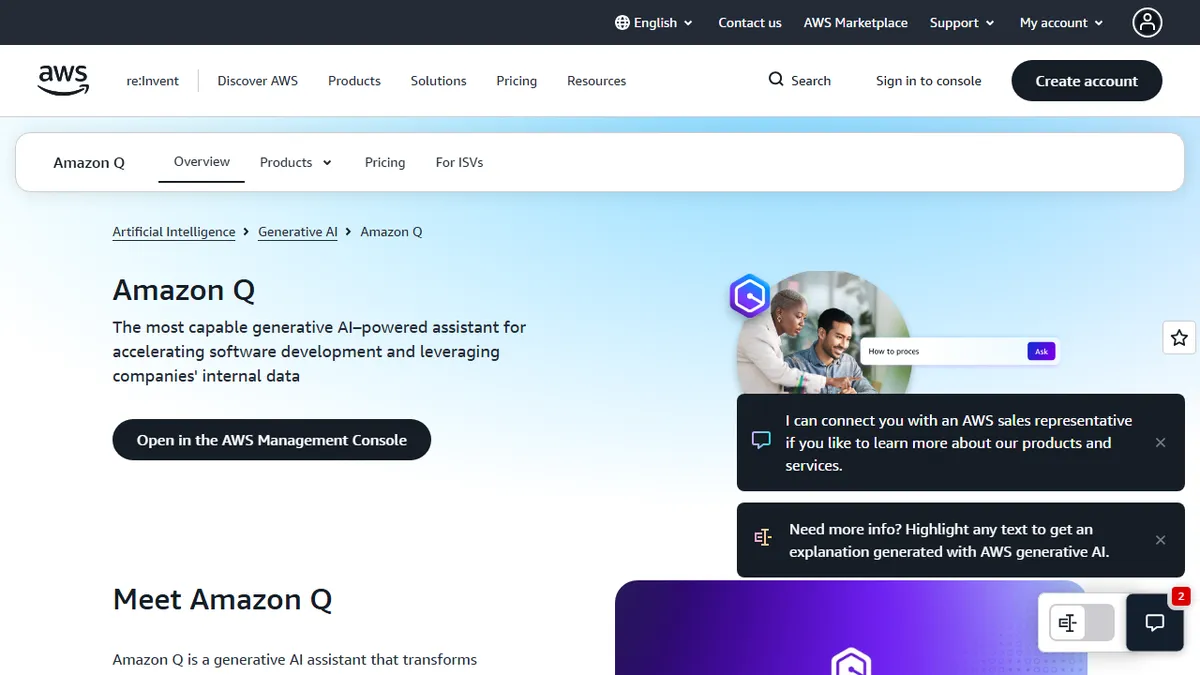

Amazon Q
✓ Editorially verifiedAWS's enterprise AI assistant for developers, analysts, and knowledge workers, wired into your company data.
In short
Amazon Q is AWS's enterprise AI assistant for coding and data, featuring identity-aware access and deep integrations with AWS services like QuickSight and Bedrock.
Pick Amazon Q if your org already lives inside AWS and you need an identity-aware assistant that spans coding, BI, and internal knowledge search.
Skip it if you're a small team or a non-AWS shop - Cursor, Copilot, or ChatGPT Enterprise will get you 90% of the value with a tenth of the setup.
Amazon Q is AWS's flagship generative AI assistant, split into two main flavors: Q Developer (an in-IDE coding copilot with agents for testing, security scanning, and Java/.NET modernization) and Q Business (a chat-over-your-data assistant with 25+ managed connectors to Slack, Salesforce, ServiceNow, SharePoint, Confluence, and other enterprise systems). It runs on Amazon Bedrock and routes prompts across multiple foundation models depending on the task.
The pitch is identity-aware enterprise access: Q respects IAM permissions and the source system's ACLs, so an employee asking about quarterly numbers only sees what they're cleared to see. Pricing is tiered with a free tier for individual developers, Q Developer Pro at $19/user/month, and Q Business at $20/user/month (Lite at $3). It is squarely aimed at AWS-shop enterprises that want a Microsoft Copilot equivalent without leaving the AWS account boundary.
Integrations are the real moat - QuickSight for BI, Connect for contact centers, Supply Chain for ops, and deep CodeCatalyst/CodeWhisperer lineage on the dev side. The caveat: outside AWS-native workflows it feels heavier and less polished than Cursor, Copilot, or ChatGPT Enterprise, and the product surface is sprawling enough that buyers often need a Solutions Architect to map it.
Amazon Q is the most AWS thing imaginable: powerful, broad, deeply integrated with the rest of the platform, and faintly bureaucratic to adopt. For enterprises already committed to Bedrock and IAM it's a defensible choice. For everyone else, the lighter coding copilots still win on developer love.
— The AI Tool Bible editorial team
Pros
- ✅ Tight integration with AWS services and IAM permissions
- ✅ 25+ managed enterprise connectors out of the box
- ✅ Agentic Java/.NET modernization is genuinely useful at scale
- ✅ Generous free tier for individual developers
Cons
- ⚠️ Product surface is sprawling and confusing to navigate
- ⚠️ Outside AWS-heavy shops, the value drops sharply
- ⚠️ IDE experience trails Cursor and GitHub Copilot in polish
Use cases
Frequently asked
- How much does Amazon Q cost?
- Pricing is tiered: Q Business Lite is $3, Pro is $20, and Q Developer Pro is $19 per user per month. A free tier exists for individual developers, while QuickSight Author costs $24.
- What are the best alternatives to Amazon Q?
- For small teams or non-AWS shops, Cursor, Copilot, or ChatGPT Enterprise are recommended. They provide similar value with significantly less setup complexity compared to Amazon Q's enterprise-focused architecture.
- Which AI models power Amazon Q?
- Amazon Q runs on Amazon Bedrock and uses a multi-model approach. It routes prompts across various foundation models depending on the specific task, ensuring optimized performance for different enterprise needs.
- How does Amazon Q handle data security?
- It is identity-aware, respecting IAM permissions and source system ACLs. Employees only see data they are cleared to access, ensuring that sensitive information remains protected within the AWS account boundary.
- What integrations does Amazon Q support?
- It features 25+ managed connectors for systems like Slack, Salesforce, and SharePoint. It also integrates deeply with AWS services including QuickSight, Connect, Supply Chain, and CodeCatalyst for comprehensive enterprise workflows.
Explore related
Compare with similar tools
All in Coding →Cursor
FeaturedAI-first VS Code fork — chat, edit, and agentic coding in one IDE.
GitHub Copilot
FeaturedThe original AI pair programmer, now with chat and agents.
Replit Agent
FeaturedBuild & deploy a full app from a single prompt.
Warp
The agentic development environment, from the terminal up
Cline
Open-source agentic coding assistant that plans, edits, and runs code inside your IDE
Aider
Terminal-based AI pair programmer that writes commits.