Cursor vs Mintlify
A side-by-side look at pricing, capabilities, pros, cons, and our editorial scores.
 Cursor Coding | 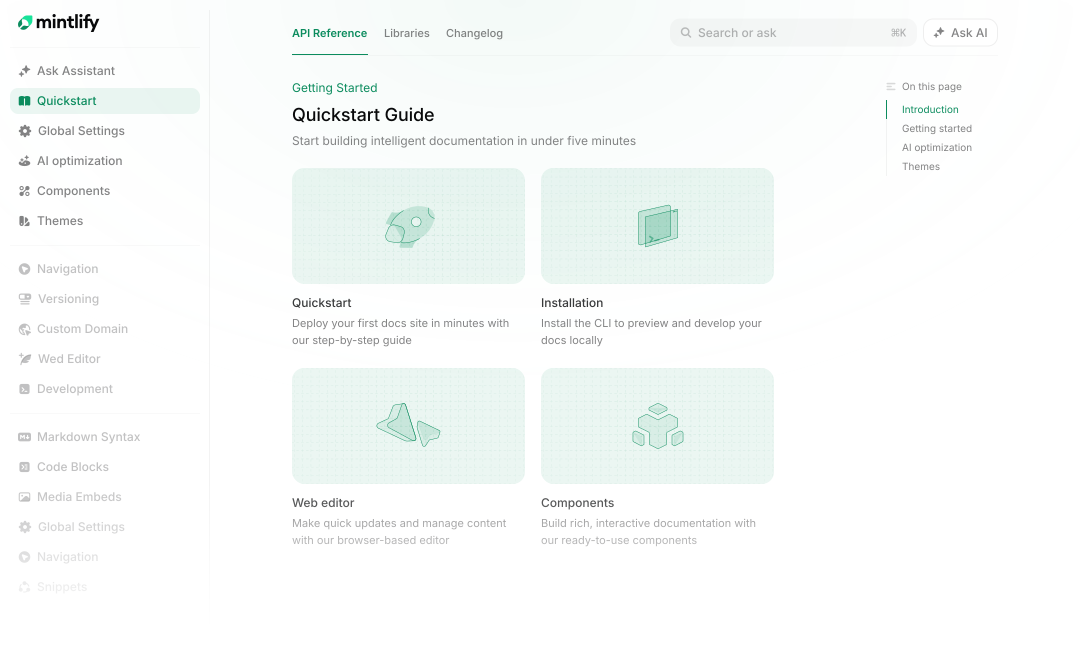 Mintlify Coding | |
|---|---|---|
| Tagline | AI-first VS Code fork — chat, edit, and agentic coding in one IDE. | AI-native documentation platform that writes, maintains, and serves docs to humans and LLMs. |
| Category | Coding | Coding |
| Pricing | Freemium· Hobby: Free · Individual: $20 / mo. · Teams: $40 / user / mo. · Enterprise: Custom | Freemium· Free Starter (5,000 AI credits, $0.01 overage); Enterprise custom |
| Model | Claude / GPT (configurable) | Multi-model |
| Editorial score | 9.5 / 10 | 6.8 / 10 |
| Use cases | codingrefactorsagentic editsIDE | developer-docsapi-referenceknowledge-baseai-assistantmcp-serverhelp-center |
| Pros |
|
|
| Cons |
|
|
| Website | cursor.com | mintlify.com |
Pick Cursor if
- ✅ Best-in-class multi-file edits
- ✅ Choice of underlying models
- ✅ Composer agent is genuinely useful
- ✅ Tab completion is faster than Copilot
Pick Mintlify if
- ✅ Built-in MCP server and LLMs.txt make docs first-class for AI agents
- ✅ Self-updating writing agent reduces doc-rot for fast-moving codebases
- ✅ Generous free tier with custom domain and full editor
- ✅ Polished hosted docs site without Docusaurus-style maintenance